
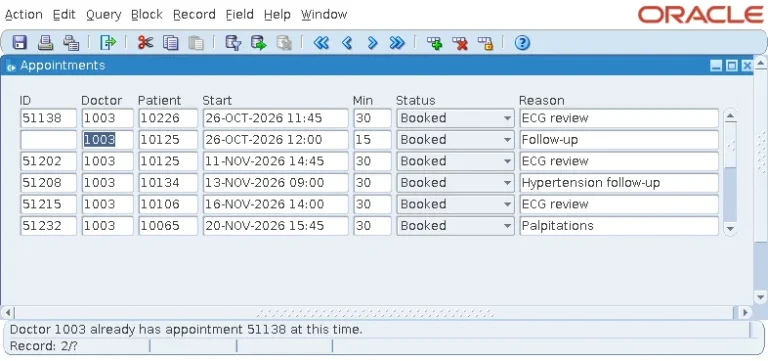
How to Validate Data in Oracle Forms
How Oracle Forms 14.1.2 decides data is valid, and how to add item and record rules with clear messages that keep bad data out.
How Oracle Forms 14.1.2 decides data is valid, and how to add item and record rules with clear messages that keep bad data out.
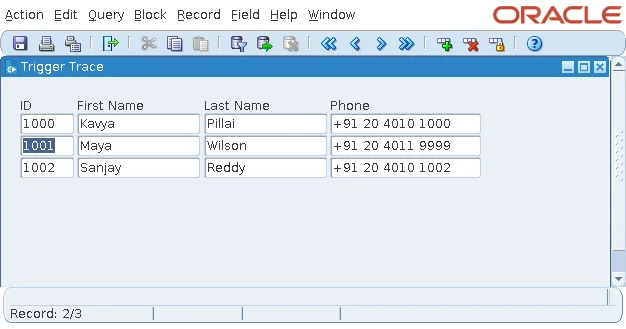
A trace form records every trigger of a real Oracle Forms 14.1.2 session, step by step, from PRE-FORM to POST-FORM, with the lessons it teaches.
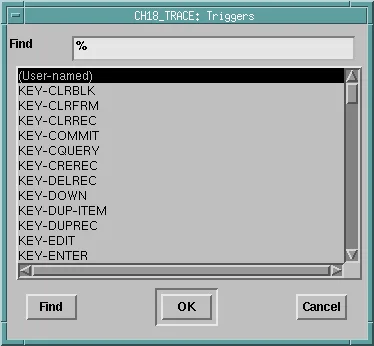
Triggers in Oracle Forms 14.1.2: the five families, levels and Execution Hierarchy, restricted built-ins, key triggers, and what failure does.
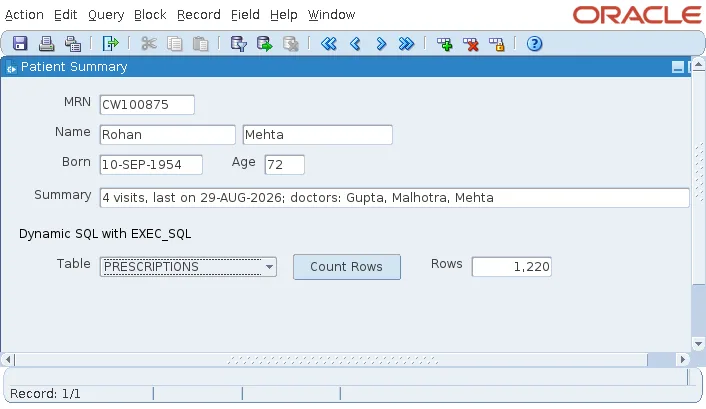
Oracle Forms 14.1.2 has no EXECUTE IMMEDIATE. Here is how FORMS_DDL and EXEC_SQL run dynamic statements and queries safely.
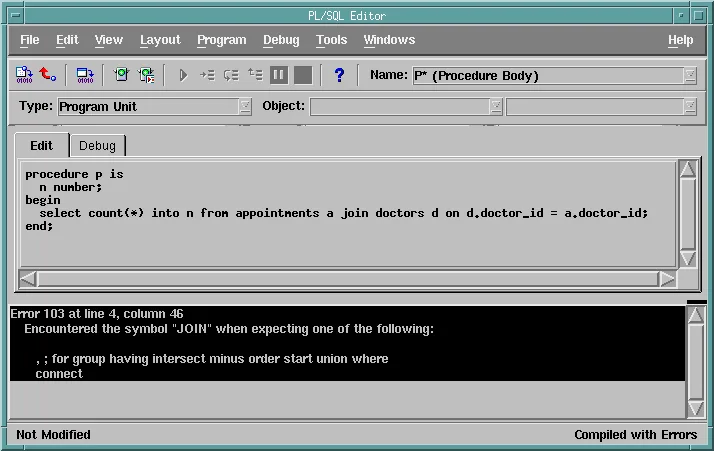
Where PL/SQL lives in Oracle Forms 14.1.2, how it refers to the form, what the Forms engine rejects, and how stored code fills the gaps.
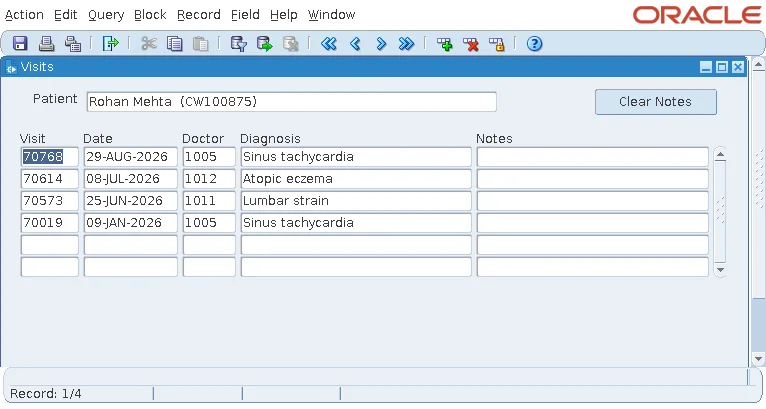
Form parameters in Oracle Forms 14.1.2: declaring them, using them in code and WHERE clauses, and passing them through otherparams and formsweb.cfg.
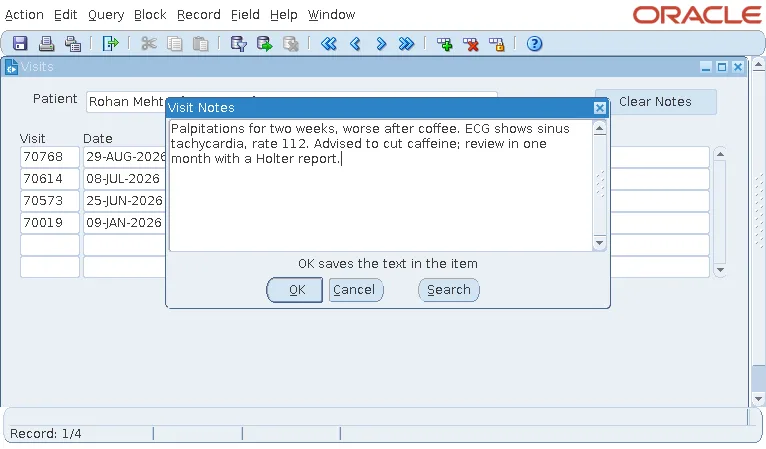
Editors in Oracle Forms 14.1.2: the default editor, custom editors with their own size and wrapping, and opening an editor from code.
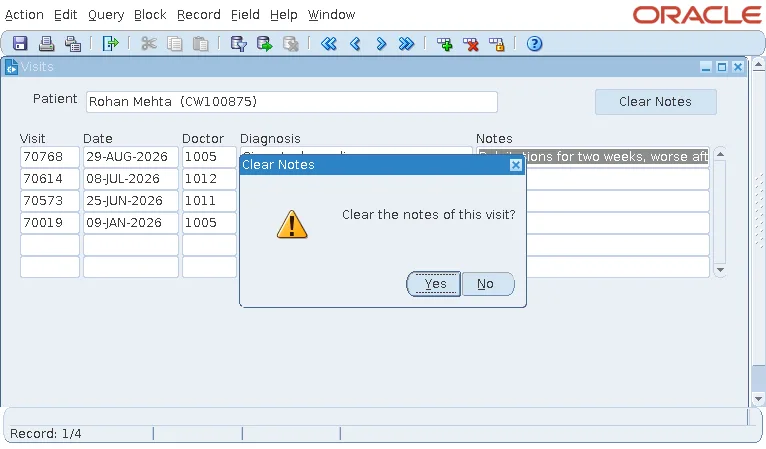
Alerts in Oracle Forms 14.1.2: styles and buttons, SHOW_ALERT and the button pressed, and messages built at run time with SET_ALERT_PROPERTY.
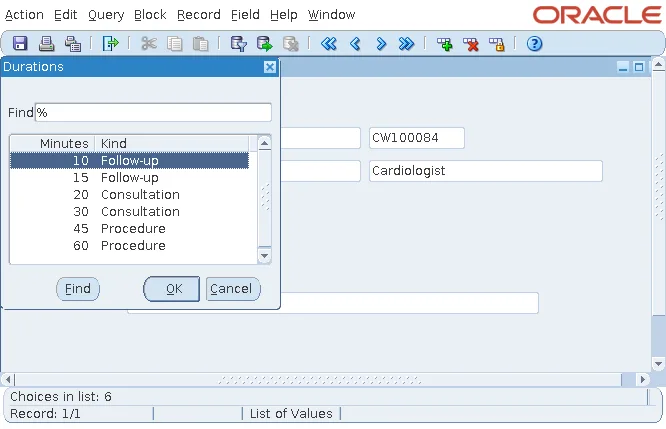
Query, static, and run-time record groups in Oracle Forms 14.1.2, with a group built in code for an LOV and the built-ins that read it.
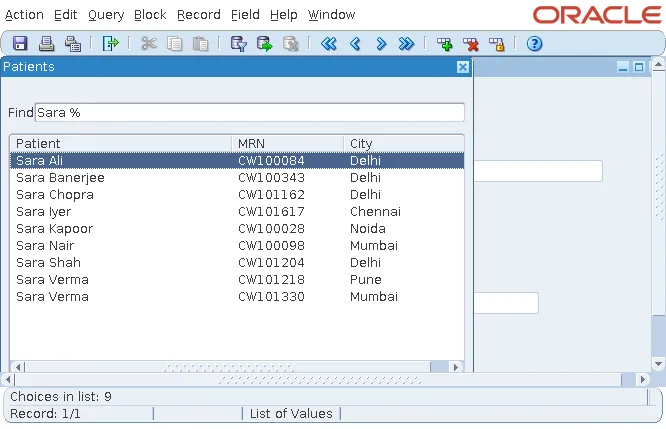
Create lists of values with the LOV Wizard in Oracle Forms 14.1.2: return items, Validate from List, FRM-40502, dependent queries, and built-ins.
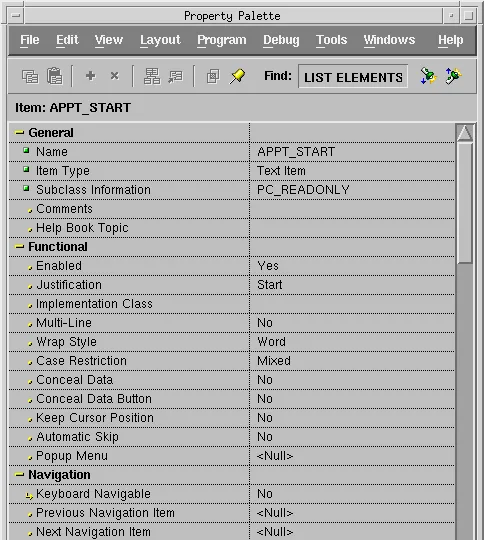
Property classes in Oracle Forms 14.1.2: creating them, inheriting and overriding properties, sharing them, and the rules of inheritance.
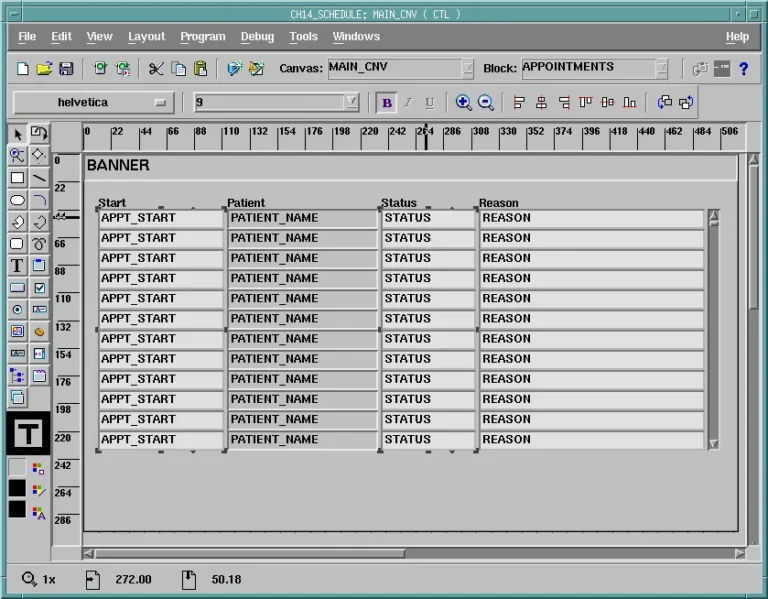
Draw and arrange canvases in the Oracle Forms 14.1.2 Layout Editor: tools, alignment, frames, and design-time and run-time colors.
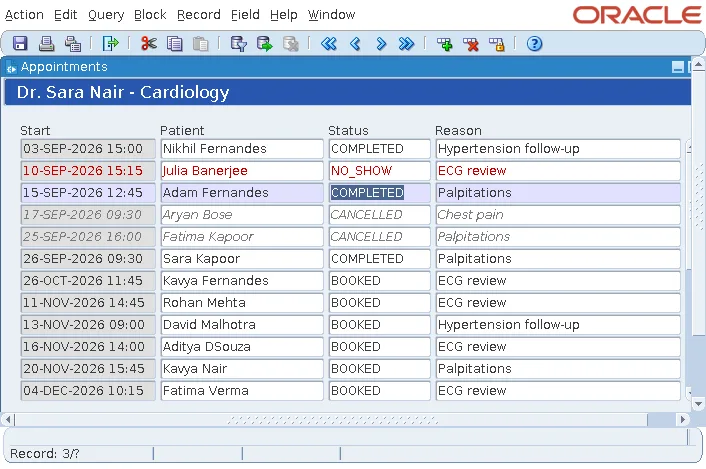
Use named visual attributes in Oracle Forms 14.1.2 to highlight the current record, style records by status, and band alternate rows.
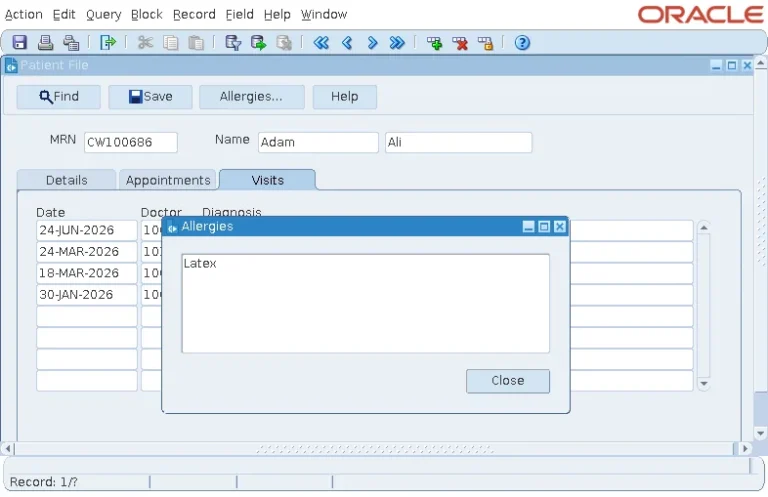
Document and dialog windows in Oracle Forms 14.1.2: opening them by navigation, closing them correctly, window triggers, and built-ins.
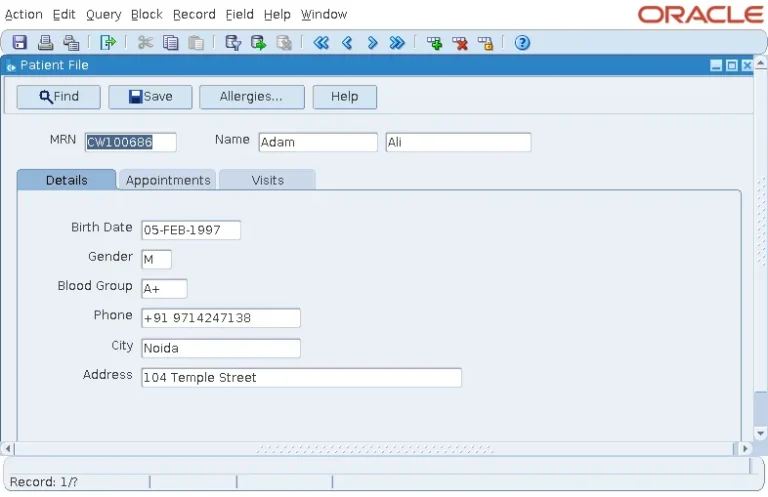
The five canvas types of Oracle Forms 14.1.2, with a form that uses them all, plus WHEN-TAB-PAGE-CHANGED and the SHOW_VIEW built-ins.
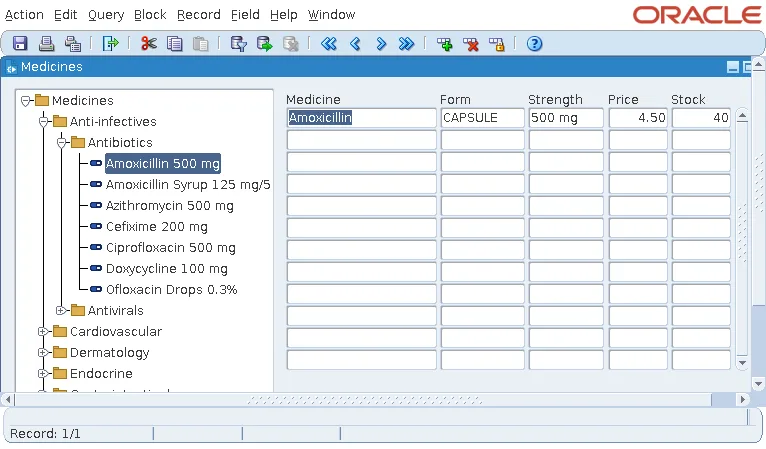
Build a tree of categories and items in Oracle Forms 14.1.2: the five-column CONNECT BY query, node icons, tree triggers, and FTREE built-ins.
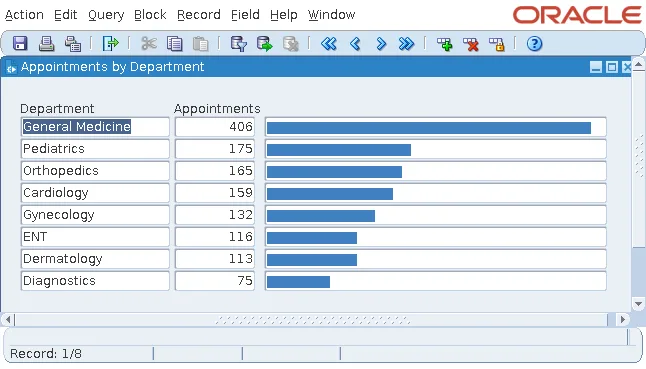
The chart item is gone in Oracle Forms 14.1.2. Here is what replaces it, with a complete bar chart built from ordinary display items.
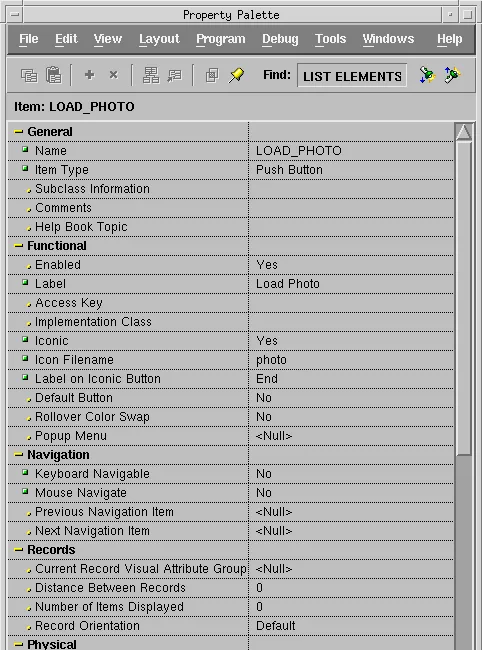
Push buttons in Oracle Forms 14.1.2: labels, icons, access keys, buttons that do not take the cursor, and deploying icons in a JAR file.