
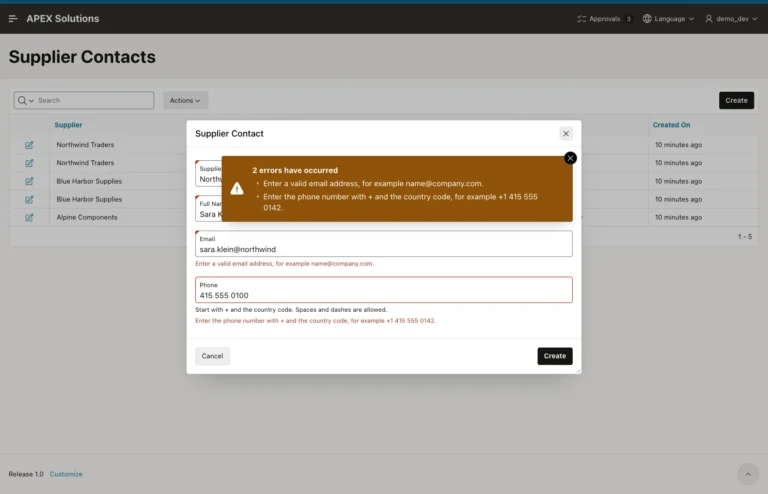
How to Validate Email and Phone Formats with Regular Expressions in Oracle APEX
Add regular expression validations, E-Mail and Phone Number subtypes, and matching REGEXP_LIKE check constraints, then test valid and invalid values.
Oracle APEX (Application Express) is a low-code development platform for building scalable, secure enterprise applications. It allows developers to quickly create web-based applications using a browser-based interface, reducing the need for extensive hand-coding.
For a more structured learning journey, you can also explore the Oracle APEX Roadmap for a sequential path through related concepts, features, and development topics.
Add regular expression validations, E-Mail and Phone Number subtypes, and matching REGEXP_LIKE check constraints, then test valid and invalid values.
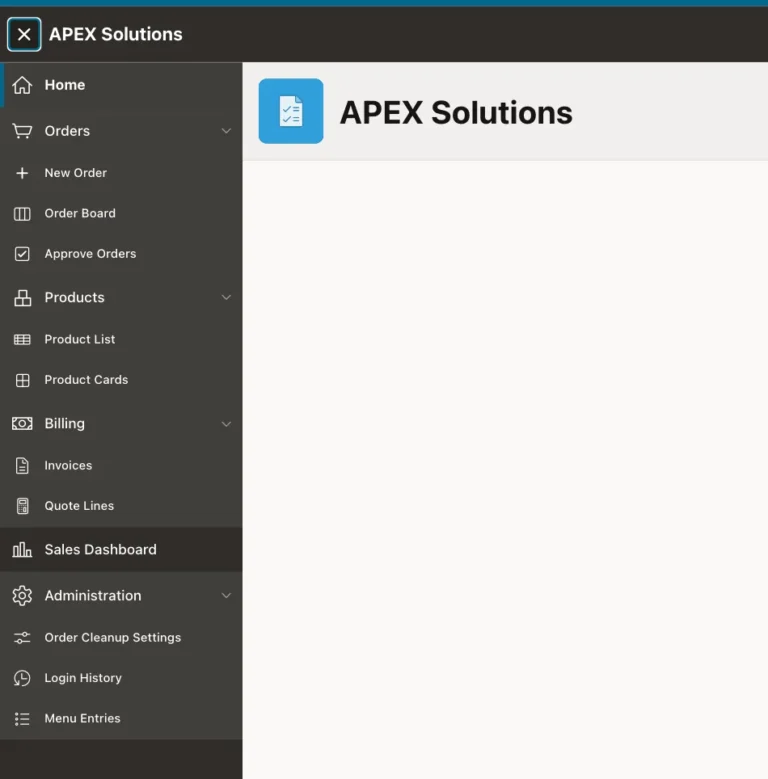
Create a MENU_ENTRIES table, turn it into a role-filtered dynamic list, use it as the navigation menu, and add an admin page to edit the entries.
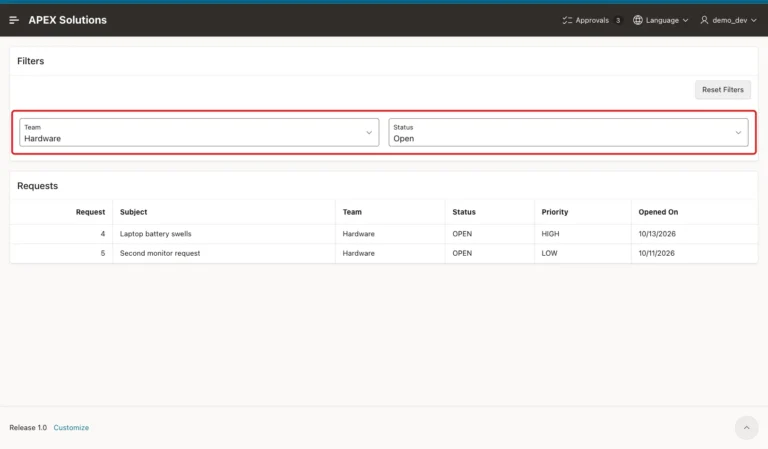
Set filter items to Per User (Persistent) storage, refresh the report with a dynamic action, add a Reset Filters button, and check the saved preferences in SQL.
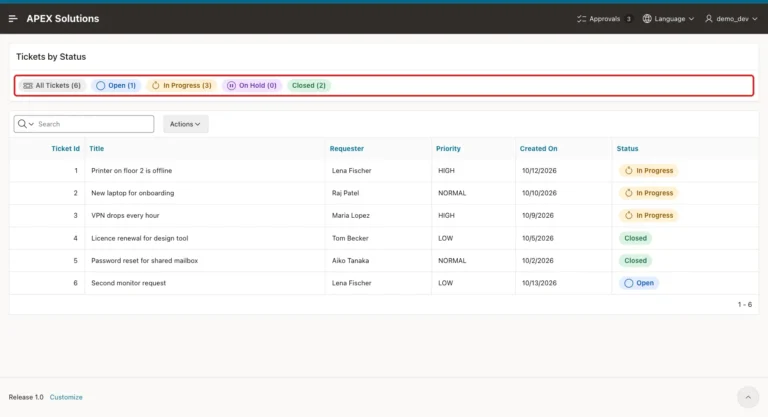
Create a template component plug-in with Partial and Report templates, map its attributes, add CSS, and use it as a region and as a report column.
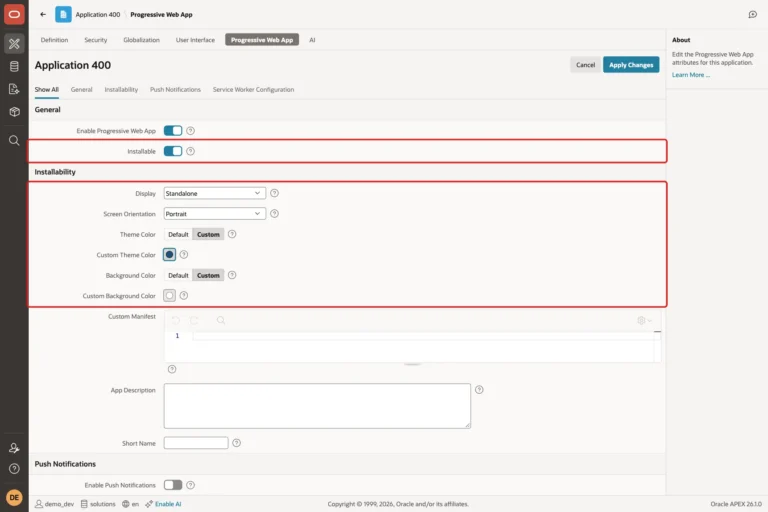
Change the app icon, turn on Installable, set display mode, colors and short name, add a screenshot, and check the manifest, service worker and offline page.
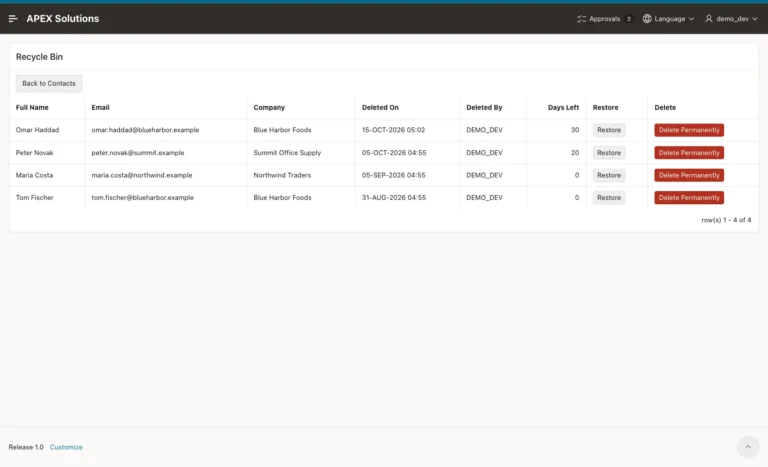
Turn the form's Delete into a soft delete, build a Recycle Bin page with Restore and Delete Permanently, and purge rows after 30 days with an automation.
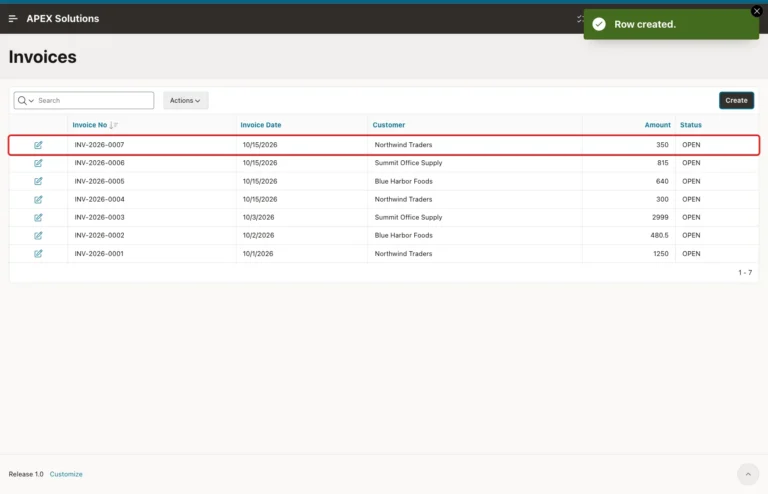
Build a counter table and a numbering function, assign the number when an APEX form saves, and test rollbacks, concurrent users and a new year.
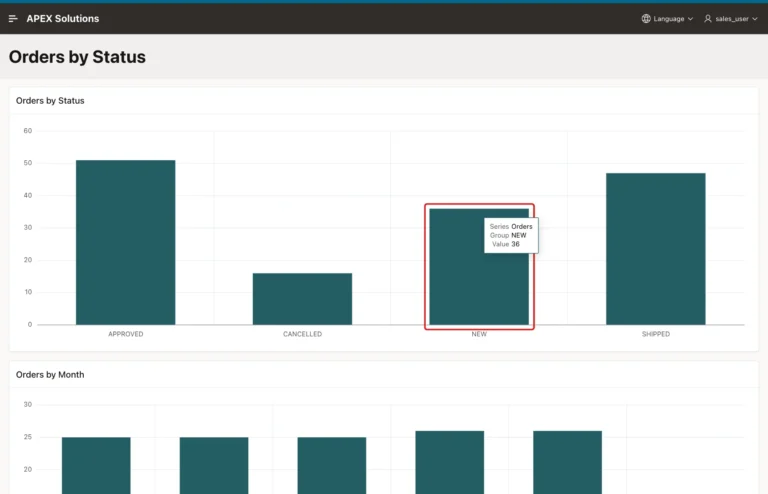
Build a bar chart and a report page, pass the clicked value or a hidden key through the series link, and test counts, cache clearing and checksums.
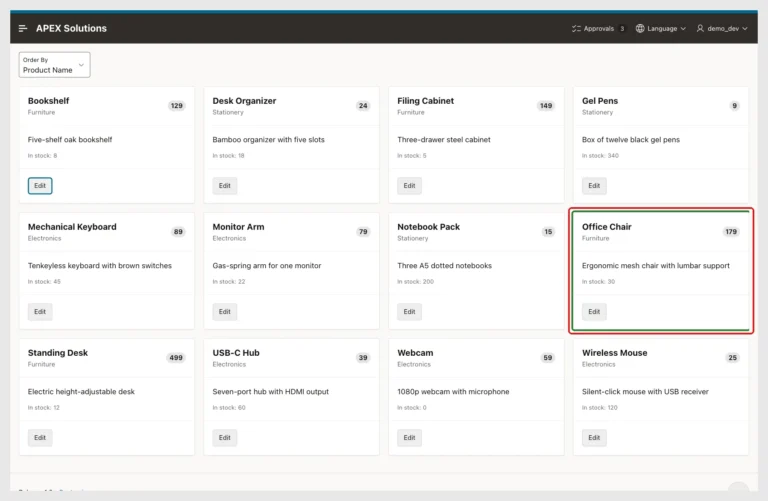
Build a Cards page and a drawer form, return the edited key, refresh the region on Dialog Closed, and test errors, Cancel and Delete.
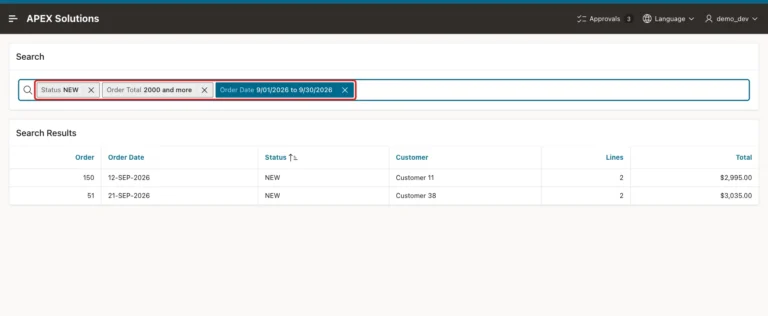
Build a Smart Filters page step by step, add range filters with manual entry, compare search text with filter values, and check every count with SQL.
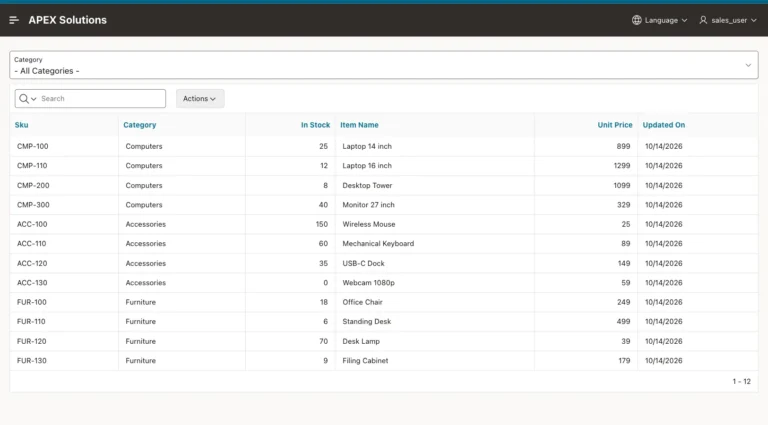
Publish an API with ORDS, create a REST Data Source, filter an Interactive Report through a URL parameter, and copy the rows into a local table.
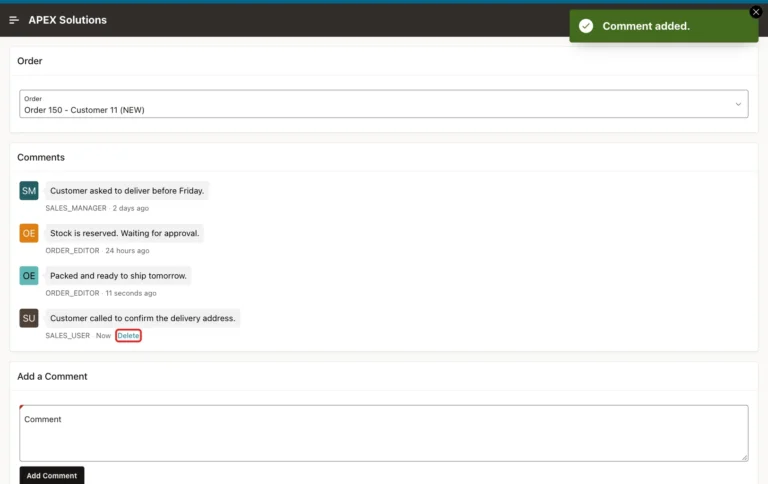
A comments table with declarative defaults, the Comments page wizard, a new comment form, and a Delete action that the server limits to the author.
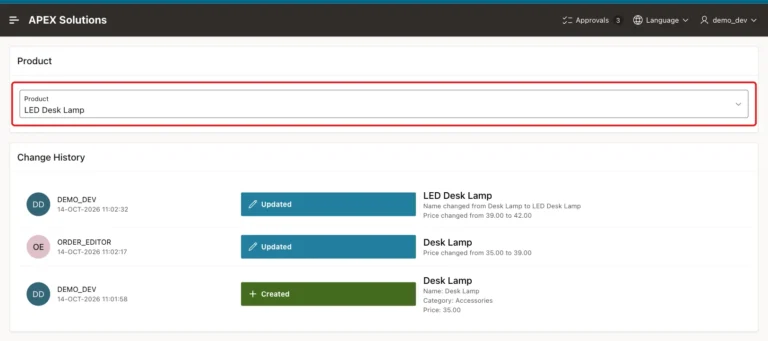
Keep every row version with Flashback Data Archive, compare versions in a view, and show the changes with the Timeline report template.

Columns from a status table, cards from a Dynamic Content region, drag and drop with SortableJS, and a server-side check of every move.
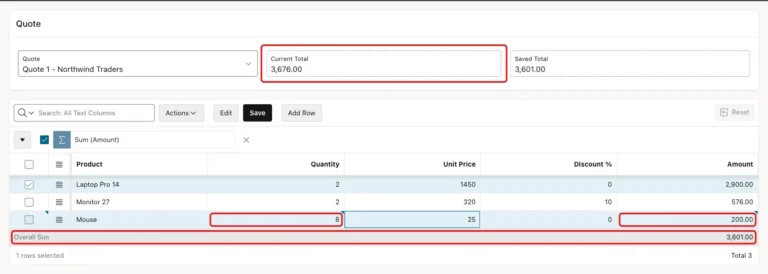
A virtual column for the amount, a Set Value dynamic action in the browser, an IG aggregate in the footer, and a live total that updates before you save.
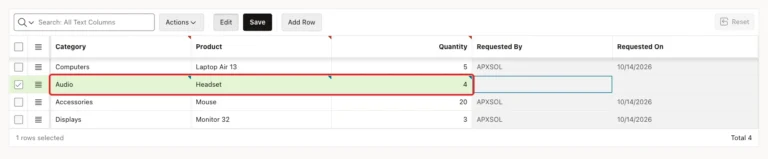
Make a grid column's list depend on another column of the same row, clear it when the parent changes, and keep each pair valid with a composite key.
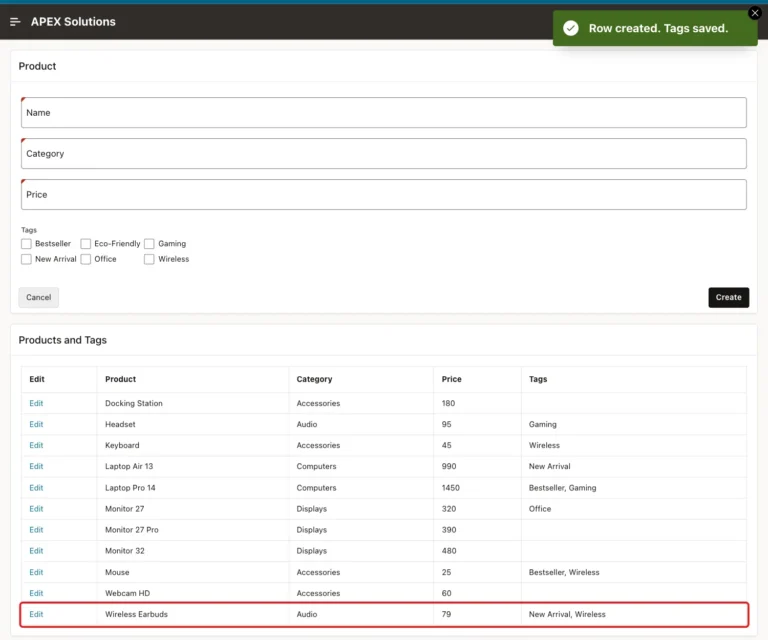
Create a junction table with keys, load the saved tags into a Checkbox Group, sync only the changes on save, validate forced values, and list tags with LISTAGG.
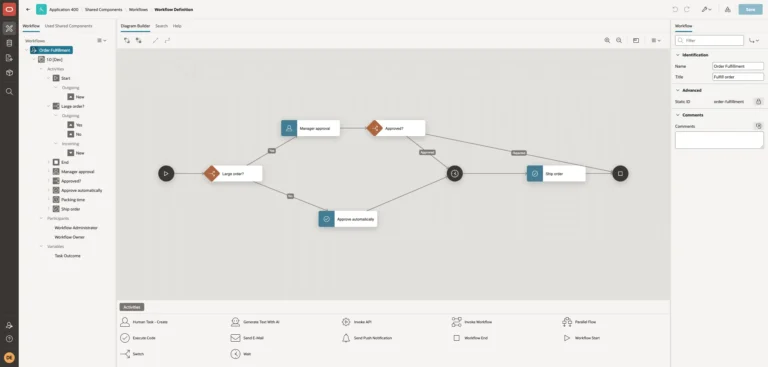
Design a workflow with switches, a human task, a wait, and code activities, start it from a page, and follow each order through it.