
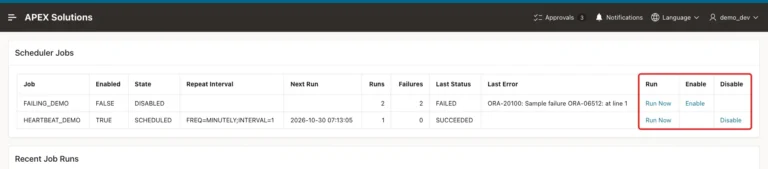
How to Build an Admin Page to Monitor Scheduler Jobs in Oracle APEX
Read the scheduler views in a report, add Run Now, Enable and Disable links with a safe procedure and an action log, and limit the page to administrators.
Oracle APEX (Application Express) is a low-code development platform for building scalable, secure enterprise applications. It allows developers to quickly create web-based applications using a browser-based interface, reducing the need for extensive hand-coding.
For a more structured learning journey, you can also explore the Oracle APEX Roadmap for a sequential path through related concepts, features, and development topics.
Read the scheduler views in a report, add Run Now, Enable and Disable links with a safe procedure and an action log, and limit the page to administrators.
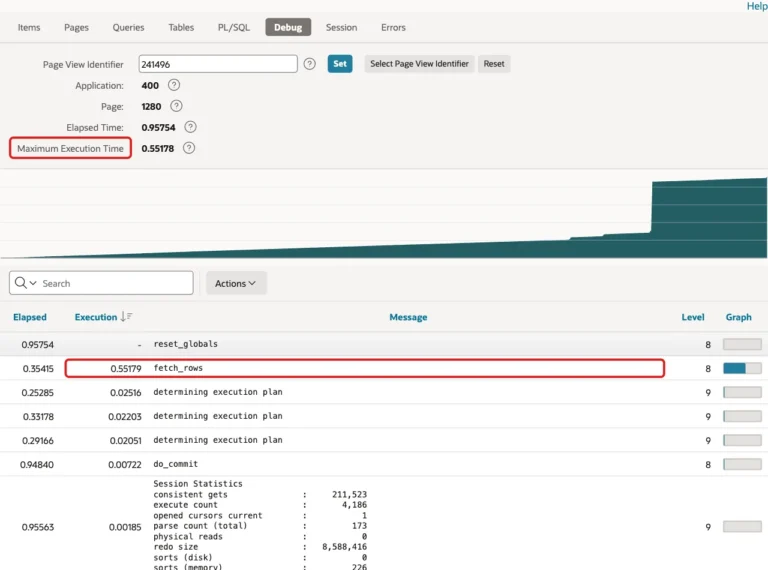
Run a page with debug on, find the slowest step in View Debug and APEX_DEBUG_MESSAGES, add an index and compare the times.
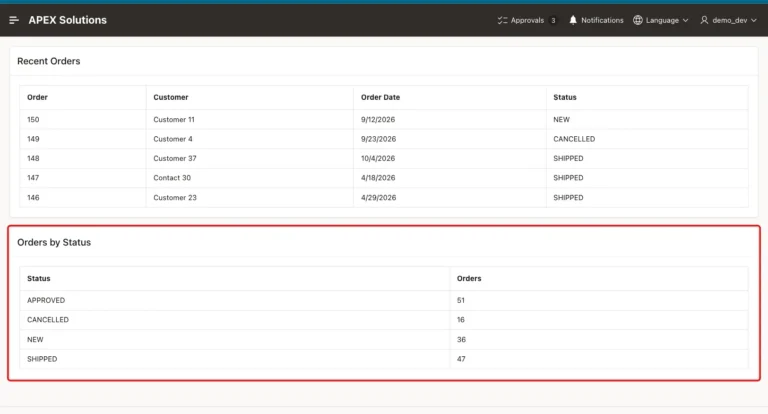
Create a build option, apply it to a report region and a menu entry, test Exclude and Include, and switch it with APEX_UTIL.
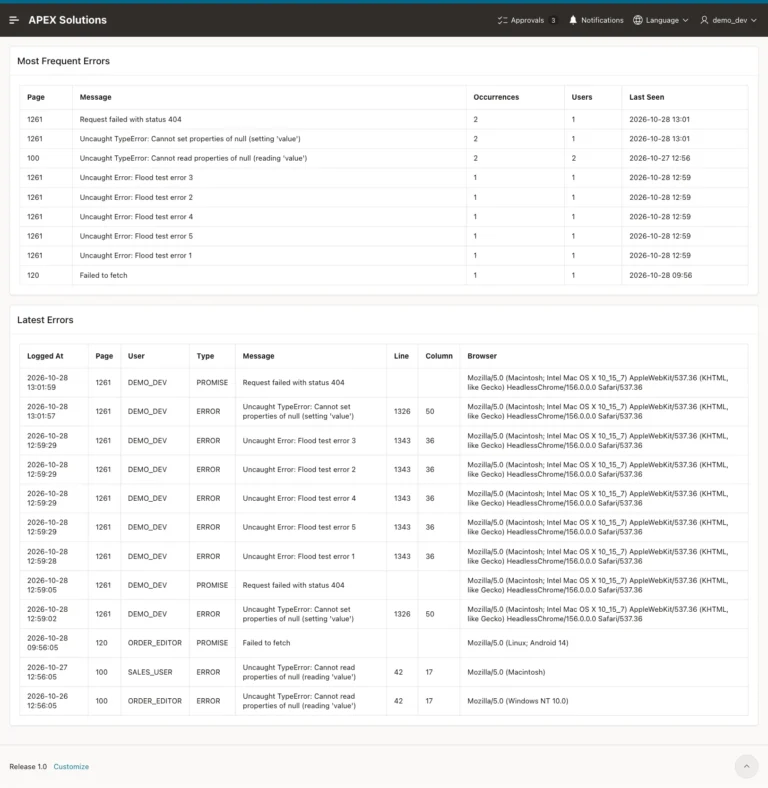
Send browser errors to the database with a static file, an Ajax callback process and an administrator report that groups the errors by page.
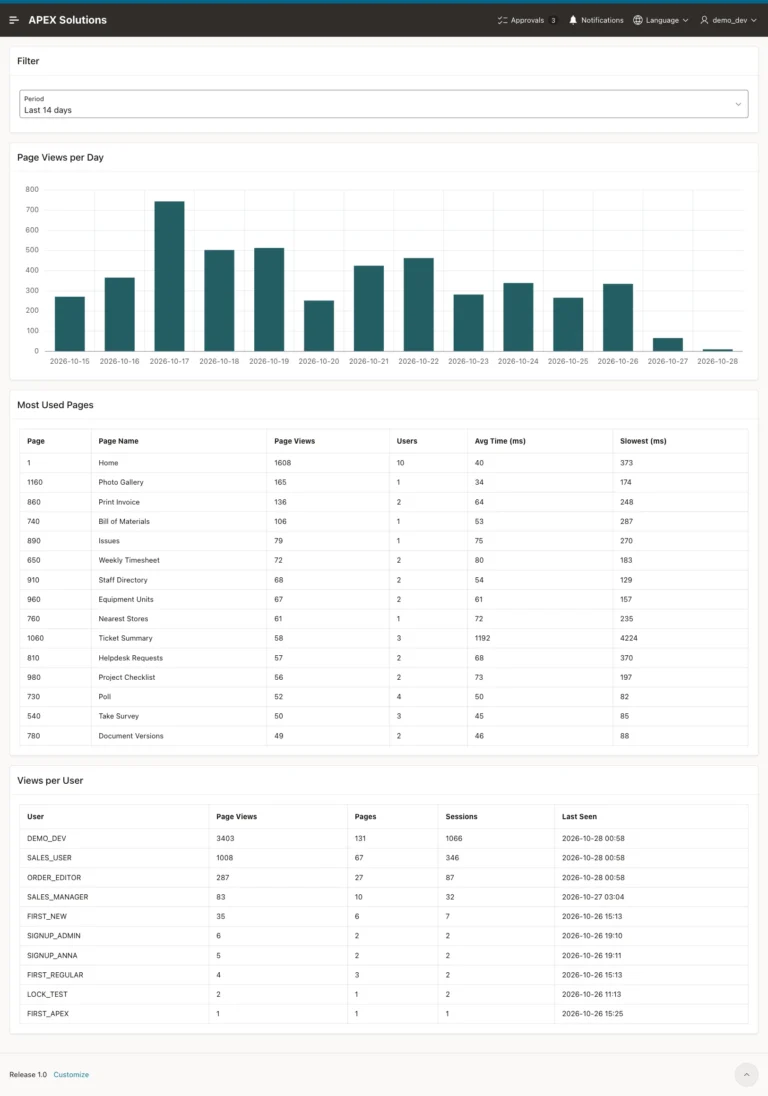
Use the activity log to see which pages are used most, which are slow and who opens them, with a period filter and an administrator-only page.
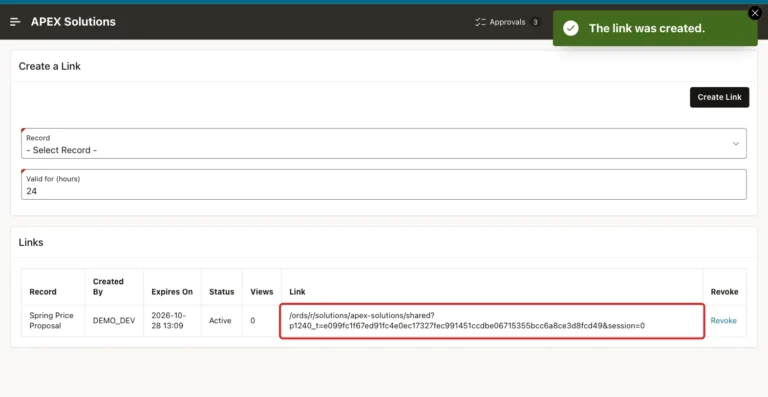
Build a secure share link in Oracle APEX with a random token, an expiry time, a view counter and a revoke button, and test it as a visitor without a sign-in.
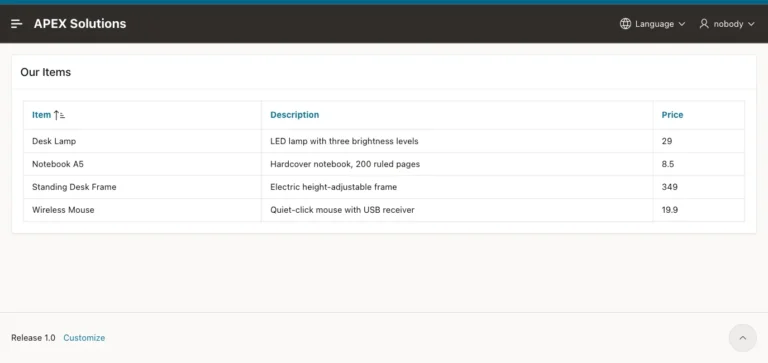
Build a public Oracle APEX page that needs no login, limit what it shows to safe data and prove that the other pages still ask for a sign-in.
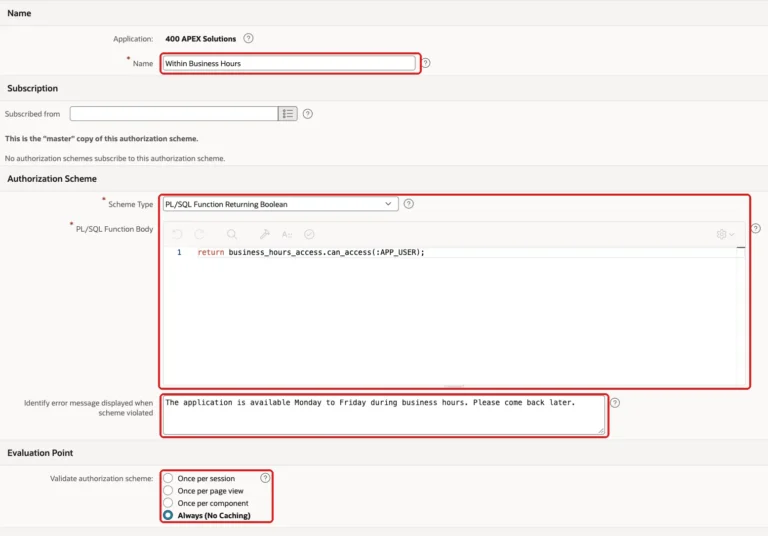
Allow access to an application only during business hours with an authorization scheme, an hours table, a test clock and admin exceptions.
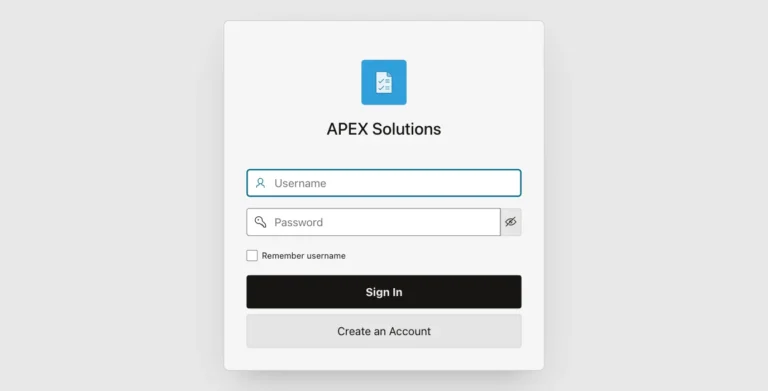
Allow only one active session per user by ending older sessions at sign-in, with a limit table, a log and a test with two browsers.
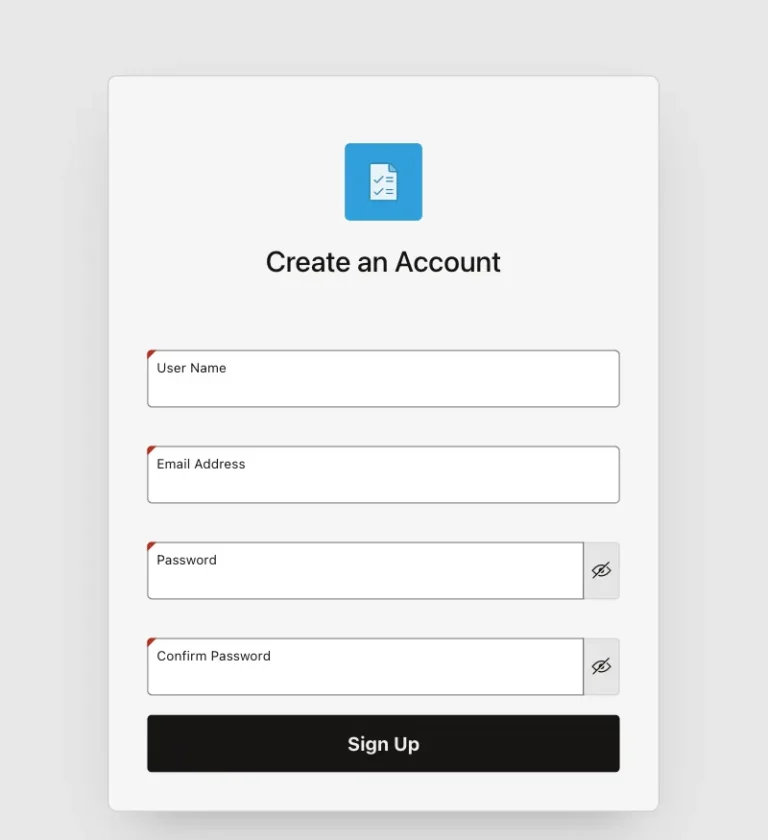
Let visitors request an account, approve or reject the request on an admin page, and refuse sign-ins until the account is approved.
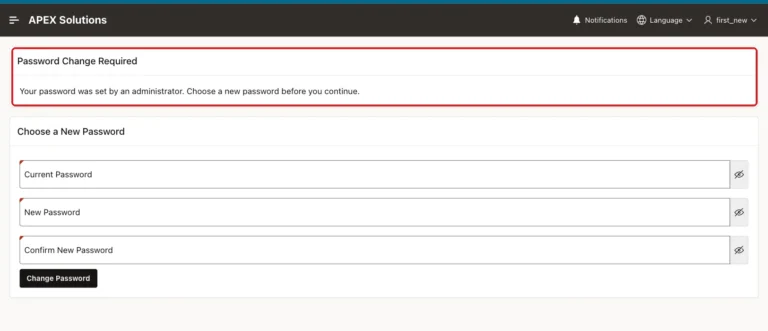
Use the built-in first-use switch for APEX accounts, or build a flag, a change page and a redirect for your own user table.
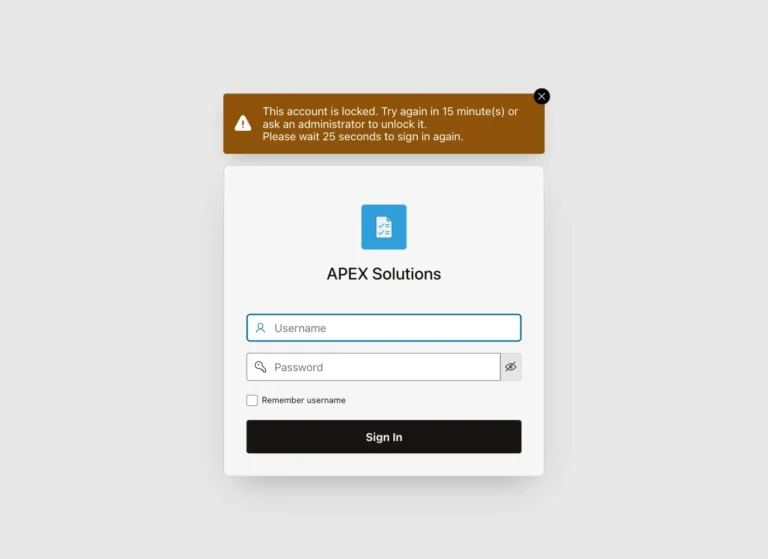
Use the built-in lockout, build a failed counter and lock time for custom accounts, and add an administrator page that unlocks them.
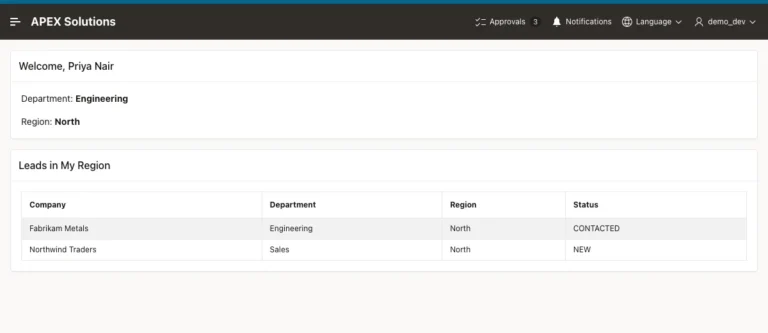
Fill application items once after login with After Authentication computations, use them in titles and queries, and block changes from the URL.
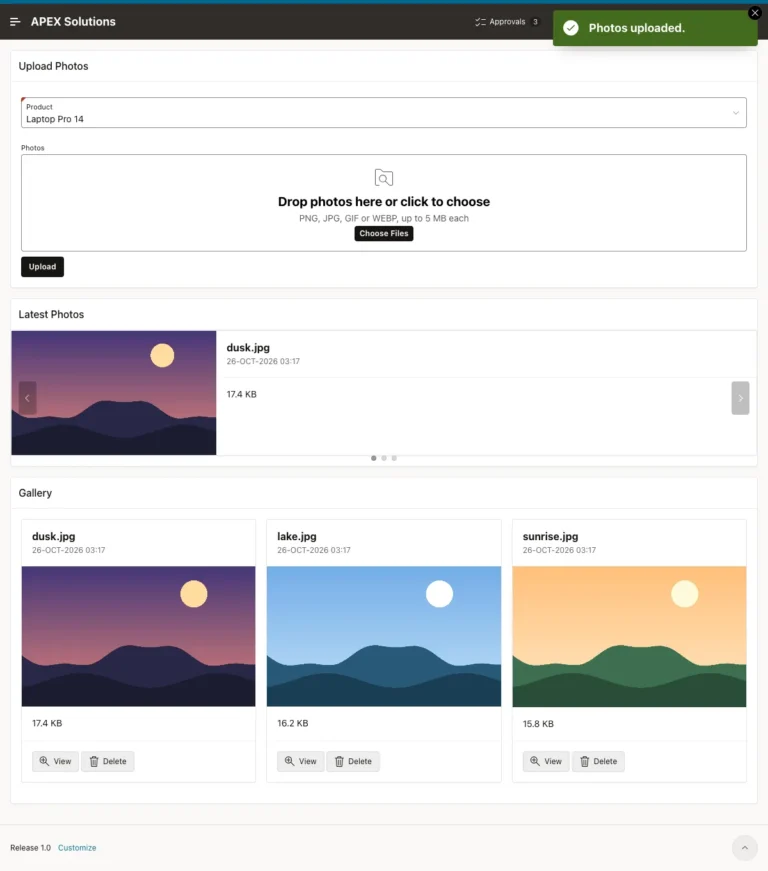
Upload many pictures into a BLOB table, show them in a Cards grid and a Carousel Container, open them in full size and reject files that are not images.
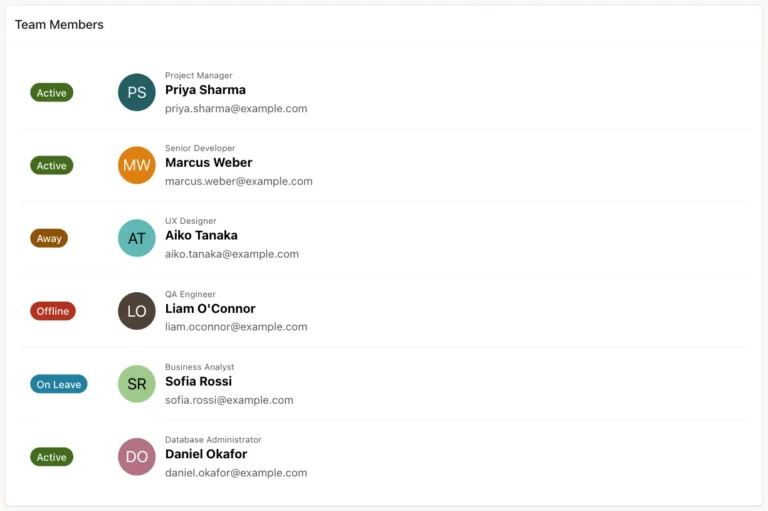
Show initials, photos and colored status badges from query columns with the Avatar and Badge template components, and handle missing photos and invalid states.
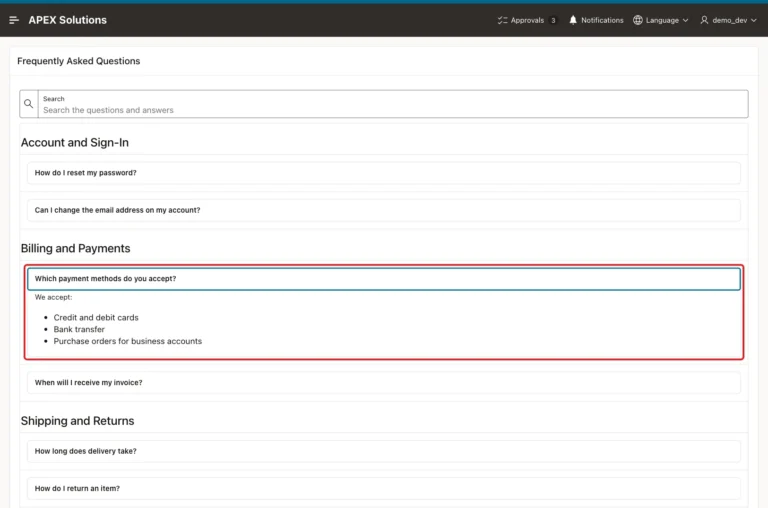
Show FAQ answers as collapsible details elements in a classic report, group them by category, add a search field, and keep stored HTML from running code.
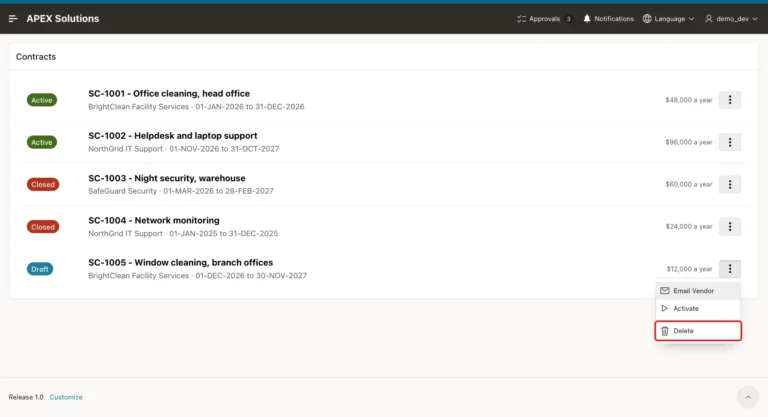
Build a three-dot Actions menu on Content Row reports, show entries by status and role, run PL/SQL without a reload, and confirm before deleting.
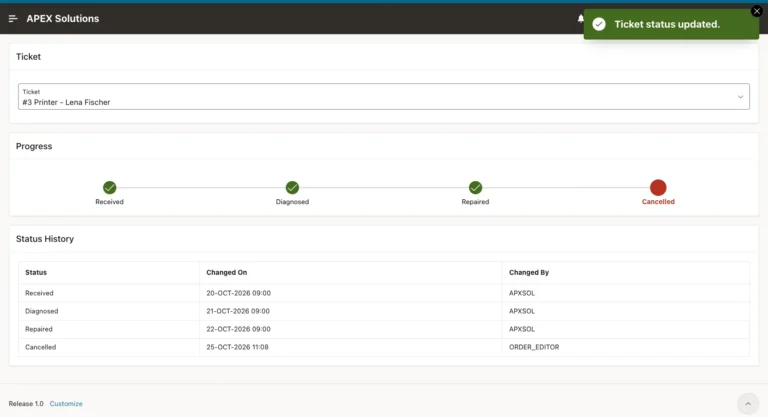
Build a tracker from a dynamic list query and the Wizard Progress template, move records to the next step, and show cancelled records in red.