
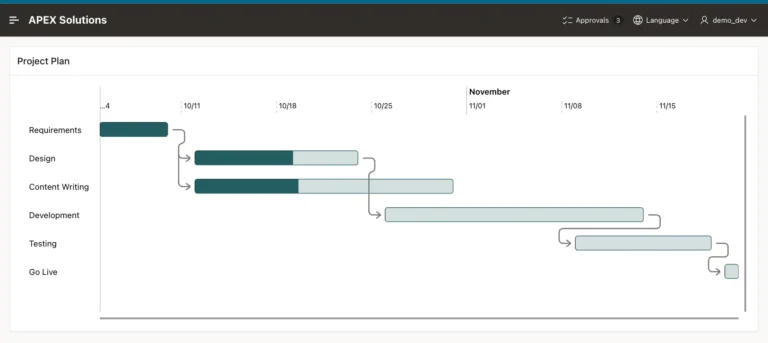
How to Build a Gantt Chart for Project Tasks in Oracle APEX
Create task tables, build a Gantt chart with the wizard, fix its timeline and progress, and draw the dependencies between tasks.
Oracle APEX (Application Express) is a low-code development platform for building scalable, secure enterprise applications. It allows developers to quickly create web-based applications using a browser-based interface, reducing the need for extensive hand-coding.
For a more structured learning journey, you can also explore the Oracle APEX Roadmap for a sequential path through related concepts, features, and development topics.
Create task tables, build a Gantt chart with the wizard, fix its timeline and progress, and draw the dependencies between tasks.
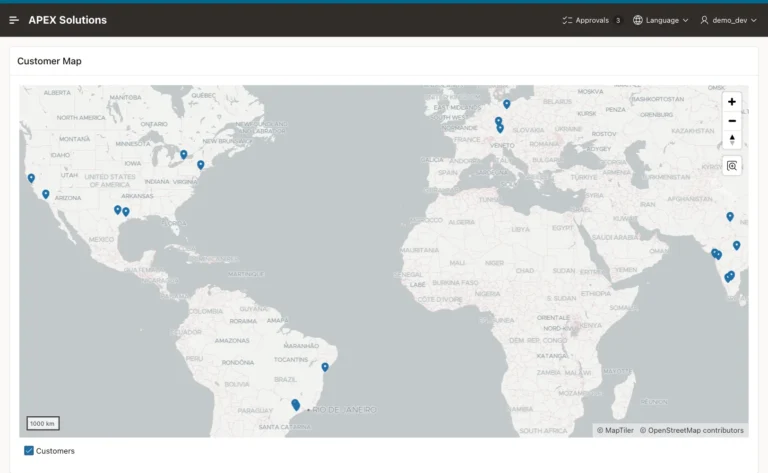
Add coordinates to customers, create a map page with the wizard, and show each customer's city and orders in a popup.
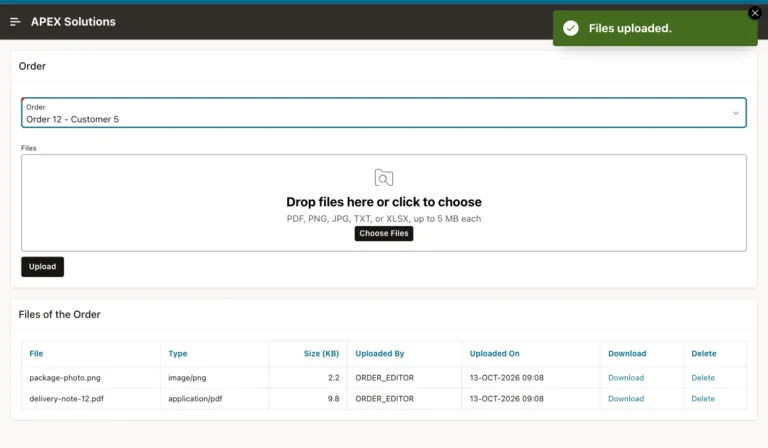
Create an attachments table, upload many files at once with type and size limits, list them with download links, and delete them with confirmation.
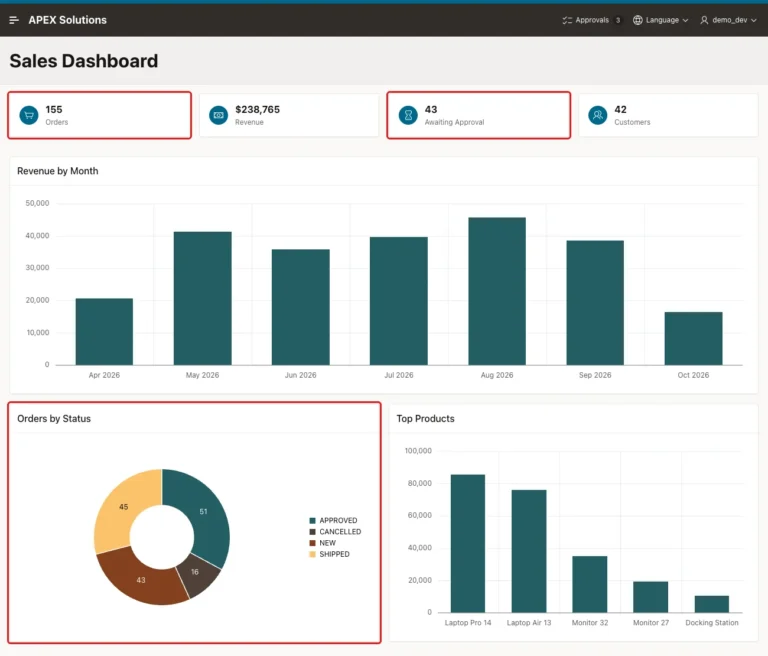
Set the automatic refresh interval of charts, refresh a Cards region with a timer, and keep a dashboard current without page reloads.
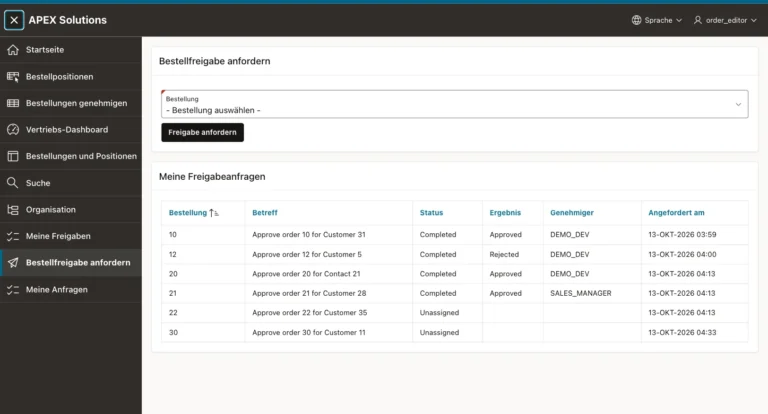
Convert the texts to text messages, add German, translate a CSV export, import it, and switch languages from the navigation bar.
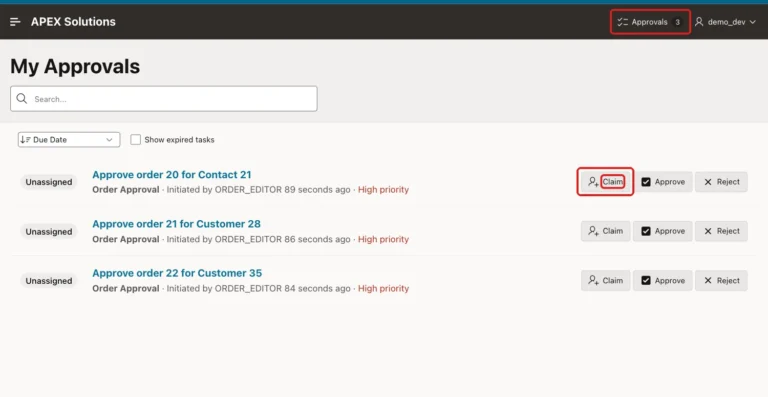
Create My Approvals and My Requests task list pages, add a pending count badge to the navigation bar, and share tasks between two approvers.
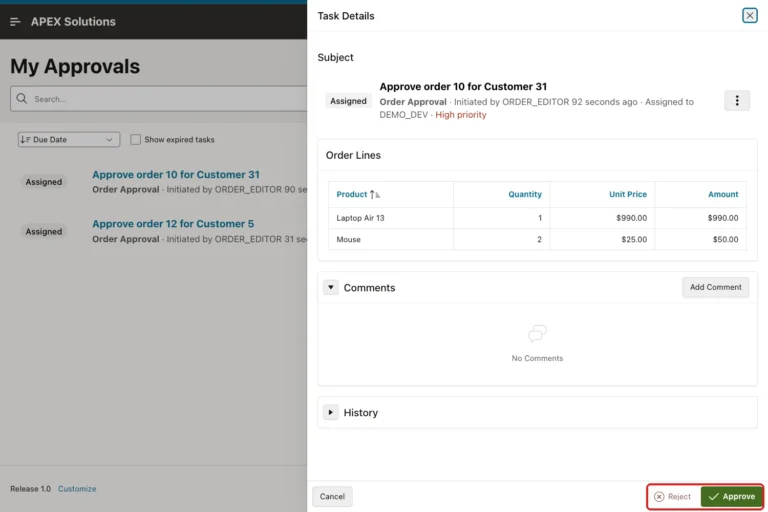
Create an approval task definition, request approval from a page, let administrators approve or reject in a task list, and update the order.
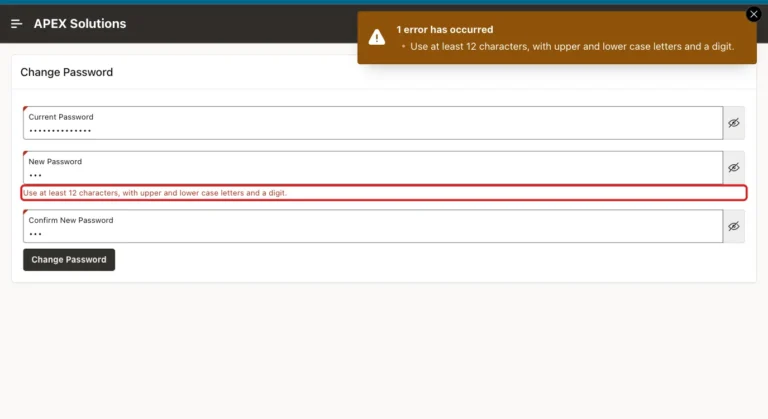
Build a change password page step by step with validations for the current password, matching entries and strong rules, and link it from the user menu.
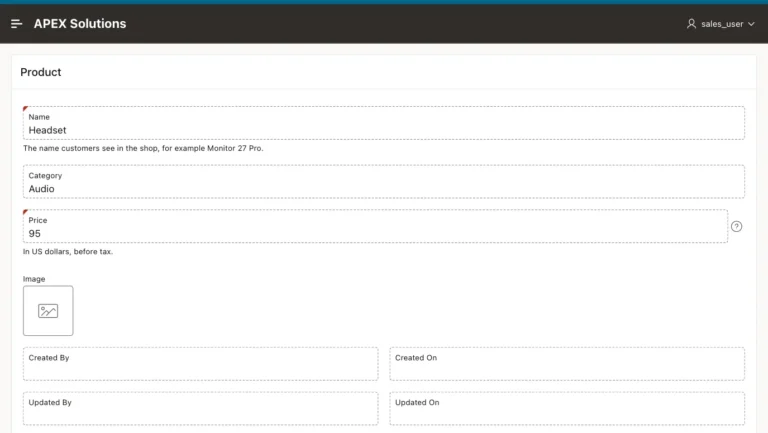
Use authorization schemes on buttons, make forms read-only for readers, and set edit authorization so hidden buttons cannot be bypassed.
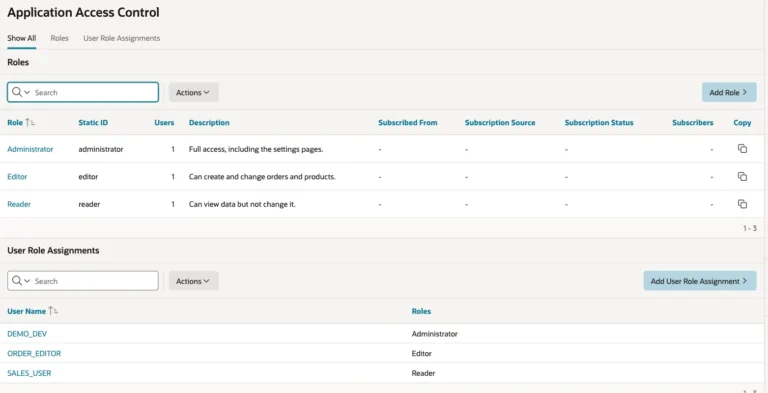
Define roles, assign users, create authorization schemes for the roles, and protect a page so only administrators can open it.
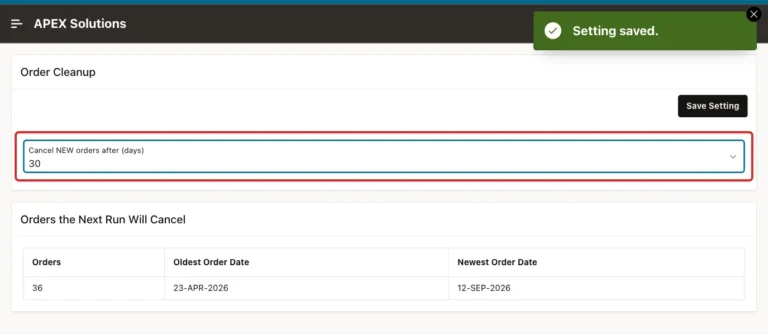
Create an application setting with valid values, read it in SQL and PL/SQL, change it from an admin page, and keep it when you reinstall.
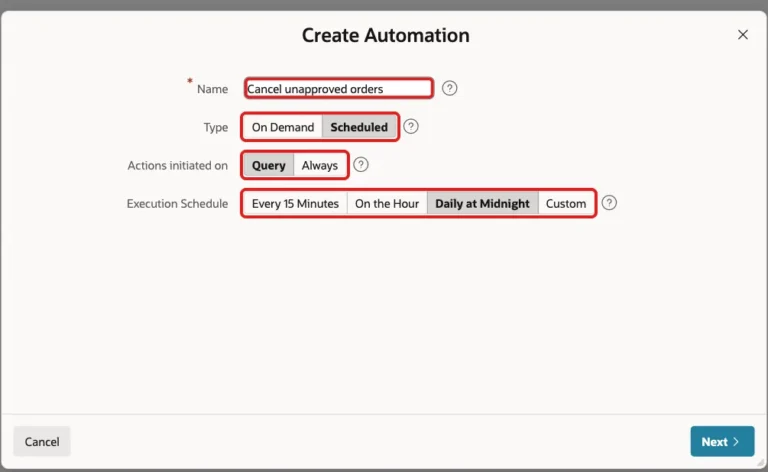
Create a scheduled automation step by step, write its PL/SQL action, activate it, run it once, and check the automation log.
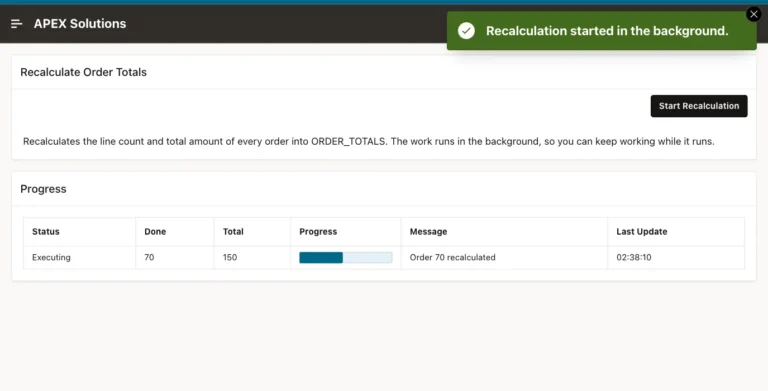
Move slow work into a background execution chain, report progress from PL/SQL, and show a live progress bar while the job runs.
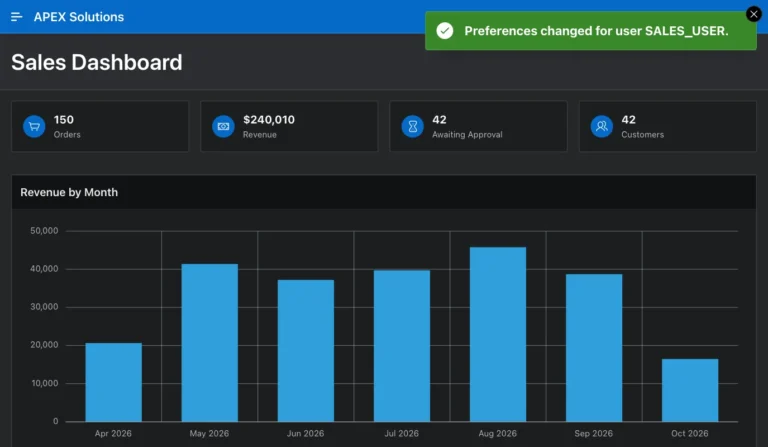
Turn on user theme style selection, let users switch to the dark Vita - Dark style, and keep their choice across pages and sign-ins.
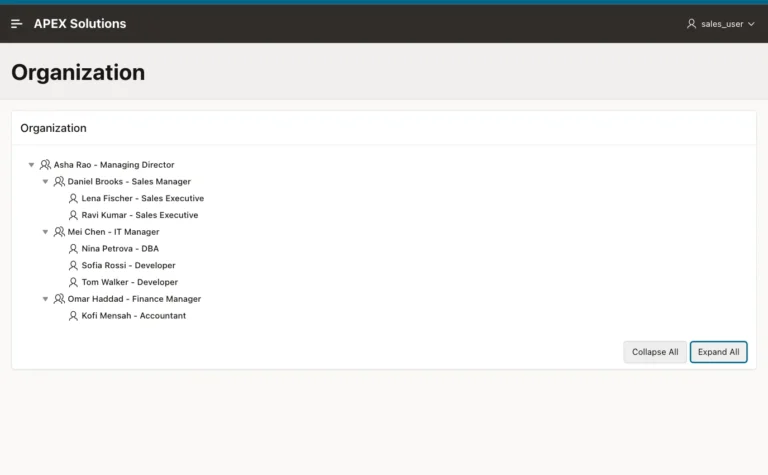
Create a table with a manager column, build a Tree page with every wizard step, and show job titles and icons for managers and staff.
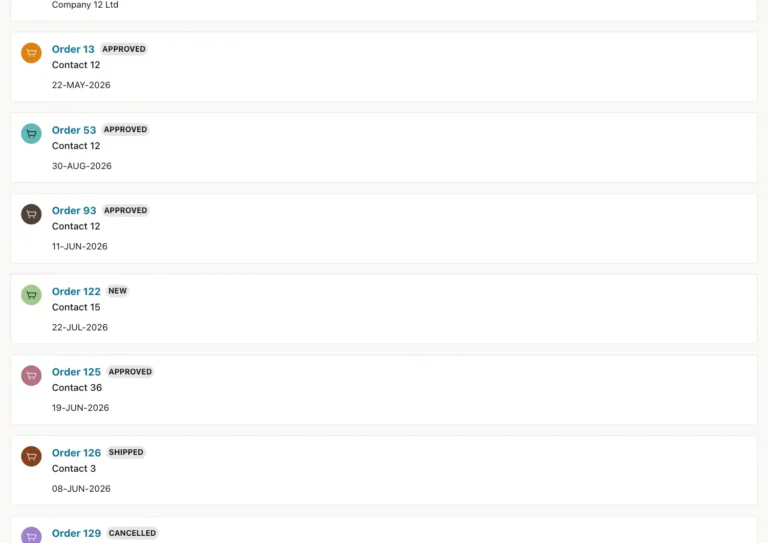
Create search configurations for several tables, link each result to its record, and search them all from one search page.
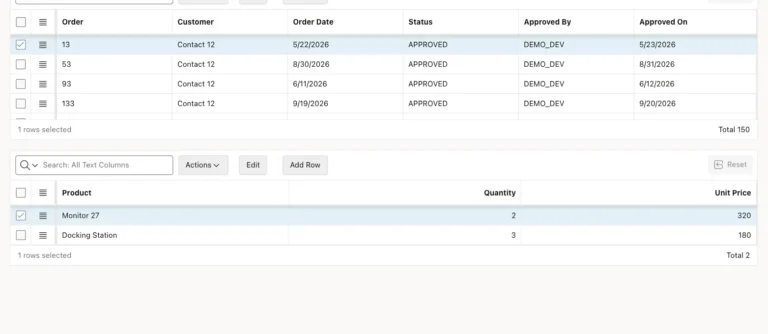
Create a stacked master-detail page, see how the grids are linked, make the IDs readable, and test that new lines get the order ID.
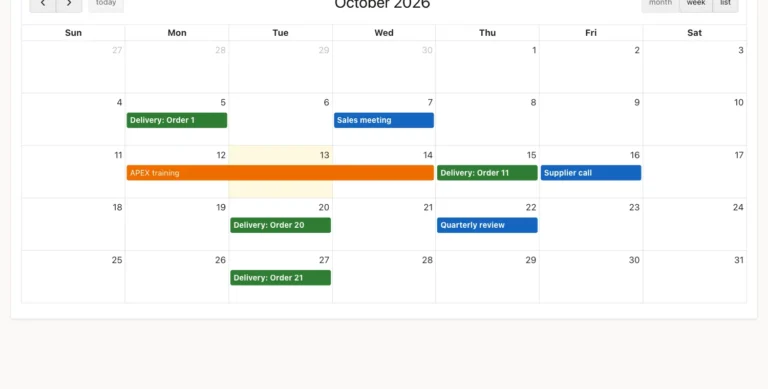
Show table rows as calendar events, color them by type, and let users move events to another day with drag and drop.