
How to Fix ORA-06519: Active Autonomous Transaction Detected and Rolled Back in Oracle
End autonomous transactions with COMMIT or ROLLBACK before the routine returns, and see why the logged row survives the caller's rollback.
Posts tagged AI-Assisted are created with support from artificial intelligence. I use AI tools to research, draft, and refine ideas—combining human insight with machine precision to deliver clear, informed, and creative content.
End autonomous transactions with COMMIT or ROLLBACK before the routine returns, and see why the logged row survives the caller's rollback.
Call functions that change data from PL/SQL, split reading from writing, or log with an autonomous transaction when needed.
Match the columns of a ref cursor's query to the record it is fetched into, and let strong cursor types catch mismatches early.
Reproduce ORA-04068 with two sessions, see why package state is discarded after a recompile, and design packages that avoid it.
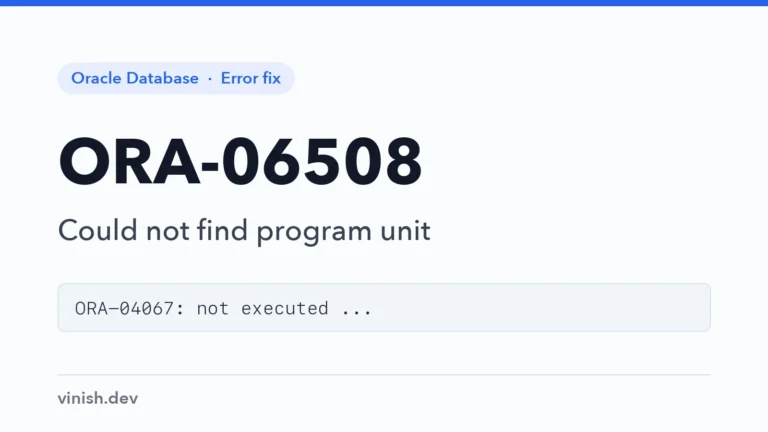
Read the error that comes with ORA-06508, such as ORA-04067, and restore or recompile the program unit that could not be run.
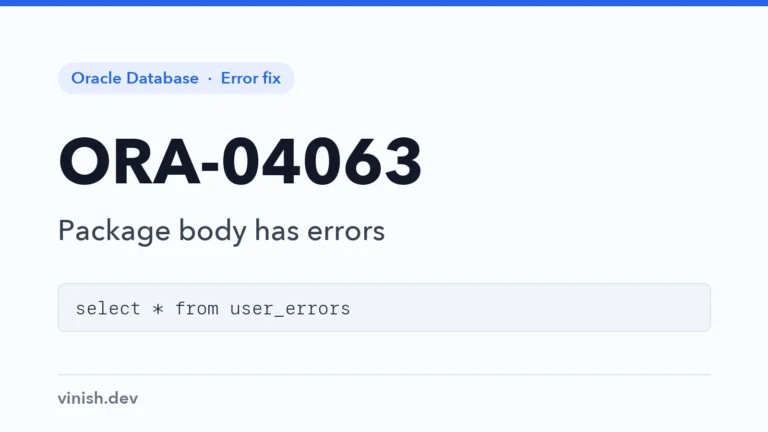
Find the compile errors behind ORA-04063 in USER_ERRORS, fix the package body, and catch invalid objects at deploy time.
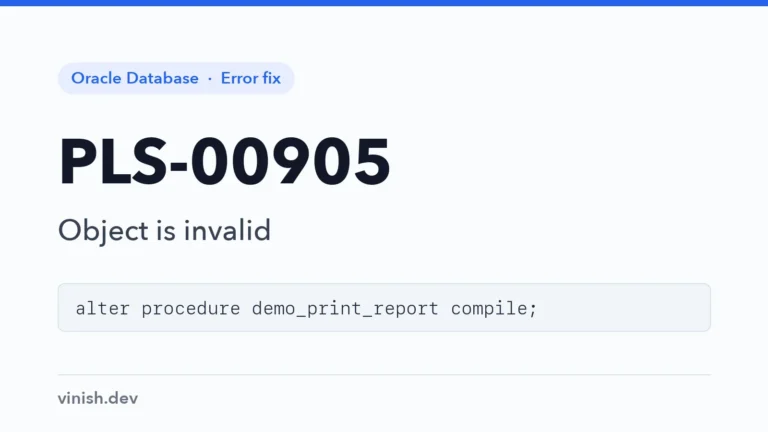
Find why a stored procedure became invalid, read its compile errors in USER_ERRORS, and recompile it once the cause is fixed.
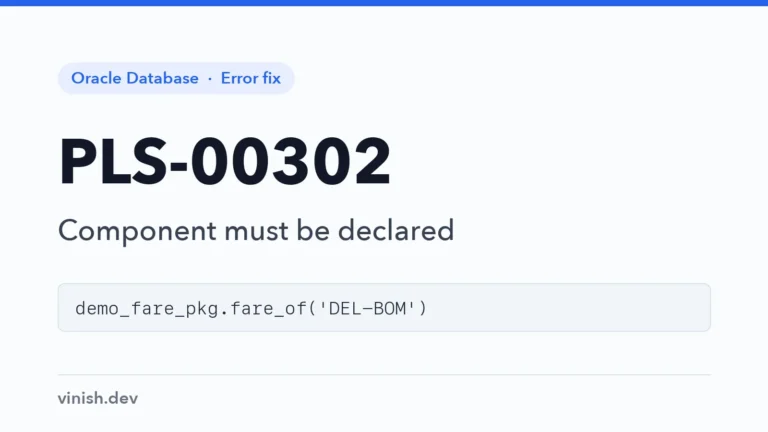
Find why a record field or package subprogram is not visible, from misspellings to procedures missing from the package spec.
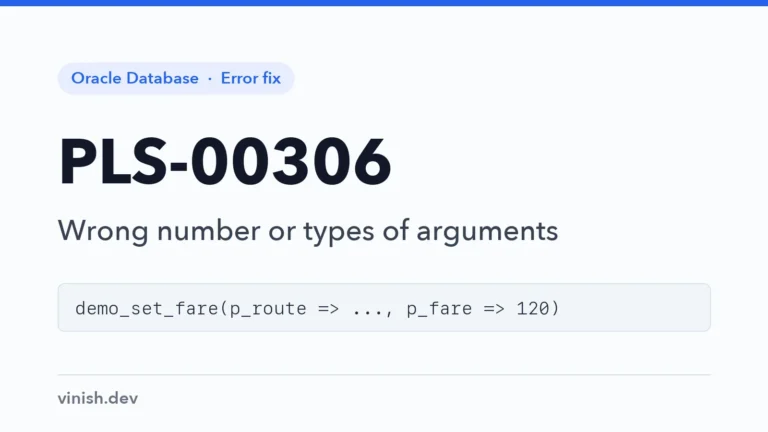
Match procedure and function calls to their parameter lists with USER_ARGUMENTS, and make calls clearer with named notation.
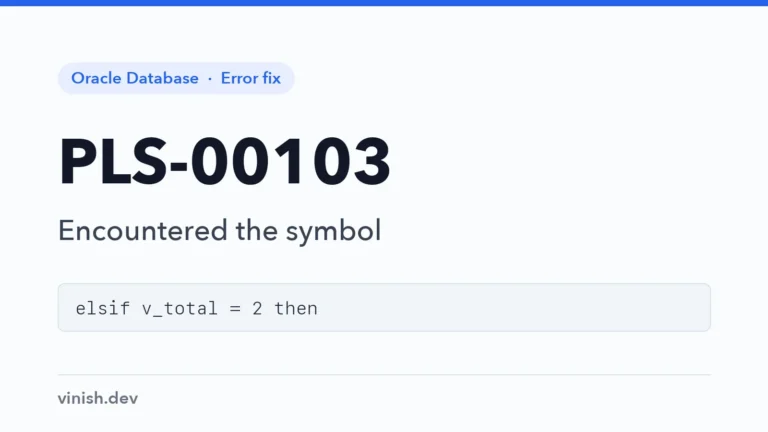
Read the PLS-00103 message, find the real mistake just before the reported position, and fix the common PL/SQL syntax slips.
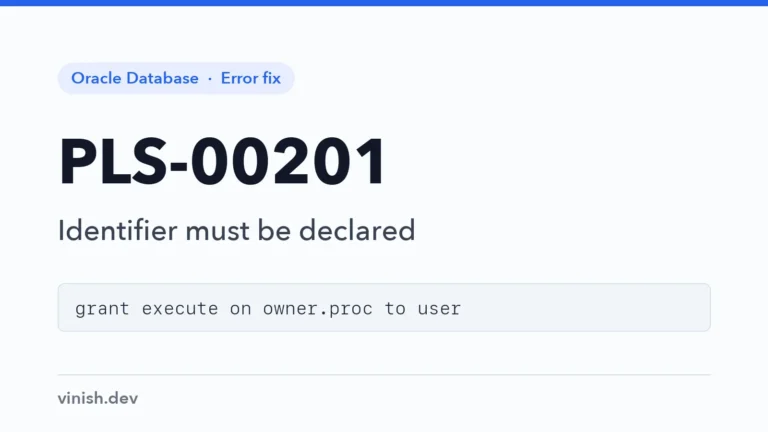
Resolve PLS-00201 by correcting the name, creating the missing object, or granting access to another schema's object directly.
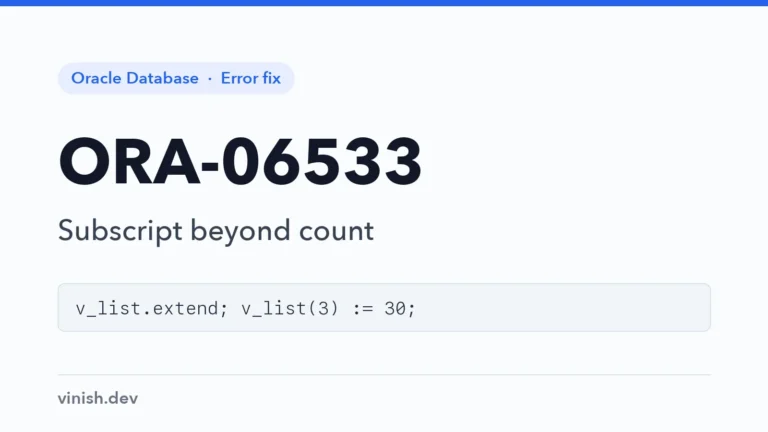
Extend nested tables and varrays before assigning new elements, check COUNT or EXISTS before reading, and see how associative arrays differ.
Keep varray indexes within the declared maximum size by checking COUNT against LIMIT, or use a nested table that can grow.
Initialize nested tables and varrays before EXTEND or COUNT, with a constructor or BULK COLLECT, and empty them with DELETE.
Initialize object type variables with a constructor before setting their attributes, and check for NULL objects passed in.
Avoid fetching from or closing a cursor that is not open, and see the reworded ORA-01001 message of Oracle AI Database 26ai.
Avoid opening an explicit cursor twice by checking %ISOPEN, closing cursors after errors, or using cursor FOR loops.
Read an Oracle error stack from the top, follow ORA-06512 to the code line that raised the error, and keep the location when handling errors.