
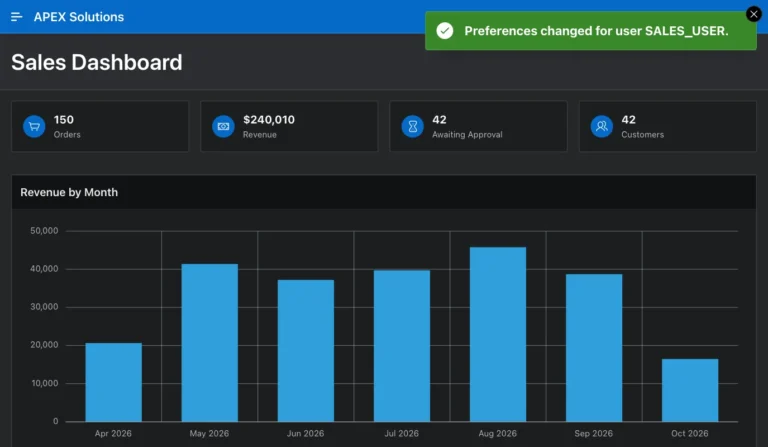
How to Let Users Switch Between Light and Dark Mode in Oracle APEX
Turn on user theme style selection, let users switch to the dark Vita - Dark style, and keep their choice across pages and sign-ins.
Posts tagged AI-Assisted are created with support from artificial intelligence. I use AI tools to research, draft, and refine ideas—combining human insight with machine precision to deliver clear, informed, and creative content.
Turn on user theme style selection, let users switch to the dark Vita - Dark style, and keep their choice across pages and sign-ins.
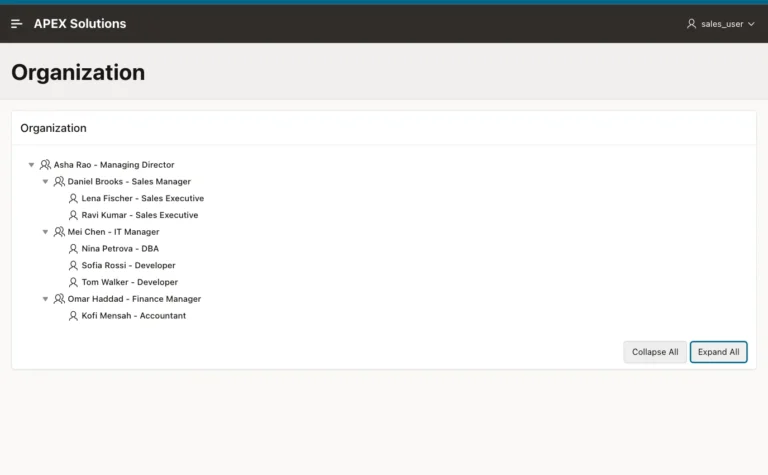
Create a table with a manager column, build a Tree page with every wizard step, and show job titles and icons for managers and staff.
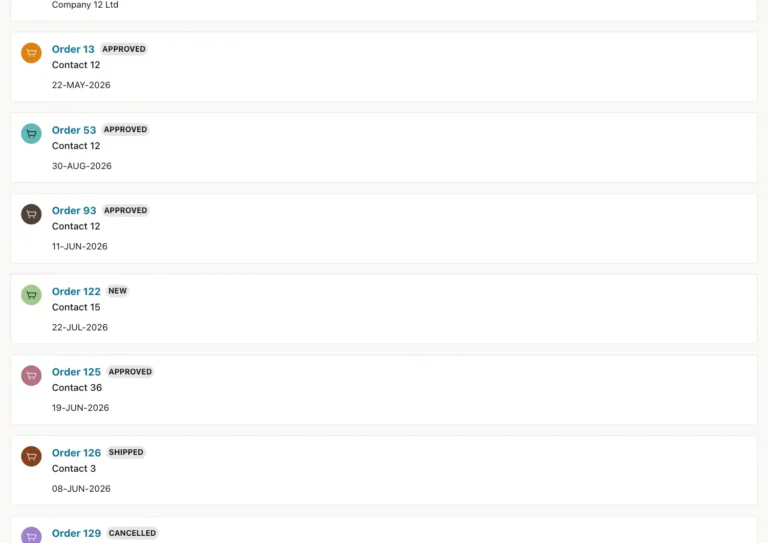
Create search configurations for several tables, link each result to its record, and search them all from one search page.
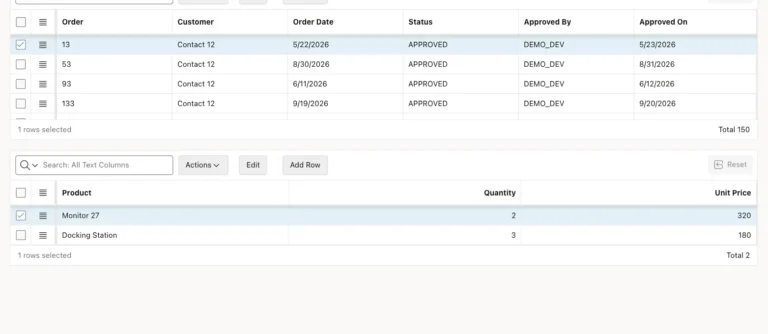
Create a stacked master-detail page, see how the grids are linked, make the IDs readable, and test that new lines get the order ID.
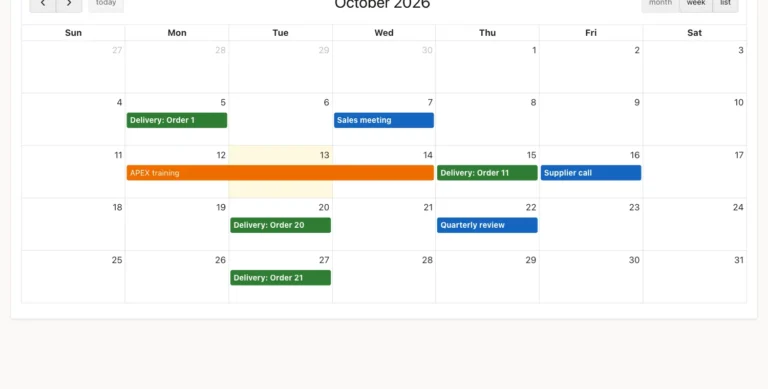
Show table rows as calendar events, color them by type, and let users move events to another day with drag and drop.
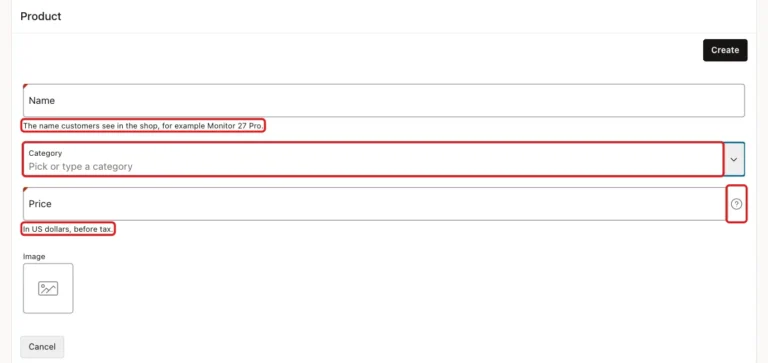
Guide users on a form with inline help under fields, longer help text behind a help icon, and value placeholders in empty fields.
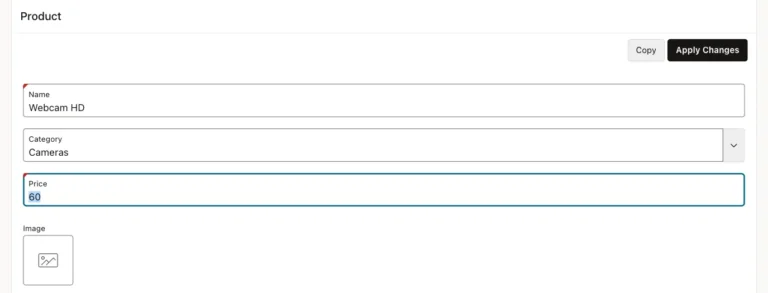
Turn on Manual Entry for a Popup LOV, add typed values to the lookup table on save, and avoid duplicates in different spellings.
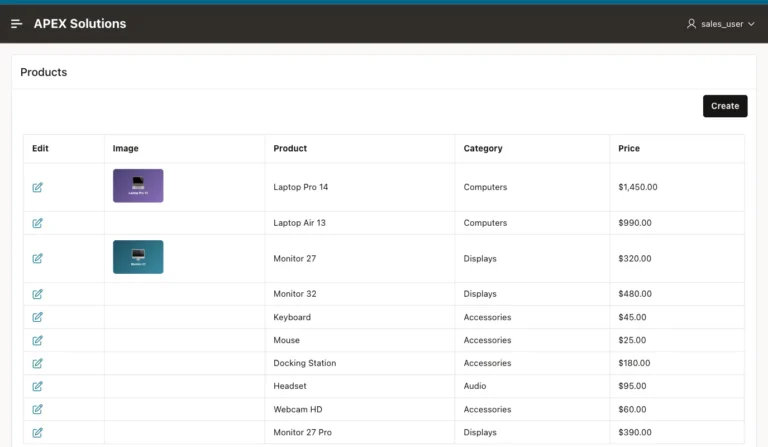
Store product images in a BLOB column with an Image Upload item, and show them as thumbnails in a report with a Display Image column.
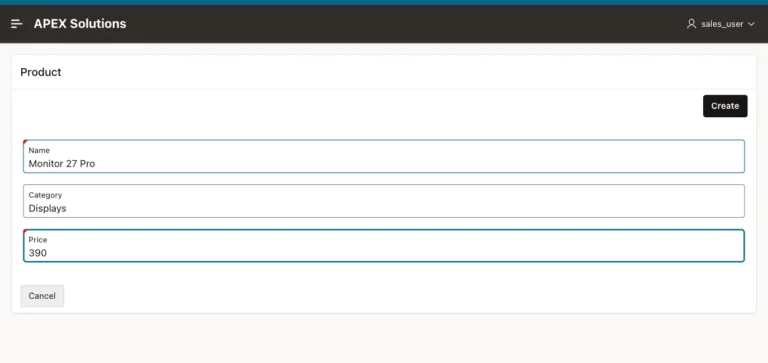
Add a Copy button that reopens the form as a new record with the current values, so users change only what differs and save with Create.
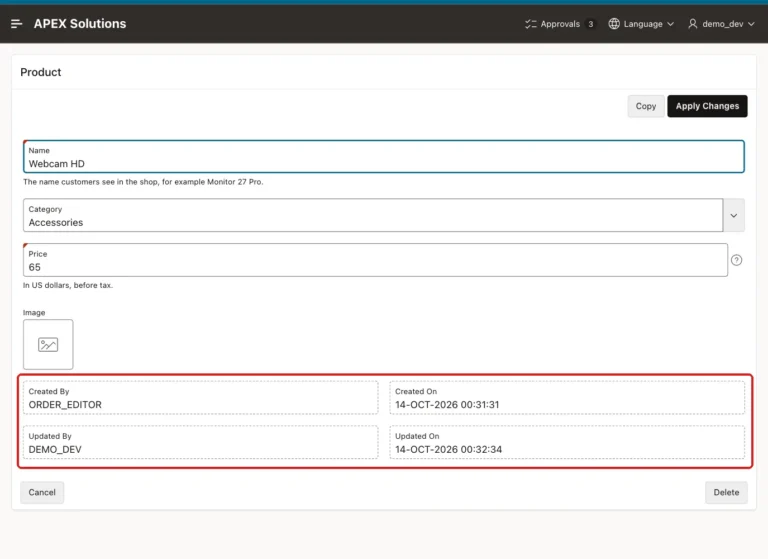
Add audit columns to a table, fill them with a trigger that records the APEX user, show them on a form, and test changes from APEX and SQL.
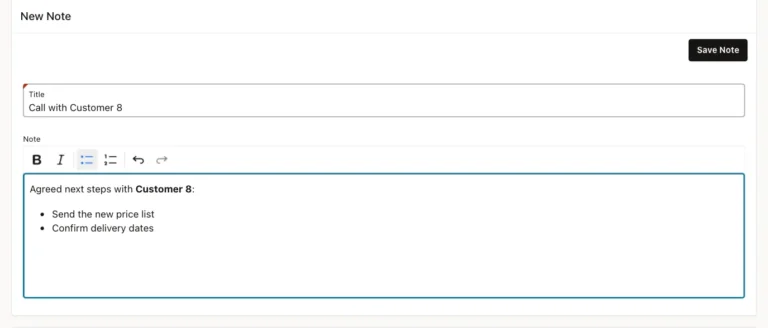
Add a rich text editor to a page, clean its HTML on the server with an allowlist, and show it in a report that cannot run scripts.
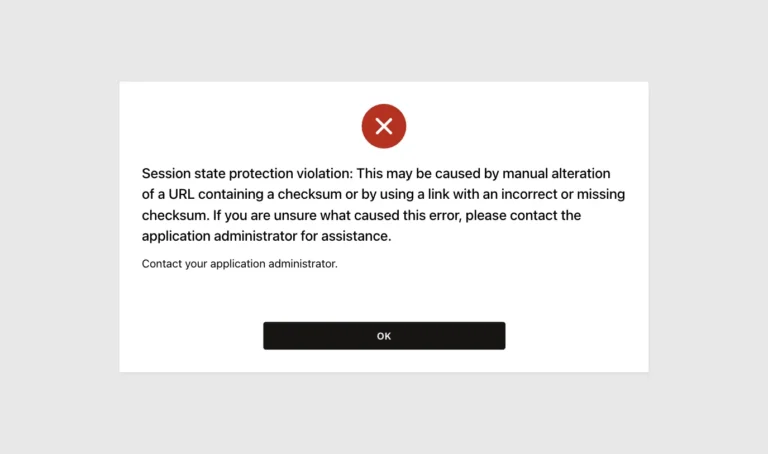
See a changed order ID open another record, then block it with checksums at page and item level, and find unprotected pages with a query.
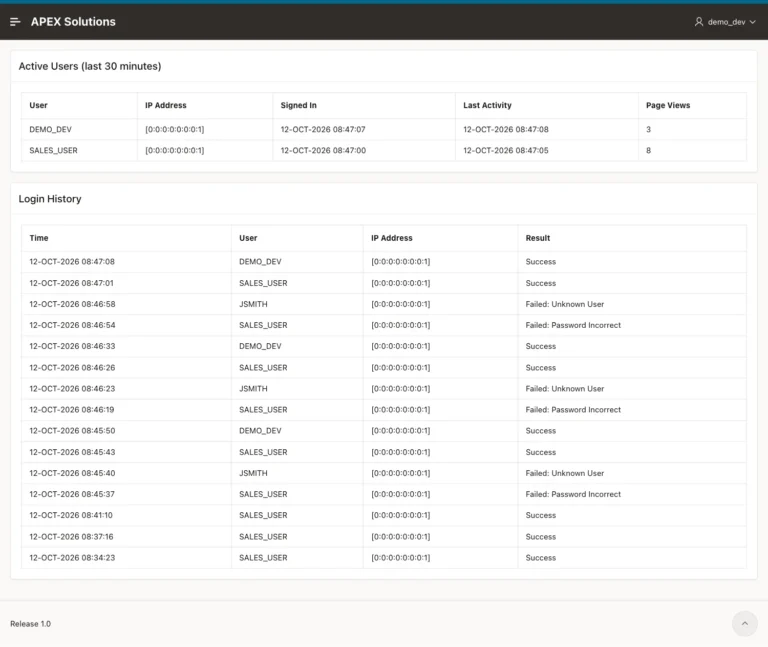
Build an admin page with the active users of the last 30 minutes and every sign-in attempt with its result, from the logs APEX already keeps.
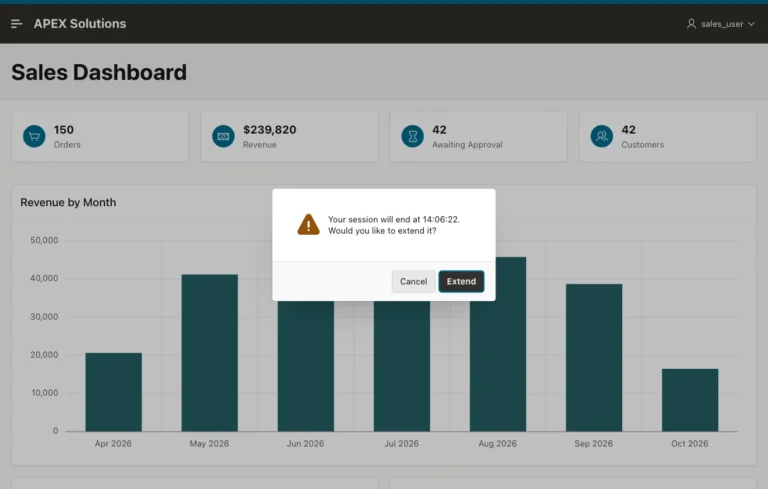
Set the idle time and the timeout warning, see the Extend dialog and the end-of-session dialog, and test that Extend keeps the session alive.

Close an APEX application for users while developers test, show a styled maintenance message, and switch it back from App Builder or a script.
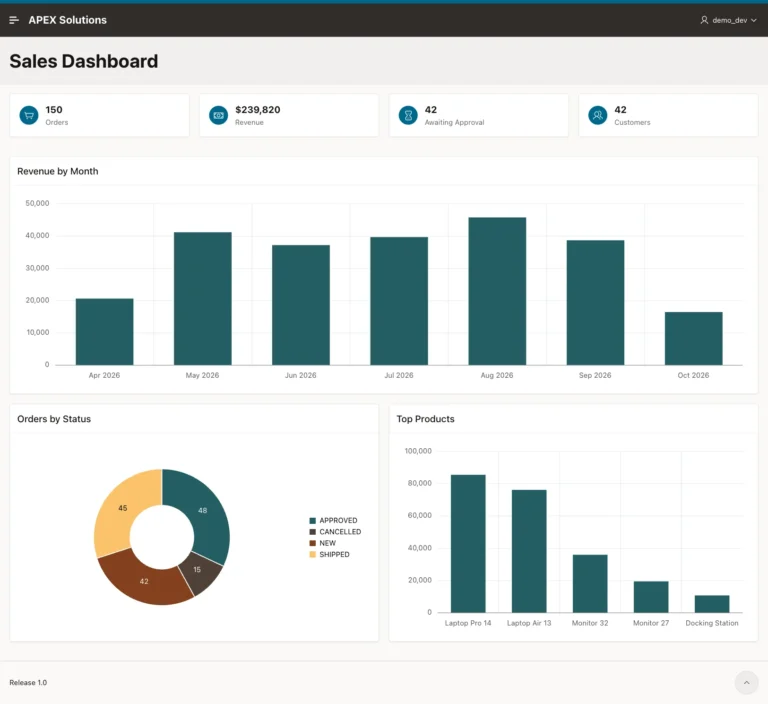
Create a dashboard page, add KPI cards with icons from a single query, and replace the wizard's sample charts with charts on your own tables.
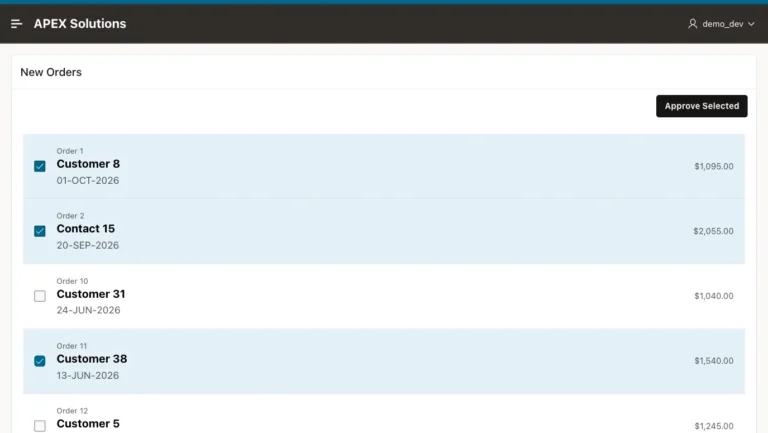
Add checkboxes to a Content Row report with Row Selection, collect the selected keys in a page item, and approve the chosen orders in one process.
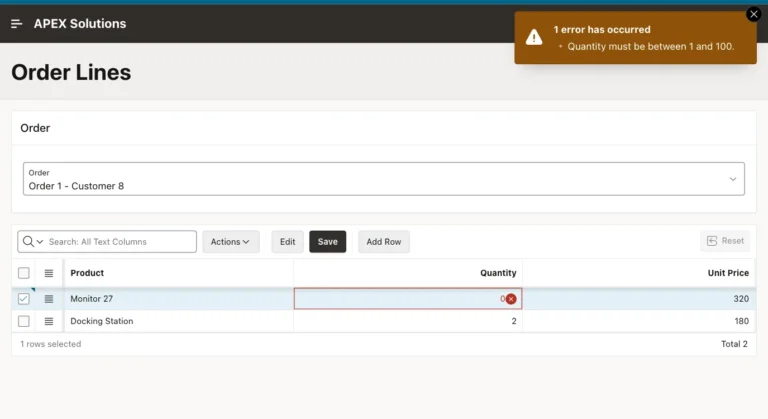
Add row validations to an editable Interactive Grid, catch duplicate products per order, and see where a database constraint must take over.