
How to Find Performance Problems with Active Session History (ASH)
Analyze a finished workload with V$ACTIVE_SESSION_HISTORY: time on CPU and waits, the top SQL, and who blocked whom, after the fact.
Oracle Database 26ai brings advanced automation, AI-driven optimization, and modern data architecture to the forefront. This category explores its capabilities, new features, performance benefits, and practical guidance to help developers and DBAs adopt the next generation of Oracle innovation.
Analyze a finished workload with V$ACTIVE_SESSION_HISTORY: time on CPU and waits, the top SQL, and who blocked whom, after the fact.
Build a three-session blocking chain, find its root blocker, the locks, and the exact row being waited for, and resolve the block.
Read a session's state, wait event, and blocking session in V$SESSION, find its statement, and total its waits with V$SESSION_EVENT.
Monitor a long-running query, find it in V$SQL_MONITOR, and read its SQL Monitor report as text and as an HTML page.
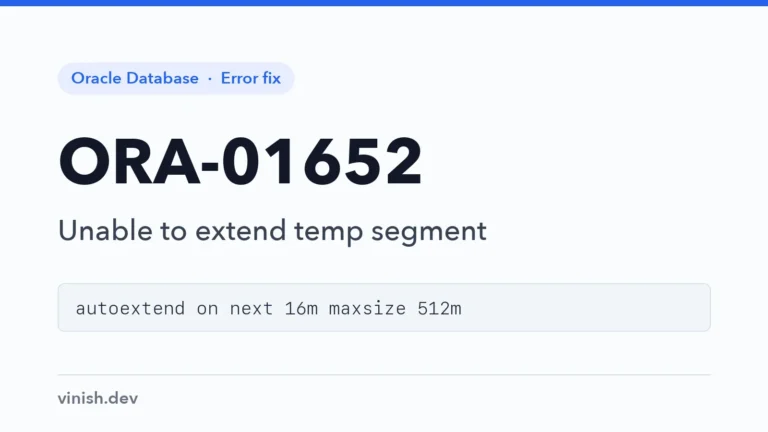
Reproduce a full temporary tablespace, let its file grow to a limit, and find the statements that use the most temp space.
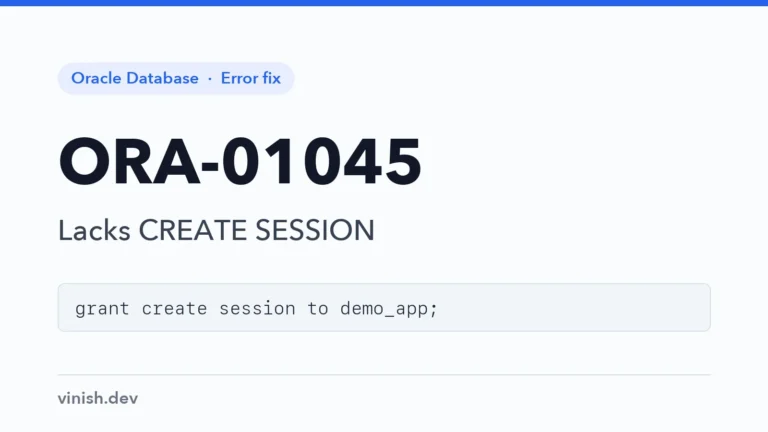
Grant CREATE SESSION, or a role that includes it, so a new user can connect, with the error and fix run on a real database.
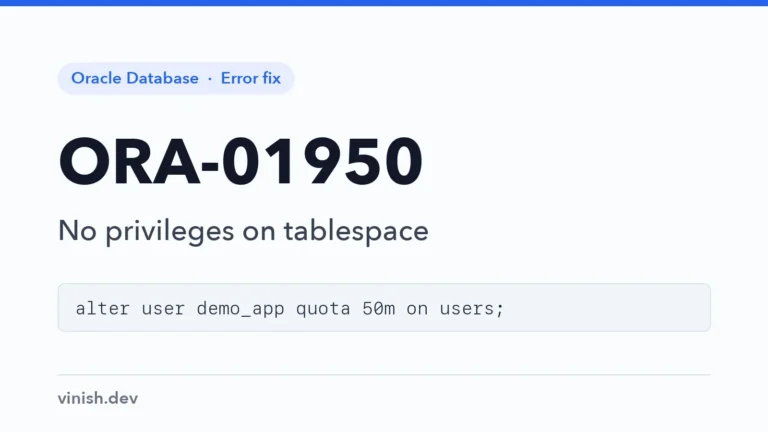
See why CREATE TABLE works but INSERT fails without a quota, and grant the user a sized quota on the tablespace.
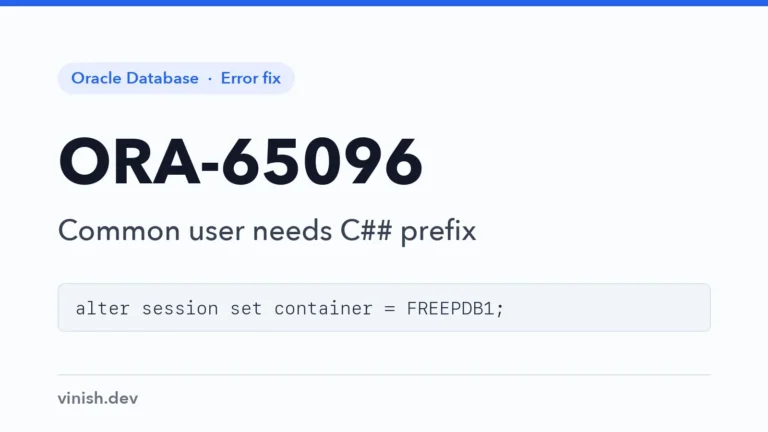
Check which container the session is in, create application users in the pluggable database, and use C## only for common users.
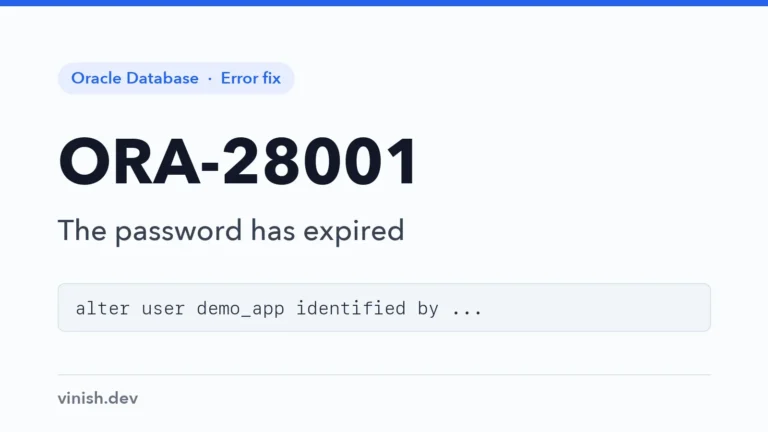
Change an expired password at logon or as an administrator, and check the profile limits that make passwords expire.
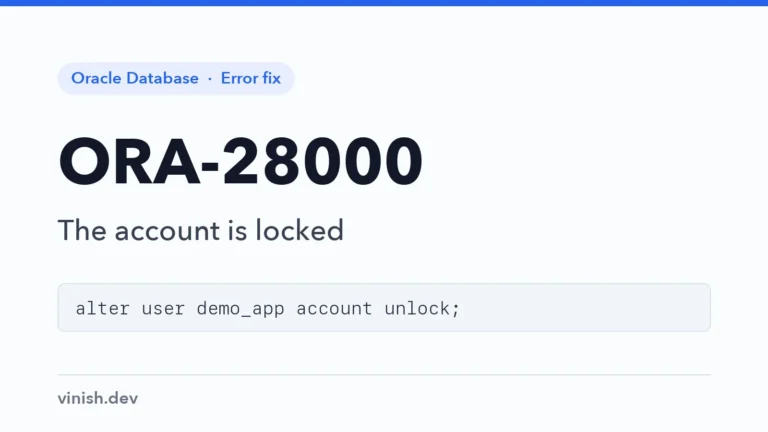
Reproduce an account lock from failed logins, read LOCKED and LOCKED(TIMED) in DBA_USERS, and unlock the account.
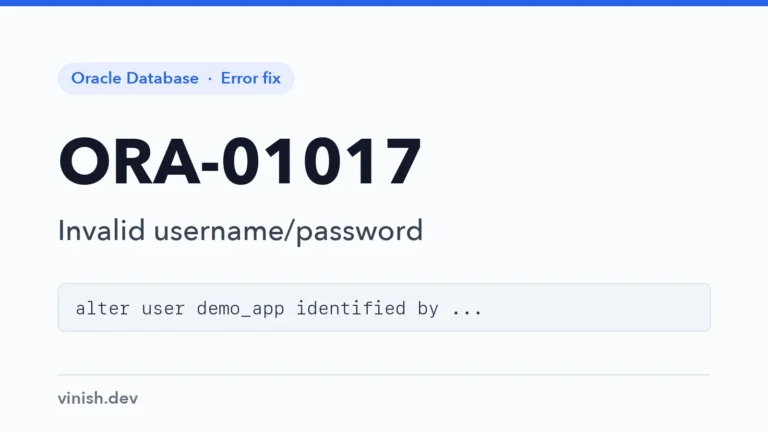
Find why a logon is denied, from case-sensitive passwords to the wrong pluggable database, and reset the password as an administrator.
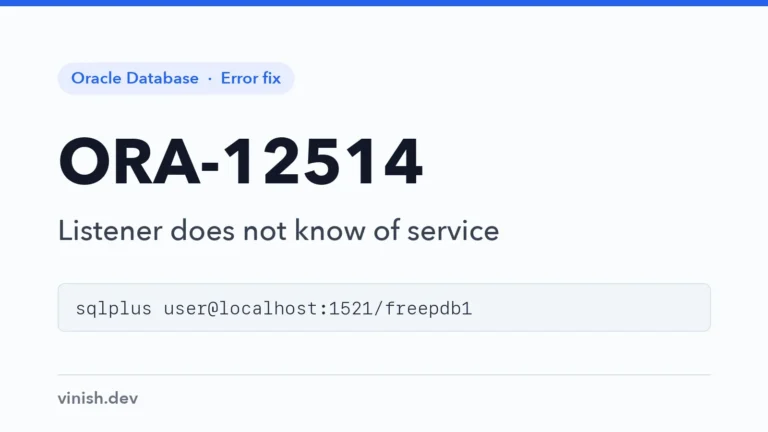
List the services the listener knows, connect to the pluggable database's service, and get a database registered again.
Find where the listener really listens with lsnrctl status, start it when it is down, and check ports, Docker, and firewalls.
Connect with an Easy Connect string, or add the alias to the tnsnames.ora the client really reads, with tested examples.
Check the prerequisites, run the Windows installer interactively or silently, and connect to the FREE container database and FREEPDB1.
Install the database from Oracle's RPM packages, create the FREE container database, connect through the listener, and start it at boot.
Add a kill switch, a daily budget, and monitoring to Oracle AI Database 26ai features, and deploy everything an AI application needs to each environment.
Keep users from waiting on an AI provider by embedding and classifying new data in a DBMS_SCHEDULER job that logs its work and retries failures.