
How to Explore the Oracle Data Dictionary
Answer questions about your schema in SQL with the data dictionary: find the right view, list objects and columns, and read comments.
Posts tagged AI-Assisted are created with support from artificial intelligence. I use AI tools to research, draft, and refine ideas—combining human insight with machine precision to deliver clear, informed, and creative content.
Answer questions about your schema in SQL with the data dictionary: find the right view, list objects and columns, and read comments.
Give developers exactly the privileges to build application objects with DB_DEVELOPER_ROLE, instead of CONNECT, RESOURCE, or DBA.
Give users access to every table of one schema, including future ones, with schema privileges instead of per-table or database-wide grants.
Give application users exactly the access they need with GRANT, down to single columns, and take it back with REVOKE when it is no longer needed.
Create application users with passwords and quotas, let them connect, and enforce password rules and session limits with profiles.
Write short JavaScript functions directly in CREATE FUNCTION with MLE, call them from SQL, and know when a full module is the better choice.
Run JavaScript inside the database: store it in an MLE module and call its exported functions from SQL and PL/SQL like ordinary functions.
Query, join, and change tables in another Oracle database through a database link, and keep the stored credentials and performance in check.
Declare rules that span several rows or tables with CREATE ASSERTION, checked by Oracle on every change, without triggers.
Replace code columns and CHECK constraints with enumeration domains: named values that columns accept and SQL refers to by name.
Define phone numbers, e-mail addresses, and other kinds of values once with data use case domains, and reuse them in many columns.
Fill keys from a sequence with DEFAULT sequence.NEXTVAL, share one series of numbers across tables, and set sequence options.
Choose between local and global indexes on partitioned tables, and keep global indexes usable when partitions are dropped or exchanged.
Test a new index in one session, or see what dropping an index would do, with invisible indexes that the optimizer ignores by default.
Spread sequential keys across the index with REVERSE to reduce insert contention, and store columns in descending order for mixed sorts.
Index low-cardinality columns such as status or cabin with tiny bitmap indexes for fast counts, and avoid them on busy transactional tables.
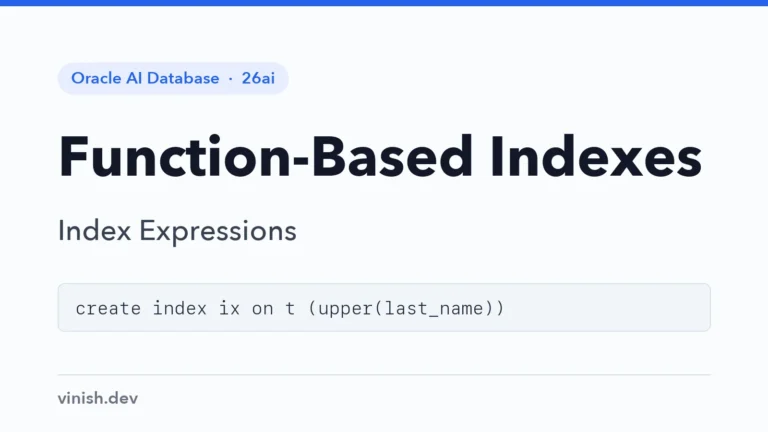
Index expressions such as UPPER(last_name) or JSON paths so queries that filter on them use an index, and learn when they do not.
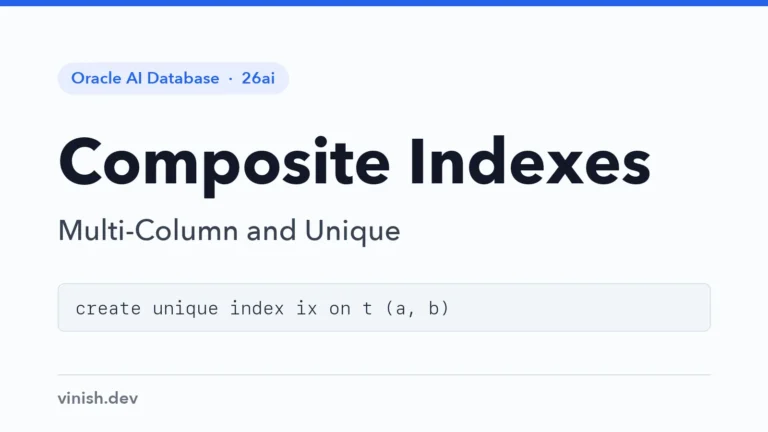
Index several columns together, enforce unique combinations such as one ticket per seat, and order the columns the way queries filter.