
How to Use Direct-Path INSERT in Oracle
Speed up bulk loads and archiving with direct-path INSERT and the APPEND hint, and confirm the load path with LOAD AS SELECT in the plan.
Explore comprehensive Oracle SQL resources designed for database developers and administrators. Our guides cover everything from basic query construction to advanced techniques for complex joins, analytical functions, and hierarchical data manipulation. Learn practical approaches to performance optimization through execution plan analysis, smart indexing strategies, and efficient table partitioning. Discover best practices for data modeling, constraint management, and large dataset handling that solve real business challenges. Whether you're writing reports, building data warehouses, or maintaining enterprise databases, enhance your Oracle SQL proficiency with our actionable insights.
Speed up bulk loads and archiving with direct-path INSERT and the APPEND hint, and confirm the load path with LOAD AS SELECT in the plan.
Route the rows of one query into several tables in a single statement with INSERT ALL and INSERT FIRST, with conditions or without.
See the live state of the database with V$ views: find your session, read parameter values, check the version, and list the PDBs.
Find every constraint of a table, what each foreign key references, and which tables point to a table, with USER_CONSTRAINTS.

Answer questions about your schema in SQL with the data dictionary: find the right view, list objects and columns, and read comments.
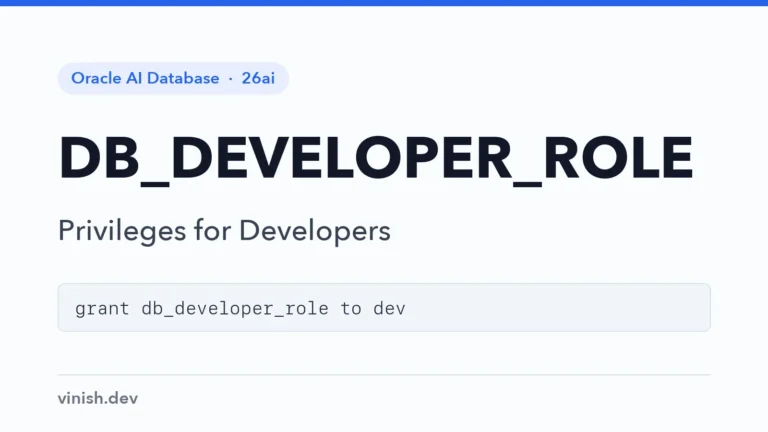
Give developers exactly the privileges to build application objects with DB_DEVELOPER_ROLE, instead of CONNECT, RESOURCE, or DBA.
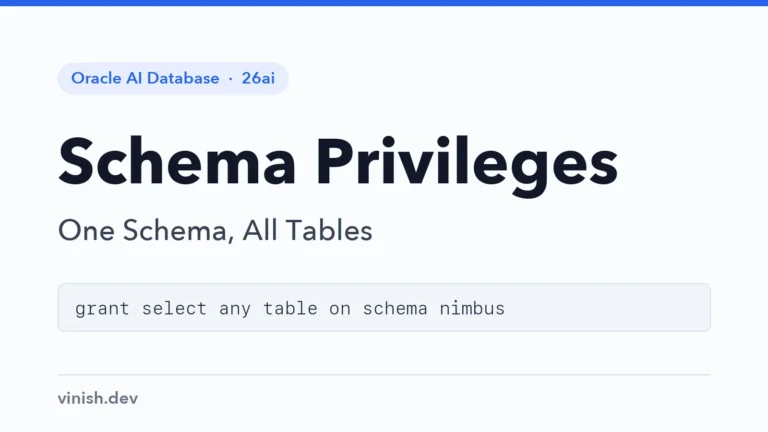
Give users access to every table of one schema, including future ones, with schema privileges instead of per-table or database-wide grants.
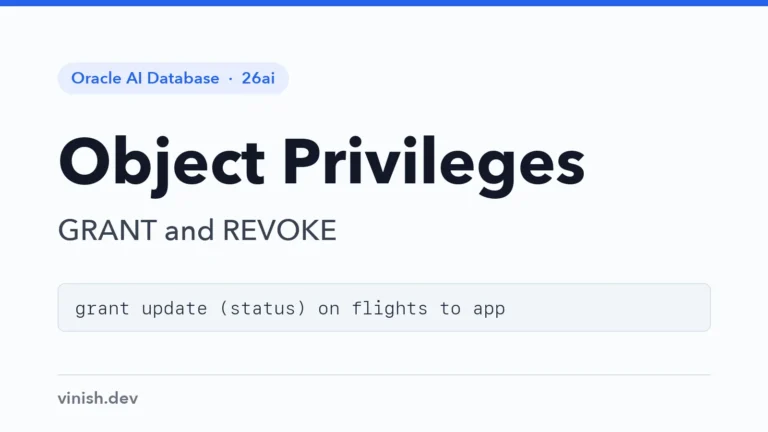
Give application users exactly the access they need with GRANT, down to single columns, and take it back with REVOKE when it is no longer needed.

Create application users with passwords and quotas, let them connect, and enforce password rules and session limits with profiles.
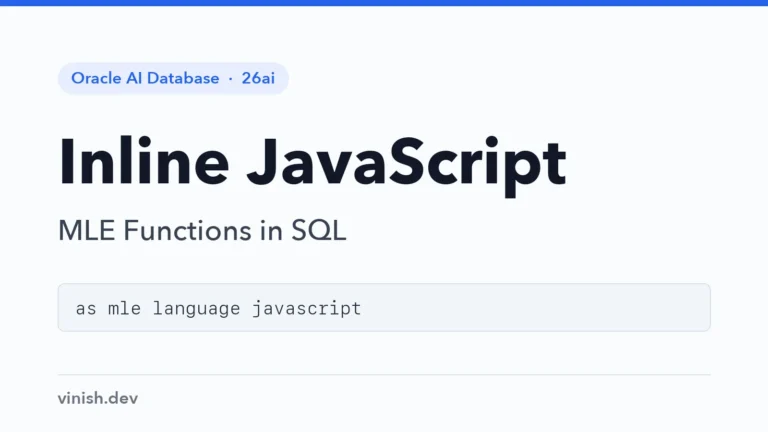
Write short JavaScript functions directly in CREATE FUNCTION with MLE, call them from SQL, and know when a full module is the better choice.
Run JavaScript inside the database: store it in an MLE module and call its exported functions from SQL and PL/SQL like ordinary functions.
Query, join, and change tables in another Oracle database through a database link, and keep the stored credentials and performance in check.
Declare rules that span several rows or tables with CREATE ASSERTION, checked by Oracle on every change, without triggers.
Replace code columns and CHECK constraints with enumeration domains: named values that columns accept and SQL refers to by name.
Define phone numbers, e-mail addresses, and other kinds of values once with data use case domains, and reuse them in many columns.
Fill keys from a sequence with DEFAULT sequence.NEXTVAL, share one series of numbers across tables, and set sequence options.
Choose between local and global indexes on partitioned tables, and keep global indexes usable when partitions are dropped or exchanged.
Test a new index in one session, or see what dropping an index would do, with invisible indexes that the optimizer ignores by default.