
Have you ever checked your phone bill and wondered where all your data went? You barely streamed anything, yet your plan is nearly maxed out. There is a good chance you are dealing with data bleed.
Data bleed is one of those sneaky tech problems that costs you money and privacy without you ever noticing. In this guide, you will learn what data bleed means, how it happens, and the practical steps you can take to stop it.
Data Bleed Meaning: A Simple Definition
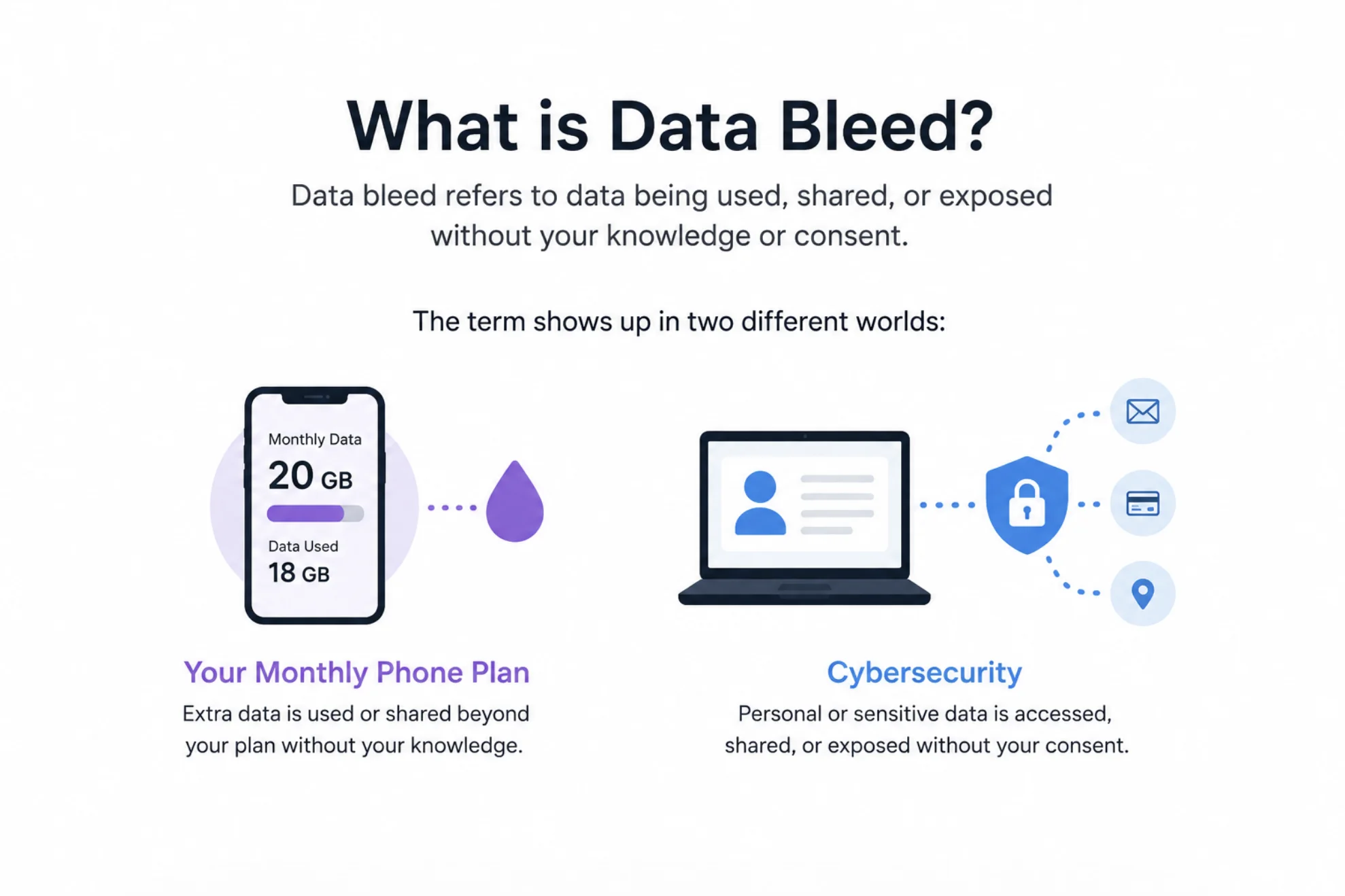
Data bleed refers to data being used, shared, or exposed without your knowledge or consent. The term shows up in two different worlds: your monthly phone plan and the broader field of cybersecurity.
In the mobile world, data bleed happens when apps quietly consume your cellular data in the background. In security, it describes information leaking from one app, user, or system into another where it does not belong.
As security professionals like to say: "You can't protect what you can't see." Data bleed thrives on exactly that blind spot.
The Two Main Types of Data Bleed
Both types share the same core idea: data moving somewhere you never approved. Here is how they differ in practice.
Mobile Data Bleed
This is the version most Americans run into. Your apps refresh feeds, sync photos, download updates, and play auto-run videos while your phone sits in your pocket.
Carriers count every one of those background megabytes against your plan. If you are on a capped plan, that can mean overage charges or painful speed throttling before the month ends.
Data Bleed in Cybersecurity
In security circles, data bleed means information crossing boundaries it should never cross. A shared cloud server might expose one customer's data to another, or a poorly built app might leak personal details to third-party trackers.
This type is more dangerous because the cost is not measured in gigabytes. It is measured in exposed passwords, health records, and financial details.
Mobile Data Bleed vs. Security Data Bleed: A Quick Comparison
| Aspect | Mobile Data Bleed | Security Data Bleed |
|---|---|---|
| What leaks | Your cellular data allowance | Your personal or business information |
| Main cause | Background app activity | Misconfigured systems and trackers |
| Cost to you | Overage fees and throttled speeds | Privacy loss, fraud, identity theft |
| How you notice | High data usage on your bill | Often, you never notice at all |
| Fix difficulty | Easy with phone settings | Requires vendors to fix systems |
Common Causes of Data Bleed
Most data bleed traces back to a handful of repeat offenders. Knowing them helps you spot the problem fast.
- Background app refresh that updates feeds and inboxes around the clock
- Auto-playing videos in social media and news apps
- Cloud photo and file syncing over cellular instead of Wi-Fi
- Automatic app and system updates are downloaded on mobile data
- Hidden trackers and ad networks are sending your activity to third parties
- Misconfigured caching or shared infrastructure on the provider's side
How to Detect Data Bleed on Your Devices
You do not need special tools to catch mobile data bleed. Both major phone platforms show you exactly which apps eat your data.
On iPhone, go to Settings, then Cellular, and scroll through the per-app usage list. On Android, head to Settings, then Network and Internet, then look for Data Usage or App Data Usage.
Checking App Data Usage with ADB on Android
If you like a more technical view, Android developers can pull network stats directly. Here is a quick example:
# List data usage stats per app (requires ADB)
adb shell dumpsys netstats | grep -A 5 "package_name"

# Check which apps have unrestricted background data
adb shell cmd appops query-op RUN_ANY_IN_BACKGROUND allow
Look for apps with high background usage that you rarely open. Those are your bleeders.
How to Prevent Data Bleed: 6 Practical Steps
Once you know where the leaks are, sealing them takes just a few minutes. Work through this checklist on your devices.
- Turn off background app refresh for apps that do not need real-time updates.
- Disable auto-play videos in social media, streaming, and news apps.
- Set photo backups, podcasts, and large downloads to Wi-Fi only.
- Restrict app and system updates to Wi-Fi connections.
- Enable Low Data Mode on iPhone or Data Saver on Android.
- Review app permissions and delete apps you no longer use.
A common rule of thumb among IT pros applies here: "If an app doesn't need it, don't grant it." Fewer permissions mean fewer paths for your data to leak.
Why Data Bleed Matters More Than Ever
The average American household now runs dozens of connected devices, and each one is a potential leak point. Smart TVs, watches, and even cars sip data constantly.
On the security side, every leaked detail feeds data brokers and raises your risk of targeted scams. Stopping data bleed is not just about saving a few dollars on your bill. It is about keeping control of your digital footprint.
Conclusion
Data bleed is the silent loss of your data, whether that means background apps draining your monthly allowance or personal information slipping out to parties you never approved. The good news is that the mobile version is easy to fix: check your per-app usage, shut down background refresh, force big downloads onto Wi-Fi, and turn on your phone's data saver. For the security side, stay choosy about app permissions and the services you trust. A few minutes of cleanup today can save you money, bandwidth, and a whole lot of privacy headaches tomorrow.
