
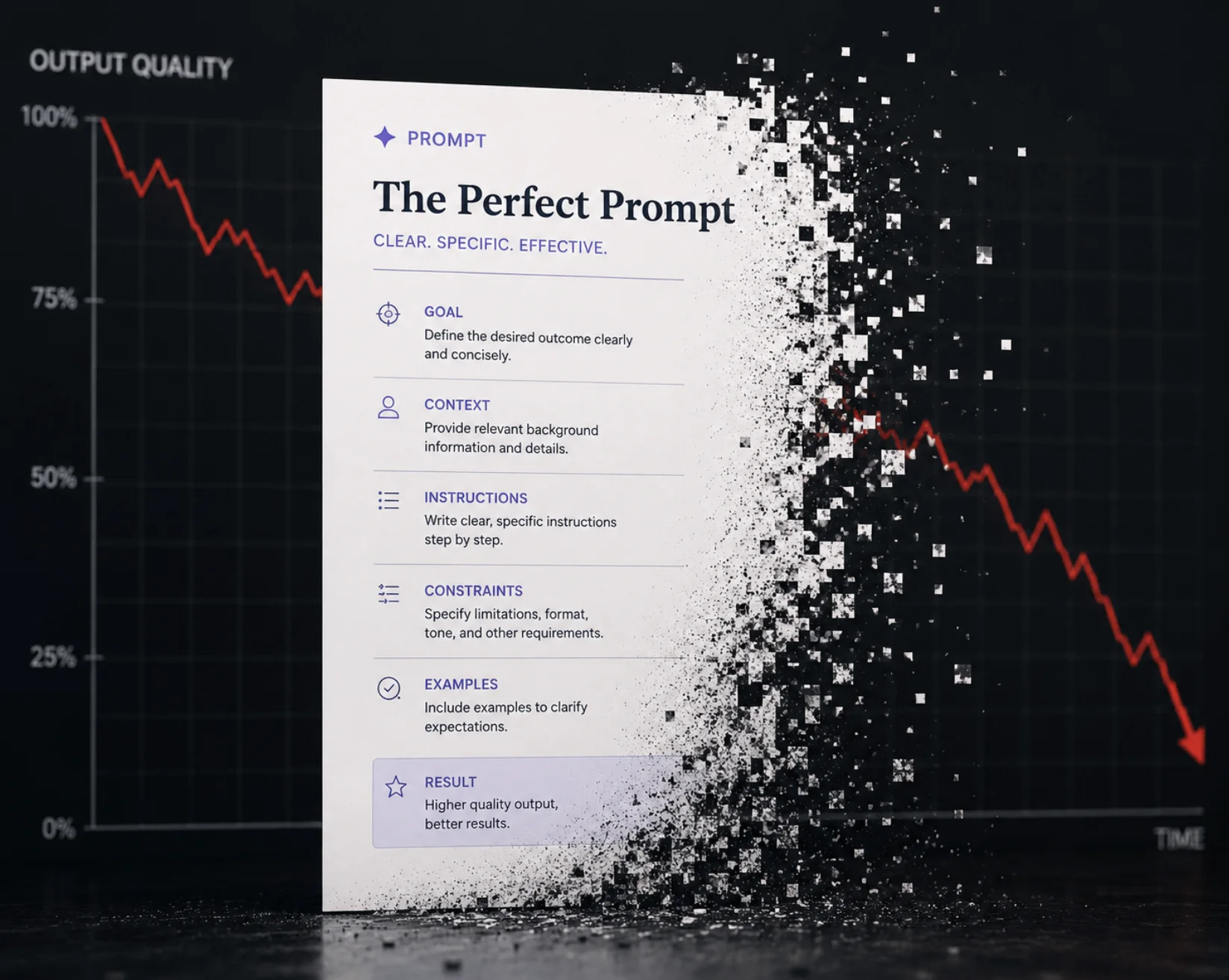
You wrote the perfect prompt months ago. It produced clean, reliable output every time — so you saved it, wired it into your app, and moved on. Then one day the results start drifting: formatting breaks, the tone shifts, instructions get ignored.
You didn't change anything. So why did it stop working?
The answer is prompt rot — the gradual, often invisible decay of a prompt's effectiveness over time. It's one of the most underestimated problems in working with large language models, and it bites teams that treat prompts as "set it and forget it." This guide explains what prompt rot is, what causes it, how to detect it, and how to keep your prompts healthy.
What Is Prompt Rot?
Prompt rot is the degradation of a prompt's reliability or quality over time, even when the prompt text itself hasn't changed. A prompt that scored 95% accuracy at launch quietly slips to 70% — not because you broke it, but because the environment around it shifted.
It mirrors a concept developers already know well: code rot, where software degrades as its dependencies and runtime change underneath it. Prompts have dependencies too — the model, the context window, the surrounding application — and when those move, the prompt's behavior moves with them.
There are two flavors worth separating:
- Slow prompt rot — a saved prompt or template degrades across weeks or months as models update and templates accumulate cruft.
- In-session prompt rot (often called context rot) — a prompt degrades within a single long conversation as the context window fills up with history.
Both have the same symptom — declining output quality — but different causes and fixes.
What Causes Prompt Rot?
1. Model Updates
This is the biggest culprit. AI model providers frequently update and replace their models; consequently, newer versions often exhibit different reasoning capabilities, output formats, and instruction-following behaviors compared to their predecessors. A prompt finely tuned to one model's quirks can underperform on its successor — even when the new model is "better" overall. Prompts are calibrated against a moving target.
2. Accumulating Context (Context Rot)
LLMs don't treat a 200-token prompt the same as the same prompt buried under 50,000 tokens of chat history. As context grows, models lose track of earlier instructions, over-weight recent messages, and degrade in accuracy — a well-documented effect where more context can make an AI perform worse. Your instruction didn't change; its relative prominence did.
3. Template Cruft and Copy-Paste Drift
Prompts evolve by accretion. Someone adds "be concise," someone else pastes in an example, a third person tacks on an edge-case rule. Over months, the prompt becomes a patchwork of contradictory instructions nobody fully understands — and conflicting directives quietly cancel each other out.
4. Shifting Inputs and Use Cases
The prompt stayed still, but the data flowing into it changed. A summarizer tuned for short support tickets rots when users start pasting in 10-page documents. The prompt was never wrong — the assumptions baked into it expired.
5. Few-Shot Examples Going Stale
Hard-coded examples that once represented your data drift out of date as your real-world inputs evolve, subtly steering the model toward patterns that no longer match reality.
How to Spot Prompt Rot
Prompt rot is dangerous precisely because it's gradual — there's no error message, just a slow slide. Watch for:
- Output quality complaints that have no corresponding code change
- Increased formatting failures — broken JSON, ignored structure, wrong length
- Instructions being skipped, especially ones near the start of a long prompt or conversation
- More retries or manual edits needed to get usable output
- Inconsistency — the same input yielding noticeably different quality run to run
- A spike in hallucinations or off-topic responses
If you can't measure it, you can't catch it early — which leads directly to the fix.
How to Prevent and Fix Prompt Rot
Version Your Prompts
Treat prompts like code: store them in version control, tag them, and record which model version each one was tuned against. Prompt versioning means that when a model updates or output drifts, you can diff, roll back, and compare instead of guessing. This is the single highest-leverage habit.
Build an Evaluation Set
Keep a fixed set of representative inputs with known-good outputs. Re-run your prompt against this "eval set" on a schedule and whenever a model updates. A measurable score turns invisible rot into a number you can track — the prompt-engineering equivalent of a regression test.
Pin Model Versions Where You Can
Many APIs let you target a specific dated model snapshot rather than a floating "latest" alias. Pinning gives you control over when you absorb a model change, so updates become deliberate migrations you test — not surprises in production.
Manage Context Deliberately
For in-session rot, don't let conversations grow unbounded. Summarize and compress old history, put the most important instructions where the model weights them heavily, and trim irrelevant tokens. This discipline is the heart of context engineering — and understanding why context matters is what makes it work.
Refactor Prompts Periodically
Schedule a "prompt cleanup" the way you'd schedule refactoring. Remove contradictory instructions, consolidate duplicated rules, and strip dead examples. A lean, coherent prompt rots more slowly than a bloated one.
Re-Test After Every Model Migration
When you move to a new model, re-run your eval set before shipping. Treat a model upgrade as a breaking change until your tests prove otherwise. Solid prompt engineering practices make these migrations routine rather than painful.
Prompt Rot at a Glance
| Cause | Type | Primary Fix |
|---|---|---|
| Model update | Slow | Pin versions + re-test with eval set |
| Growing context window | In-session | Summarize/trim context |
| Template cruft | Slow | Periodic refactoring |
| Shifting input data | Slow | Update assumptions + examples |
| Stale few-shot examples | Slow | Refresh examples from real data |
FAQ
What is prompt rot in simple terms?
Prompt rot is when an AI prompt that used to work well gradually produces worse results over time — even though you never changed the prompt. It happens because the things around the prompt change: the model gets updated, the conversation gets longer, or the inputs shift.
Is prompt rot the same as context rot?
They're closely related but not identical. Context rot specifically refers to quality dropping within a single long conversation as the context window fills up. Prompt rot is broader — it includes context rot but also covers slow degradation from model updates, template cruft, and stale examples over weeks or months.
How do I know if my prompt is suffering from rot?
Watch for declining output quality with no code change, more formatting failures, instructions being ignored, and a need for more retries or manual fixes. The reliable way to confirm it is an evaluation set: run your prompt against fixed test inputs periodically and track the score.
Does prompt rot mean newer AI models are worse?
No. Newer models are usually more capable overall. Prompt rot happens because your prompt was tuned to the old model's specific behavior. The new model behaves differently, so the old wording no longer triggers the same result. The fix is re-testing and adjusting the prompt, not avoiding upgrades.
How often should I review my prompts?
Re-test whenever the model provider releases an update, and otherwise on a regular cadence — monthly is reasonable for production prompts. Pair this with version control and an eval set so reviews are quick, measurable, and low-risk.
Conclusion
Prompt rot is the quiet tax on treating prompts as static text. Models update, contexts grow, and templates bloat — and your once-perfect prompt drifts without ever throwing an error.
The cure is to treat prompts like the production assets they are: version them, test them against a fixed eval set, pin your models, manage context deliberately, and refactor on a schedule. Do that, and a model update becomes a routine migration instead of a mystery outage. The teams that ship reliable AI features aren't the ones with magic prompts — they're the ones who notice rot early and fix it on purpose.
