
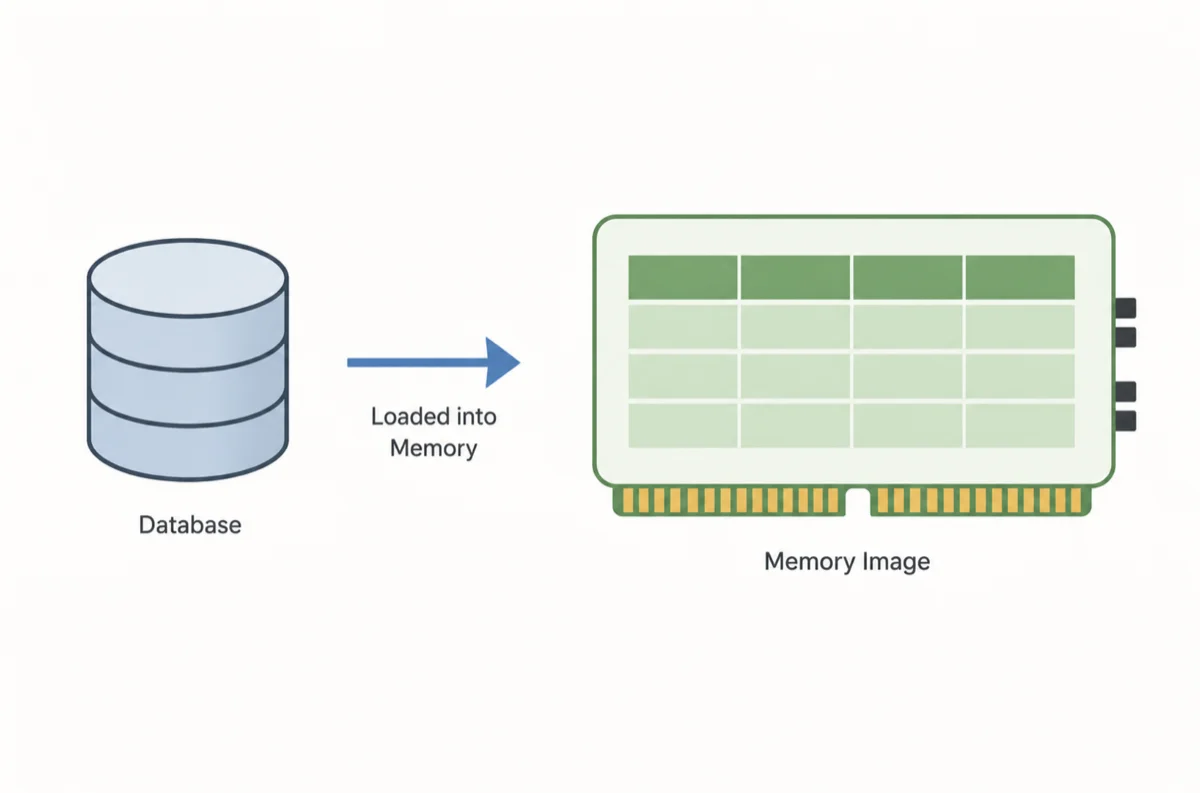
When a database engine is running, a lot more is happening in RAM than most people realize. Pages of data, index structures, transaction logs, sort buffers, and query execution plans all live in memory at the same time. A memory image in a database is essentially a snapshot of that entire in-memory state — a point-in-time capture of what the database engine holds in RAM at a given moment.
If you have ever worked with database crash recovery, warm restarts, or in-memory database systems, you have already been working with the concept even if you did not call it by that name. Understanding what a memory image is, how it gets created, and when it is used helps you make smarter decisions about backup strategies, performance tuning, and system design.
What a Memory Image in a Database Actually Contains
A memory image is not the same as a disk-based backup. A traditional backup copies the files stored on disk. A memory image captures what is currently loaded into RAM — the live, working state of the database engine at a specific instant.
Depending on the database system, a memory image can include:
- Buffer pool contents — data pages and index pages currently cached in memory
- Active transaction state — uncommitted transactions and their undo/redo information
- Lock tables — which sessions hold or are waiting for which locks
- Query execution plans cached for reuse
- Sort and join buffers holding intermediate query results
- Log buffers that have not yet been flushed to disk
- Shared memory segments used for inter-process communication
The exact contents vary by database engine, but the common thread is that a memory image represents a volatile, active state — the data that lives and works in RAM rather than sitting quietly on a storage device.
"The buffer pool is the main memory area where the database engine caches table and index data as it is accessed. A snapshot of this structure is the core of what most people mean by a database memory image." — paraphrased from database internals research literature.
Why Memory Images Matter for Database Recovery
The most critical use of a memory image in traditional database systems is crash recovery. When a database server shuts down unexpectedly — due to a power failure, OS crash, or hardware fault — all in-memory state is lost instantly. The database engine must reconstruct a consistent state from what it finds on disk, which is where the Write-Ahead Log (WAL) and checkpointing mechanisms come in.
Checkpoints and the Role of the Buffer Image
A checkpoint is a controlled moment where the database engine flushes dirty pages from the buffer pool to disk and records a marker in the transaction log. It is essentially a scheduled capture of the buffer image at a safe, consistent point. After a crash, recovery only needs to replay log entries from the last checkpoint forward — not from the very beginning of time.
You can think of a checkpoint as saying: "Everything before this point is safely on disk. If we crash, start recovery here." Without that flushed memory image on disk, full recovery would require replaying the entire transaction history, which could take hours on a busy system.
How Oracle Uses the System Global Area
In Oracle Database, the in-memory working state lives in a structure called the System Global Area (SGA). The SGA includes the buffer cache, shared pool, large pool, and redo log buffer, among others. When Oracle performs a clean shutdown, it writes a consistent image of relevant SGA structures to disk. On startup, Oracle reads this persisted memory image back to warm up the buffer cache faster and reduce the time before the instance is ready to serve queries.
-- Check current SGA component sizes in Oracle
SELECT component, current_size / (1024 * 1024) AS size_mb
FROM v$sga_dynamic_components
ORDER BY current_size DESC;
This query gives you a live view of how Oracle is allocating memory across SGA components — the same structures that would be captured in a memory image during a checkpoint or clean shutdown.
Memory Images in In-Memory Database Systems
In a traditional disk-based database, memory is a cache — a performance layer on top of the real data on disk. In an in-memory database (IMDB), memory is the primary data store. That distinction makes memory images even more important because losing RAM means losing your entire dataset unless you have a persistence mechanism in place.
Persistence Strategies for In-Memory Databases
Most in-memory database systems address this through one or more of the following strategies:
- Periodic memory snapshots are written to disk at regular intervals
- Write-ahead logging that records every change as it happens, independent of memory state
- A combination of both — snapshots for fast restore, logs to fill in the gap since the last snapshot
Redis, for example, uses RDB snapshots (point-in-time memory images saved to disk as binary files) and AOF (Append-Only File) logs. On restart, Redis loads the most recent RDB file to rebuild its memory image, then replays the AOF log to catch up on any changes that occurred after the snapshot was taken.
# Redis configuration for memory image persistence
# RDB snapshot: save if at least 1 key changed in 900 seconds
save 900 1

# RDB snapshot: save if at least 10 keys changed in 300 seconds
save 300 10

# AOF log for fine-grained durability
appendonly yes
appendfsync everysec
With this setup, Redis produces a regular disk-based memory image via RDB while the AOF log covers the intervals between snapshots. Together, they minimize the data loss window to at most one second under normal conditions.
Memory Image vs. Database Backup: Key Differences
People sometimes confuse a memory image with a regular database backup. They are related but serve different purposes. Here is a side-by-side comparison to keep them straight.
| Aspect | Memory Image | Database Backup |
|---|---|---|
| What it captures | In-RAM state at a point in time | On-disk data files and logs |
| Primary purpose | Fast recovery, warm restarts, crash handling | Long-term retention, disaster recovery |
| Frequency | Seconds to minutes (automatic checkpoints) | Daily, weekly, or per policy |
| Restore speed | Very fast — loads directly back into RAM | Slower — must replay logs after restoring files |
| Durability on its own | Low — volatile without log support | High — designed for long-term durability |
| Common examples | Redis RDB file, Oracle checkpoint flush, PostgreSQL shared buffer dump | pg_dump, RMAN backup, mysqldump |
The takeaway is that memory images are built for speed and continuity, while backups are built for durability and long-term safety. A well-designed database system uses both in combination.
How Memory Image Concepts Apply to Debugging and Diagnostics
Outside of recovery, memory images show up in database diagnostics. When a database process crashes or behaves unexpectedly, a core dump captures the full memory image of the process at the moment of failure. Database support engineers analyze core dumps to identify corrupted data structures, runaway memory allocations, or pointer bugs that would be invisible in log files alone.
Using Memory Dumps for Performance Tuning
Some database engines expose tools to inspect live memory structures without crashing the system. In PostgreSQL, for instance, you can query the pg_buffercache extension to see exactly which pages are sitting in the shared buffer pool right now — a live read of part of the database's memory image.
-- PostgreSQL: inspect shared buffer pool contents
SELECT c.relname,
       count(*) AS buffers_used,
       round(count(*) * 8 / 1024.0, 2) AS size_mb
FROM pg_buffercache b
JOIN pg_class c ON b.relfilenode = pg_relation_filenode(c.oid)
WHERE b.reldatabase = (SELECT oid FROM pg_database WHERE datname = current_database())
GROUP BY c.relname
ORDER BY buffers_used DESC
LIMIT 20;
This query surfaces the top 20 tables or indexes consuming space in your buffer pool — giving you a direct window into the live memory image without needing a snapshot or a shutdown.
When You Should Think About Memory Images in Your Work
You do not need to manage memory images manually in most modern database systems — the engine handles that transparently. But there are situations where the concept directly affects decisions you make:
- Choosing an in-memory database like Redis or VoltDB — you need to pick a persistence strategy that fits your durability requirements
- Tuning checkpoint frequency — more frequent checkpoints mean faster crash recovery but more I/O overhead during normal operation
- Sizing the buffer pool — a larger buffer pool means more of your working data set fits in the memory image, reducing disk reads
- Diagnosing slow query performance — inspecting buffer cache hit rates tells you whether your memory image is effectively caching your hot data
- Planning for fast database restarts — systems that persist a warm memory image on shutdown restart faster because they skip the cold cache warm-up period
"The goal of memory management in a database engine is to keep the hottest data in RAM as long as possible, and to make the transition between memory and disk as seamless and fast as the workload demands." — paraphrased from database systems architecture literature.
Conclusion
A memory image in a database is the snapshot of everything the engine is actively working with in RAM — buffer pools, transaction state, caches, and more. Whether you are working with a traditional relational database that uses checkpoints for crash recovery, an in-memory system like Redis that depends on periodic snapshots for durability, or a large OLTP engine that you are tuning for performance, the memory image concept sits at the center of how your data moves between RAM and disk. The more clearly you understand what lives in that in-memory state and how it gets preserved, the better equipped you are to build reliable, high-performance database systems.
