
When you are running latency-critical database workloads on Exadata Cloud@Customer, your storage tier is often the single biggest performance constraint. Oracle has added the Extreme Flash storage server to the Cloud@Customer lineup, and the engineering decision of whether to use it comes down to a precise understanding of how each storage tier behaves under your specific I/O workload patterns.
This article breaks down the architecture, the hardware constraints, the management layer compatibility, and the cases where Extreme Flash is the right choice versus when the High Capacity server still makes more sense for your environment.
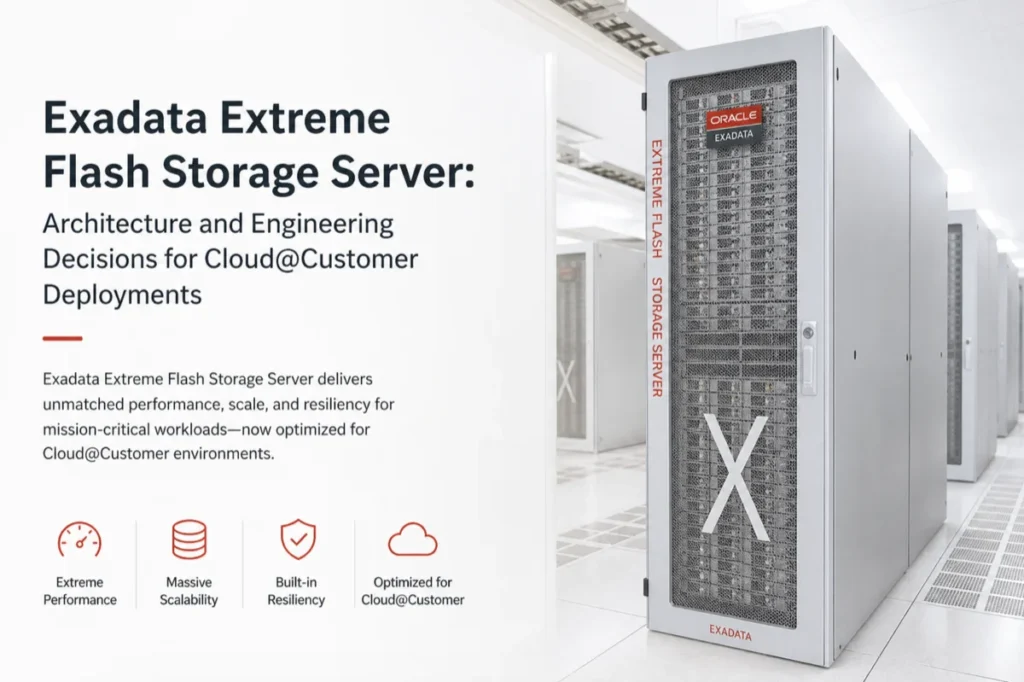
What the Storage Architecture Actually Looks Like
Both storage server options in Exadata Cloud@Customer use a tiered approach, but the tiers are fundamentally different in composition. High Capacity combines DRAM, a flash cache layer, and a spinning disk into a single storage node.
Extreme Flash eliminates spinning disk entirely and replaces it with two distinct flash tiers: performance-optimized flash for latency-sensitive read and write paths, and capacity-optimized flash for longer-term, bulk-write storage.
The Flash Tier Split in Extreme Flash
The performance-optimized flash tier in Extreme Flash handles the hot data path. It is where the database engine targets reads for data that needs sub-millisecond response times. Writes that must persist to a longer-term storage route through the capacity-optimized flash tier, which trades some latency headroom for denser, lower-cost flash capacity.
High Capacity vs Extreme Flash: Choosing the Right Tier for Your Workload
The choice between these two server types is not about which one is newer or faster in an abstract sense. It is about matching the storage hardware to the I/O characteristics of your specific workloads. The table below summarizes the key architectural differences that should drive your decision:
| Attribute | High Capacity | Extreme Flash |
| Storage media | DRAM + flash cache + spinning disk | DRAM + performance flash + capacity flash |
| Spinning disk present | Yes | No |
| Best for workload type | Mixed OLTP and analytics with cost sensitivity | Large random I/O, all-flash latency requirements |
| Data tiering model | Automatic tiering across memory, flash, and disk | Flash-only tiering between performance and capacity layers |
| Cost profile | Lower per-terabyte cost at scale | Higher per-terabyte, optimized for performance density |
When Your Workload Actually Needs All-Flash
High Capacity works well for workloads that fit within the flash cache and do not stress the disk tier with large random reads. You run into its limits when your working set consistently exceeds the flash cache size, or when your workload generates heavy, large random I/O that forces the storage engine to reach through to spinning disk. As one experienced Exadata architect noted, "Any time your I/O profile is dominated by large random reads against a working set larger than your flash cache, you are leaving significant latency on the table with a tiered disk architecture."
Extreme Flash removes that ceiling entirely by making the performance-optimized flash tier the primary storage medium rather than a cache in front of disk. Your large random I/O reads hit flash regardless of whether that data has been recently cached.
AI and Vector Search Workloads: Why the Storage Layer Matters
Real-time inference pipelines, vector similarity search, and retrieval-augmented generation workloads share a common I/O characteristic: they issue many parallel, large, non-sequential reads against a dataset that may be too large to fit in DRAM or a flash cache. These access patterns are precisely where the gap between all-flash and tiered disk performance is most visible. If you are running AI-adjacent database workloads on Exadata Cloud@Customer, the Extreme Flash server gives your query engine a consistent latency floor that does not vary based on whether data has been recently accessed.
Compatible Hardware Generation and Memory Shapes
Extreme Flash is available on the X11M hardware generation of Exadata Cloud@Customer. You can deploy it with any of the four database server memory shapes:
- Base memory shape
- Standard memory shape
- Large memory shape
- Extra Large memory shape
You can pair Extreme Flash storage servers with any of these shapes, which means your storage tier choice is decoupled from your compute memory capacity decision. These two dimensions can be optimized independently based on your workload requirements.
Database Service Compatibility
Both Exadata Database Service and Autonomous Database on Exadata Cloud@Customer support Extreme Flash storage servers. This means you are not limited to one service type to access all-flash performance. You can provision either service type against an Extreme Flash infrastructure and get the same storage characteristics regardless of which database service layer you choose.
Storage Management: ASM and Exascale
Extreme Flash supports both of the primary storage management stacks available on Exadata Cloud@Customer. If your environment uses Automatic Storage Management for disk group configuration and data placement, Extreme Flash works with that layer directly. If you are running the newer Exascale storage management stack, Extreme Flash is also fully compatible.
Checking Your Current Storage Management Mode
To verify which storage management mode your current infrastructure is using before planning a migration or new deployment, you can query the storage cell configuration using cellcli on any storage node:
cellcli -e list cell attributes cellsrv, flashcachemode, storageType
The storageType output will confirm whether the cell is operating as a High Capacity or Extreme Flash node before you finalize your infrastructure order.
The Homogeneity Constraint You Cannot Work Around
One hard constraint you need to know before designing your infrastructure is that all storage servers within a single Exadata Cloud@Customer infrastructure must be the same storage type. You cannot mix High Capacity and Extreme Flash nodes within one rack or infrastructure unit. This means your storage tier decision is an infrastructure-level commitment, not a workload-level one you can adjust incrementally.
If you are running multiple workloads with different I/O profiles on the same Exadata infrastructure today, this constraint requires you to evaluate which workload type is dominant and design the storage tier around that profile.
When High Capacity Still Makes More Engineering Sense
Not every database workload on Exadata Cloud@Customer benefits from all-flash architecture. If your working set fits comfortably within the flash cache on a High Capacity node, your reads will already be served from flash at similar latencies to what Extreme Flash delivers. Consider these scenarios where High Capacity remains the right call:
- Your database working set is consistently smaller than the available flash cache, meaning the disk is rarely accessed in normal operation
- Your workload is predominantly sequential scan-heavy analytics, where disk throughput is acceptable, and latency is not the binding constraint
- You need maximum raw storage capacity per rack unit at a lower cost per terabyte, and can tolerate occasional disk I/O on cache misses
- Your I/O profile is mixed enough that automatic tiering between flash and disk provides a cost-effective middle ground
Capacity Planning Considerations Before Committing
Because the storage type is fixed at infrastructure provisioning time, your capacity planning process needs to account for growth in your working set over the infrastructure lifecycle. An all-flash deployment that is correctly sized at launch can become a bottleneck as data volumes grow if you underestimate your capacity-optimized flash requirements. Review your current growth rate for active datasets and factor in at least 18 to 24 months of working set expansion before selecting a storage configuration.
Conclusion
The Extreme Flash storage server for Exadata Cloud@Customer is a meaningful architectural choice rather than a straightforward upgrade from High Capacity. Your decision depends on whether your workloads issue large random I/O against datasets that regularly exceed your flash cache, require consistent sub-millisecond latency for all data regardless of access recency, or support AI-adjacent query patterns like vector search and real-time inference.
If those conditions match your environment, Extreme Flash removes the disk-tier ceiling from your performance envelope. If they do not, High Capacity continues to deliver a cost-effective balance between latency, throughput, and storage density for the X11M generation of Exadata Cloud@Customer.
