Free Pixel Item 3D Models: Voxel Food, Tools, Lantern, Torch and Spellbook (GLB, OBJ, STL)
Fourteen free pixel item 3D models: pixel-art game items pushed out into puffy voxel 3D. A lantern, a bow, a shield, a scroll, an apple, bread, a drumstick, a fish, a mushroom, a pickaxe, an axe, a torch, a spellbook and a set with all of them.
- 14 models
- 324–6,758 triangles
- 27 KB–428 KB each
- GLB, glTF, OBJ, STL
- CC BY 4.0
- No login
All 14 models
Drag a model to turn it, or tap it to open the 3D viewer with zoom. Sizes are width × depth × height.
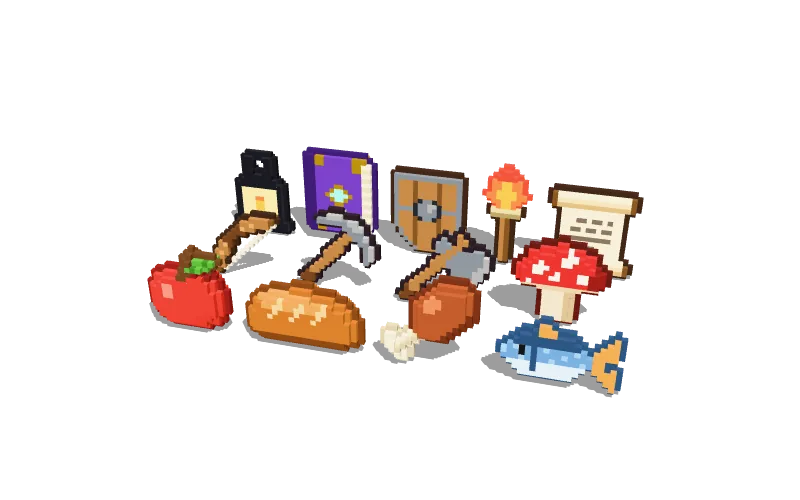
Pixel Item Set
13 pixel items
All thirteen pixel items in three rows: lantern, spellbook, shield, torch, scroll, bow, pickaxe, axe, mushroom, apple, bread, drumstick and fish.
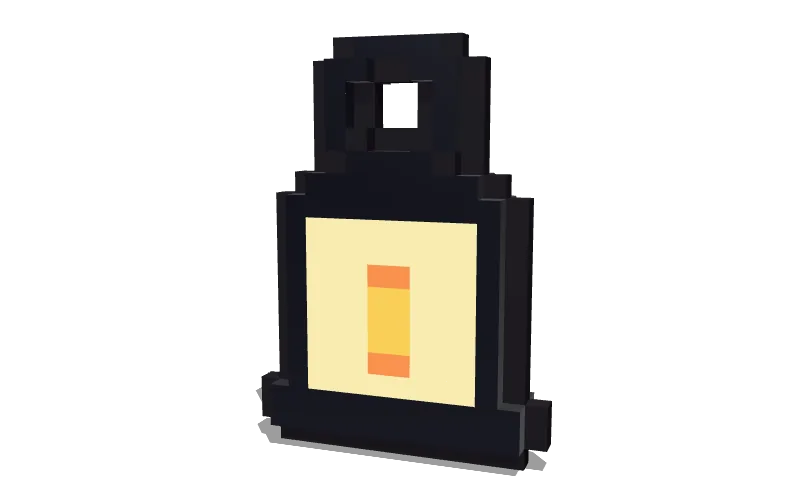
Pixel Lantern
Pixel item
A pixel-art iron lantern pushed out into 3D, with a ring handle, glowing glass panes and a flame. Spin clip.
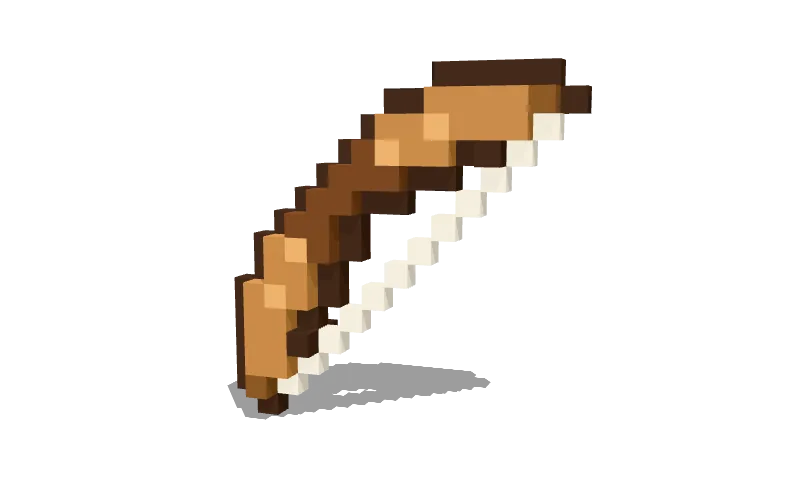
Pixel Bow
Pixel item
A pixel-art wooden bow drawn on the diagonal, with a leather grip, dark tips and a thin cream string. Spin clip.
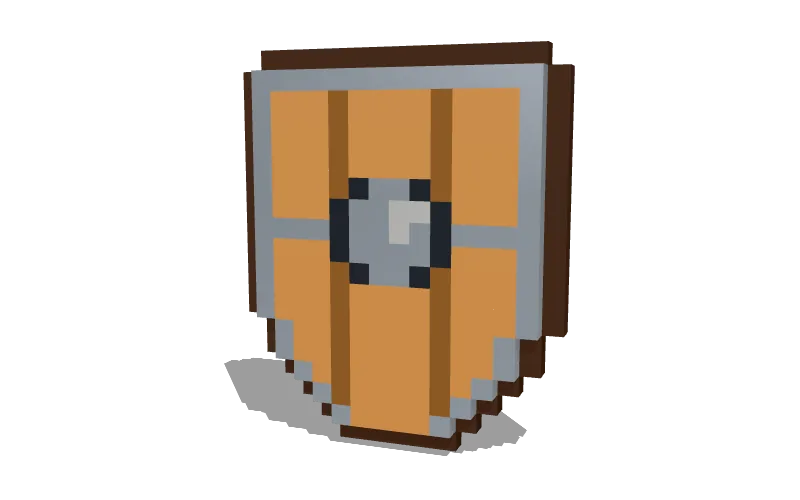
Pixel Shield
Pixel item
A pixel-art wooden shield with plank lines, a steel rim, a steel cross band and a round steel boss. Spin clip.

Pixel Scroll
Pixel item
A pixel-art parchment scroll rolled at both ends, with scribbled lines (no real words) and a red wax seal. Spin clip.
Pixel Apple
Pixel food
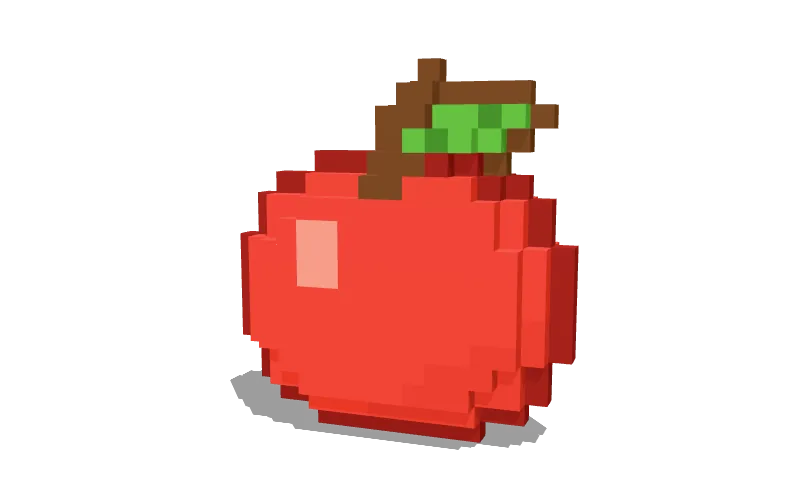
A puffy pixel-art red apple with a shine, a brown stem and a green leaf. A health or food pickup with a Spin clip.
Pixel Bread
Pixel food
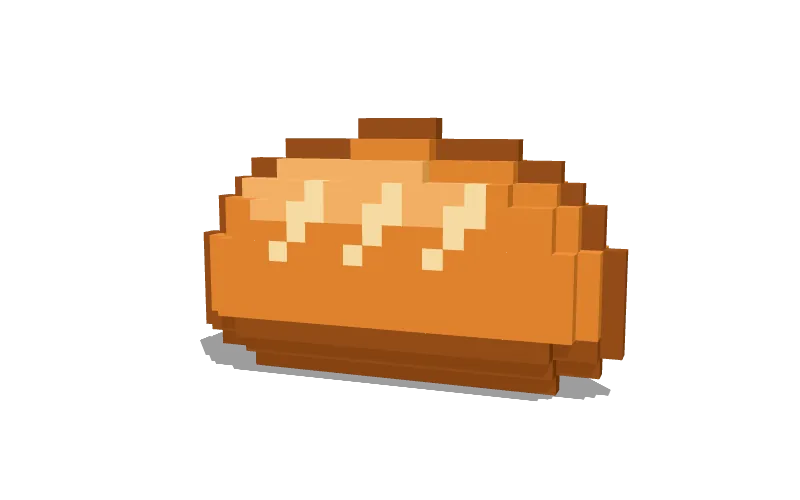
A puffy pixel-art loaf of bread with a golden crust, a darker base and three scored cuts on top. Spin clip.
Pixel Drumstick
Pixel food
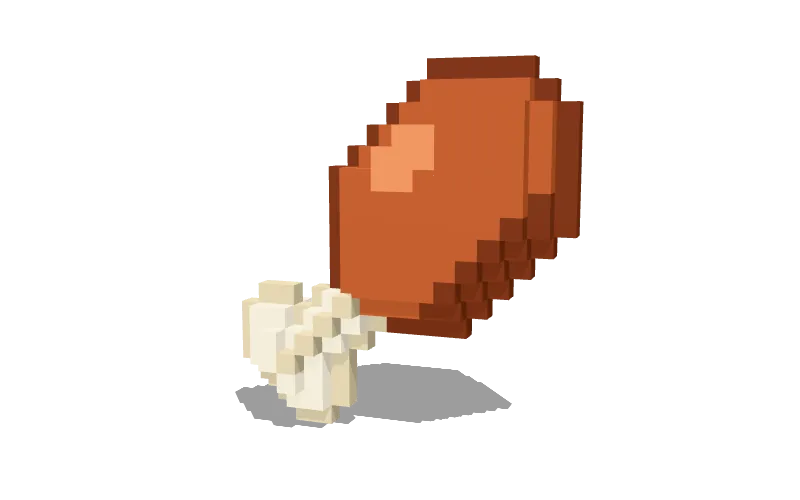
A puffy pixel-art roast drumstick: a juicy brown leg on a white bone with a knobbly end. Spin clip.
Pixel Fish
Pixel food
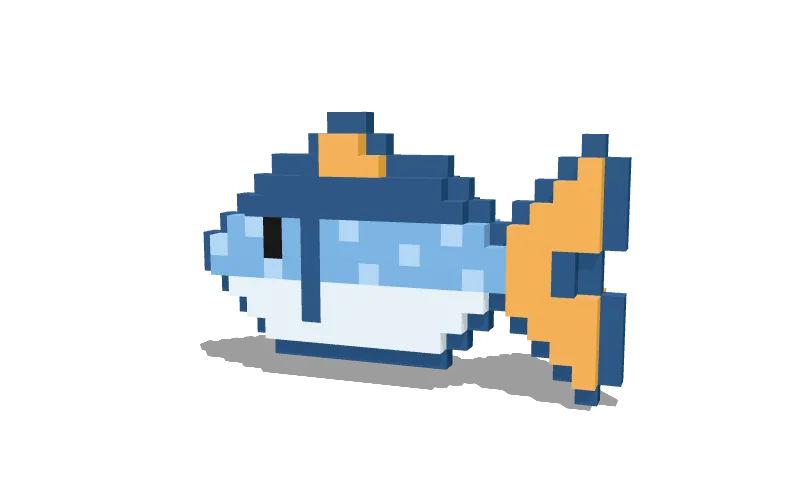
A pixel-art blue fish with a pale belly, scales, a gill line, an eye and orange fins and tail. Spin clip.
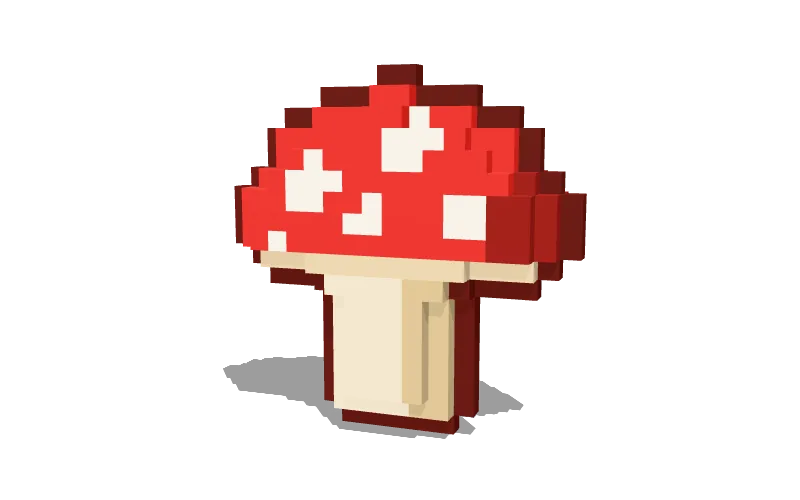
Pixel Mushroom
Pixel item
A puffy pixel-art red mushroom with white spots, a pale gill line and a short cream stalk. Spin clip.
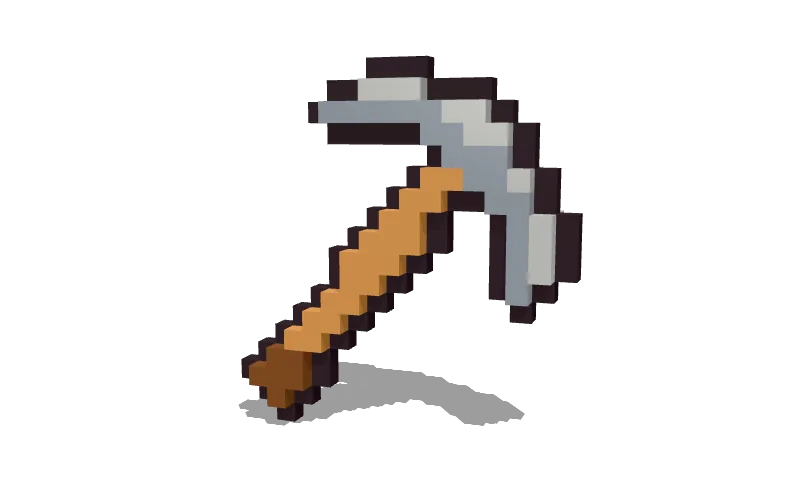
Pixel Pickaxe
Pixel tool
A pixel-art pickaxe on the diagonal: a curved steel head on an iron collar and a wooden handle with a leather end. Spin clip.
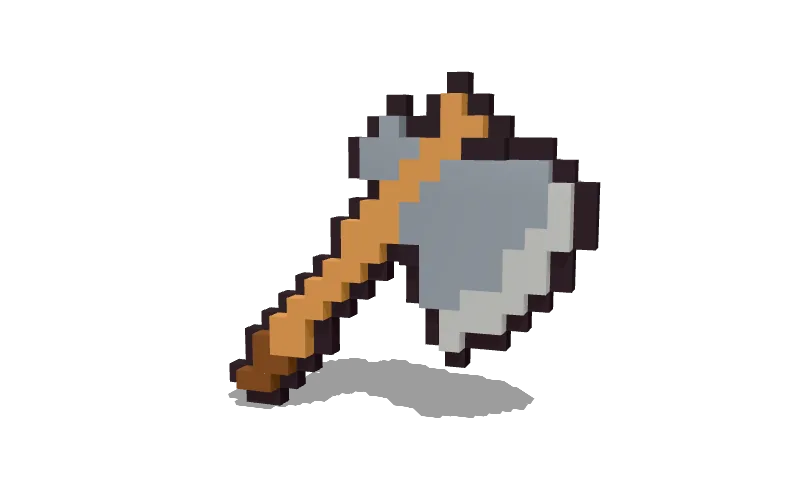
Pixel Axe
Pixel tool
A pixel-art axe on the diagonal: a broad steel blade with a bright edge on a wooden handle with a leather grip. Spin clip.
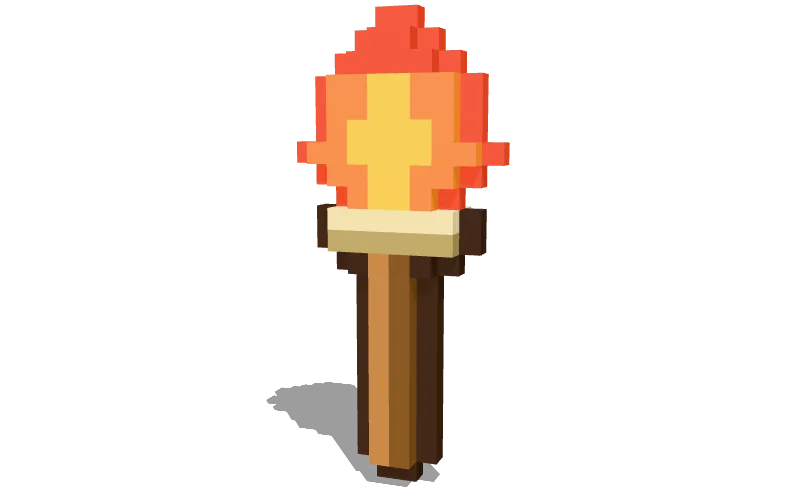
Pixel Torch
Pixel item
A pixel-art wooden torch with a cloth wrap and a glowing flame in red, orange and yellow. Spin clip.
Pixel Spellbook
Pixel item
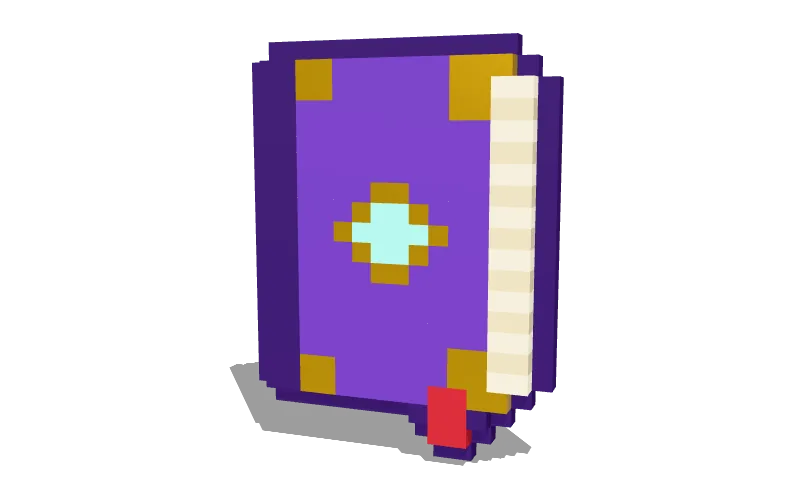
A pixel-art purple spellbook with gold corners, a glowing teal gem on the cover, cream pages and a red ribbon. Spin clip.
Made for games
- Spin clipEvery item has a Spin animation: one full turn in two seconds with a small bob, ready to use as a pickup in your game.
- One textureAll the items share one small palette texture, so a whole level of pickups can draw with a single material.
- Glow partsThe lantern glass, torch flame and spellbook gem use a glowing material, so they light up with bloom.
- Our own designsPixel art drawn for this pack: no game sprites, logos or words.
How to use these GLB models
GLB is binary glTF 2.0: one file with the mesh, materials and node names. Every modern 3D tool reads it.
three.js
Load it with GLTFLoader, as in the code below. Babylon.js, PlayCanvas and A-Frame load GLB directly too.
Unity
Add the free glTFast package (Package Manager, add by name: com.unity.cloud.gltfast), then drag the .glb into Assets.
Godot 4
Drop the .glb into the FileSystem dock. Godot imports it as a scene you can instance.
Blender
File, Import, glTF 2.0. From there you can also export to FBX, OBJ or STL.
import * as THREE from 'three';
import { GLTFLoader } from 'three/addons/loaders/GLTFLoader.js';

const gltf = await new GLTFLoader().loadAsync('model.glb');
const model = gltf.scene;
scene.add(model);

// the model is in metres, +Y up, facing +Z, standing on the ground at the origin

// play the Spin clip on a pickup (three.js)
const gltf = await new GLTFLoader().loadAsync('pixel-apple.glb');
scene.add(gltf.scene);
const mixer = new THREE.AnimationMixer(gltf.scene);
mixer.clipAction(THREE.AnimationClip.findByName(gltf.animations, 'Spin')).play();
// in your render loop: mixer.update(delta);
Licence: free with credit (CC BY 4.0)
All models are made by vinish.dev and released under Creative Commons Attribution 4.0. You may use them in personal and commercial projects, change them and share them. The one condition is credit, for example in your game's credits, your app's about page or your video description:
Each file carries its own credit line inside it (the glTF asset.copyright field), and each zip has a CREDITS.txt. If you change a model, say so after the credit, for example "recoloured".
Questions
How big are the pixel items?
Each pixel is a 4 cm voxel, so the items are about 50 to 90 cm tall, a good size for pickups next to a character. Scale them freely in your engine.
Do the items move?
Yes. Each single item has a Spin clip that turns it once around in two seconds and bobs it up a little. The set is a still scene.
Why are they puffy?
The pixel art is pushed out into 3D with the inner pixels thicker than the edges, so each item looks rounded from the side instead of flat.
What goes with them?
Pair them with the Voxel and Pixel, Voxel Nature, Game Props and Dungeon packs.
Can I use them in a paid game or video?
Yes. They are CC BY 4.0: free for commercial use, just credit vinish.dev.
Can I use these models in a commercial game?
Yes. CC BY 4.0 allows commercial use. Put the credit line in your credits or about screen.
Do I need an account?
No. There is no login, sign-up or email. Click Download and the file is yours.
Can I get OBJ, STL or glTF?
Yes. Press the arrow next to Download GLB, or open the 3D view, and pick glTF, OBJ or STL. Your browser makes the file from the GLB in a second or two. OBJ and STL have no animation. STL is in millimetres with Z up; the models are made of separate parts, so a slicer may need to repair or merge them before 3D printing. For FBX, import the GLB into Blender (File, Import, glTF 2.0) and export it.
Can I change the models?
Yes. You may edit, recolour or cut them up. Keep the credit and mention that you changed them.
More from vinish.dev
- Free 3D Models: every pack in the library
- All 3D model categories: the full list on one page, with a search box
- Free Planet and Moon 3D Models: Made-up worlds for space games and scenes, each with its own painted surface, craters and clouds.
- Free Cactus and Succulent 3D Models: Desert plants with ribs, spines, pads and fleshy leaves, from tiny potted rosettes to 3 m shrubs.
- Free Outdoor Furniture 3D Models: Garden, patio and pool furniture in teak, aluminium, rattan and rope, with soft outdoor cushions.
- Free Bow and Crossbow 3D Models: Traditional and modern bows with their strings on, crossbows cocked with a bolt, arrows, a quiver and a target.
- Free Off-Road 4x4 3D Models: Lifted trucks, crawlers and buggies on big all-terrain tyres, loaded with racks, winches, tents and spare wheels.
- Free European Old Town 3D Models: Gabled townhouses, civic buildings and street pieces in an old European style, ready to line a cobbled street.
- Free Fountain 3D Models: Garden, park and plaza fountains with the water already in them: still pools, falling sheets and arcing jets.
- Free Surgical Instrument 3D Models: Stainless steel surgical tools at real size, for hospital scenes, medical games, training and product renders.
- Free Mask 3D Models: Theatre, party, costume and safety masks with real eye holes and thickness, for games, films and props.
- Free Cartoon People 3D Models: Rigged big-head cartoon townspeople with idle, walk and run clips for cosy games, kids apps and animation.
- Free Yacht 3D Models: Motor and sailing yachts from a 5.8 m tender to a 40 m superyacht, for marinas, harbour scenes, games and films.
- Free Server Room 3D Models: Racks, cables, cooling and power at real size for data centre scenes, tech games and explainer videos.
- Free Astronaut and Space Suit 3D Models: Rigged astronauts with walk and run clips, plus suit gear, for space games, films and classrooms.
- Free Prison 3D Models: A modern jail on a 3 m grid for escape games, crime dramas, stealth levels and police training scenes.
- Free Pipe and Valve 3D Models: Industrial pipework and plumbing parts for factories, plant rooms, refineries, basements, sci-fi sets and puzzle games.
- Free Electric Car and Charger 3D Models: Battery cars and the kit to charge them, for car parks, city streets, homes, games and EV explainer videos.
- Free Lizard and Reptile 3D Models: Scaly lizards at real size for zoos, terrariums, deserts, jungles, nature films and creature games.
- Free Grass and Ground Cover 3D Models: Clumps, patches and pond-side plants to dress the ground in gardens, parks, meadows and nature games.
- Free Abstract Shapes 3D Models: Glossy maths shapes and modern sculptures for shelves, galleries, logos, puzzles and stylish game levels.
- Free Viking Age 3D Models: Norse buildings, a cargo ship and everyday things for saga games, history scenes and village builders.
- Free Candy and Chocolate 3D Models: Sweets for candy shops, parties, fairgrounds, kitchens and cute games, in bright glossy colours.
- Free Keyboard and Mouse 3D Models: Keyboards and mice for desk scenes, game rooms, offices and product shots, with every key a real shaped keycap.
- Free Desk 3D Models: Desks for offices, studies, bedrooms and game rooms, old and new, each dressed with a few things to work with.
- Free Columns and Arches 3D Models: Building parts for gateways, cloisters, porches, gardens and ruins: arches in stone and brick, rows of columns and single pillars.
- Free Cottages and Cabins 3D Models: Small country homes for a village, a lakeside, a forest or a mountain scene, each with its own garden, deck, dock or props.
- Free Diesel and Electric Locomotive 3D Models: Hood units with walkways and railings, full-body diesels and electrics with raked cabs, real trucks and bogies, fans and pantographs as separate nodes.
- Free Moon and Mars Base 3D Models: Build a base on another world: domes, modules, a tunnel and an airlock to join them, power and comms gear, a rover, a lander and its pad.
- Free Low Poly People 3D Models: Faceted townspeople in flat colours, about 1,000 triangles each, on one 17-bone skeleton with idle, walk and run clips, ready to fill a game town.
- Free Hot Rod 3D Models: Open V8s with stacks, blowers and chrome headers, small front and big rear wheels, dropped axles and painted flames, all as separate wheel nodes.
- Free Voxel Vehicles 3D Models: Fill a blocky world with traffic: cars, trucks, a tractor, boats and aircraft built from 12.5 cm cubes, with wheels, propellers and rotors that spin.
- Free Katanas and Asian Weapons 3D Models: Arm a samurai, a ninja or a kung fu hero: curved blades with temper lines, silk-wrapped grips, lacquer scabbards and martial arts tools.
- Free Castle Interior 3D Models: Furnish a great hall, a throne room and a royal bedchamber: carved oak, red velvet, iron, candles and stone, ready for a fantasy game.
- Free Basketball 3D Models: Everything for a gym or an outdoor court: three hoops at the right heights, a marked half court, scoring gear and seating.
- Free Propeller Plane 3D Models: Small and mid size planes for airfields, lakes and farm strips, each with spinning propellers and wheels as their own parts.
- Free Library 3D Models: Library furniture that comes stocked: shelves full of books, lamps, open books and dressing, ready to drop into a reading room, a school or a game level.
- Free Bush and Hedge 3D Models: Clipped boxwood shapes, potted topiaries, a tall hedge kit that joins end to end, and loose garden bushes with berries, flowers, needles and autumn leaves.
- Free Modern Villa 3D Models: Flat roofs, big glass walls, pools, decks, terraces with glass rails, pergolas, palms and planters, from a one storey courtyard house to a three level hillside villa.
- Free Eagle, Hawk and Owl 3D Models: Golden eagle, harpy eagle, peregrine falcon, kestrel, red tailed hawk, Harris hawk, osprey, turkey vulture, Andean condor, snowy owl, great horned owl and burrowing owl.
- Free Muscle Car 3D Models: Period muscle cars with stripes, scoops, a shaker, a supercharger, wings, louvers, side pipes and fat rear tyres: hardtops, a convertible, a sedan and a wagon.
- Free Space Station Kit 3D Models: Modular station parts that join port to port: hub, corridor, docking port, habitat, lab, airlock, cargo, cupola, truss, solar wing, radiator, robotic arm, dish and a full station.
- Free Shelf and Bookcase 3D Models: Tall, barrister, staggered, revolving and cabinet bookcases, ladder, cube, floating, pipe, corner and wire shelves, and a kids book display, filled with books and decor.
- Free Keychain 3D Models: Heart, star, puzzle piece and lightning bolt keychains, a cat, fox, whale, owl, paw and dinosaur, and round, bone, luggage and hexagon tags, in two colours.
- Free Soldier 3D Models: Rigged soldiers in made-up camo and uniforms: infantry, winter, desert, medic, tank crew, pilot, radio, officer, paratrooper, jungle scout, sailor and engineer. Idle, walk and run.
- Free Blacksmith 3D Models: A working forge in brick, iron, steel, leather and old wood, with a live coal fire and glowing hot metal.
- Free Alchemy Lab 3D Models: A fantasy alchemist room in copper, brass, glass, stone and old wood, with glowing brews, crystals and fire.
- Free Low Poly Car 3D Models for Games: 12 vehicles with separate wheels
- Sample GLB Files: small test files for loaders, viewers and engines
- Free browser games and simulators by vinish.dev