Free Airport Terminal 3D Models: Check-In Desk, Baggage Carousel, Security Scanner, Jet Bridge and More (GLB, OBJ, STL)
Twelve free airport terminal 3D models: a check-in desk with a bag scale, a self check-in kiosk, a gate podium, a gate seating row, a baggage carousel, a bag x-ray scanner, a walk-through metal detector, an automatic boarding gate, queue stanchions, a flight information board, a moving walkway and a passenger boarding bridge. Free for commercial use under CC BY 4.0, no login.
- 12 models
- 518–5,472 triangles
- 46 KB–182 KB each
- GLB, glTF, OBJ, STL
- CC BY 4.0
- No login
All 12 models
Drag a model to turn it, or tap it to open the 3D viewer, where you can zoom and download it. Sizes are width × depth × height.
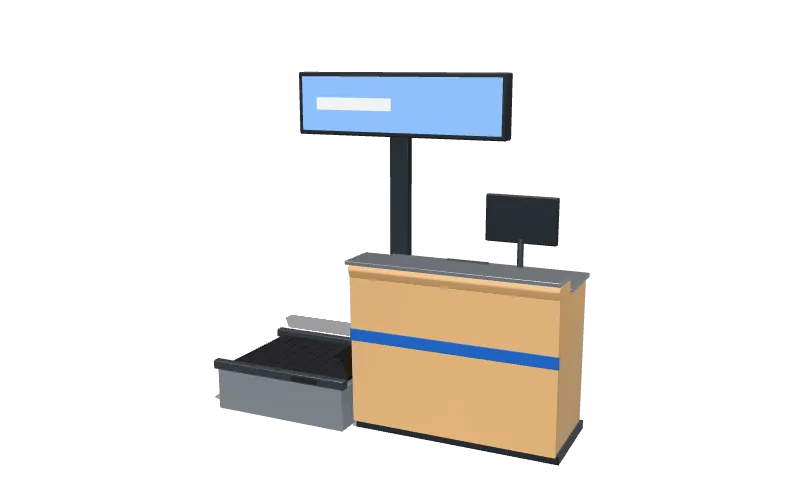
Airport Check-In Desk
Desk and bag scale
Wood and steel check-in desk with a bag scale belt beside it, an agent screen and a tall blue lit sign panel.
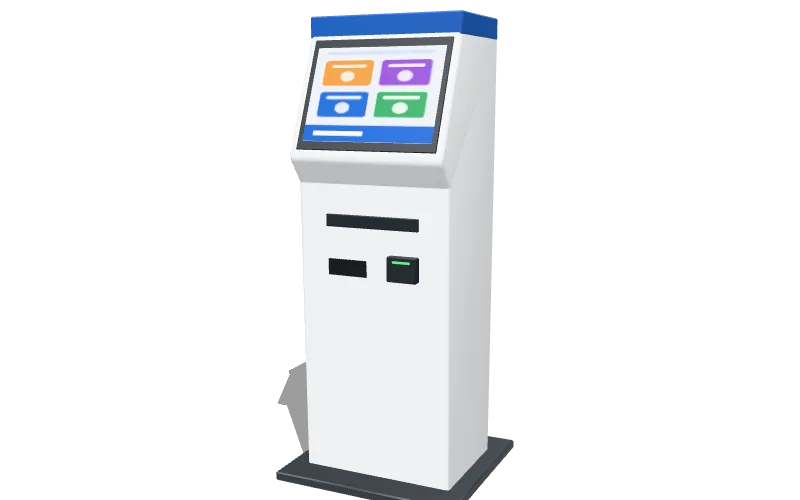
Self Check-In Kiosk
Touch kiosk
White self check-in kiosk with a tilted touch screen of blank coloured tiles, a printer slot and a card reader.
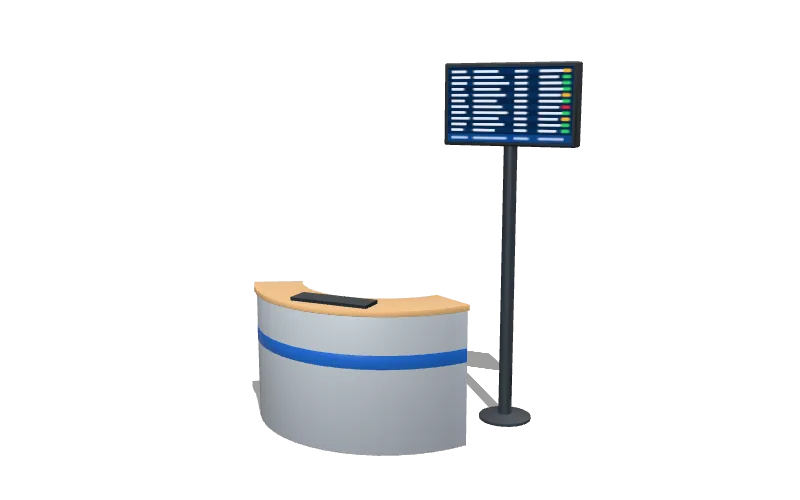
Airport Gate Podium
Boarding desk
Curved gate podium with a wood top and blue band, plus a pole mounted two sided screen showing blank rows.
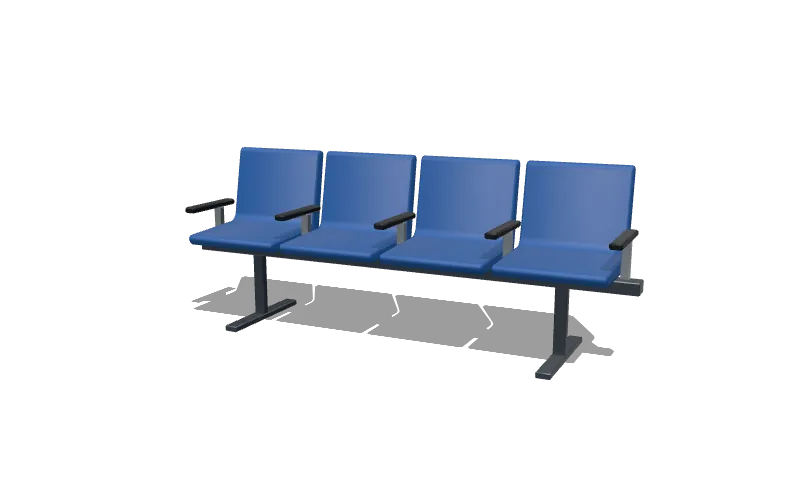
Airport Gate Seating Row
Linked seats
Row of four linked blue gate seats on a steel beam with T legs, armrests and padded black arm tops.
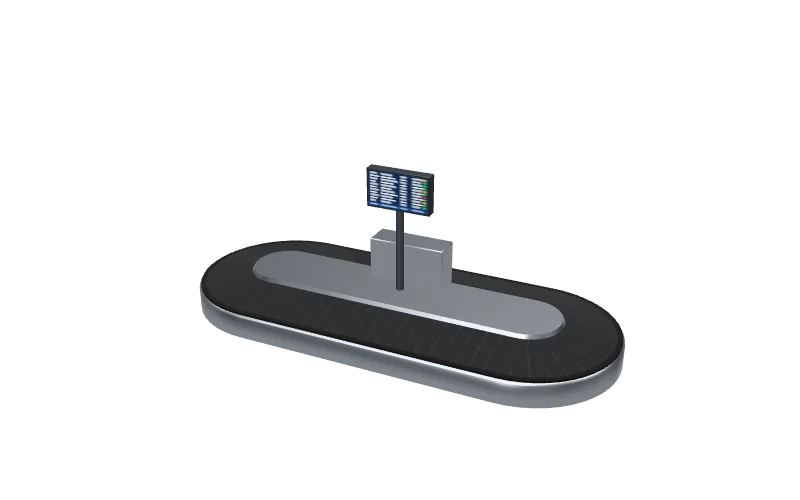
Baggage Carousel
Bag belt loop
Oval baggage carousel with a dark sloped slat belt, a rubber edge, a steel island, a bag feed hood and a screen.
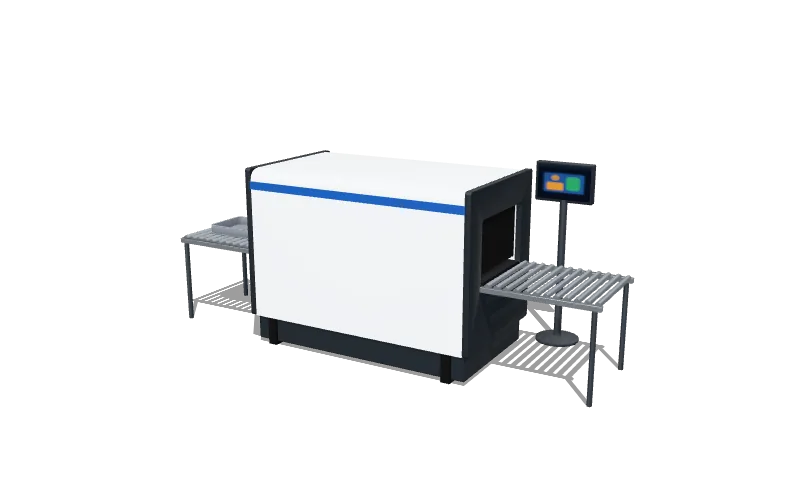
Bag X-Ray Scanner
Security scanner
Bag x-ray scanner with a white tunnel, rubber curtains, a belt, roller tables, a grey tray and an operator screen.
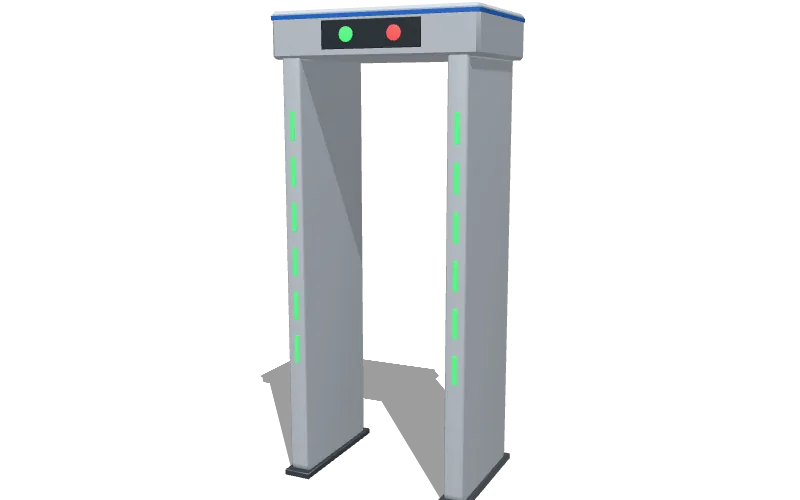
Walk-Through Metal Detector
Security arch
Grey walk-through metal detector arch with green light strips on both sides and green and red top lamps.
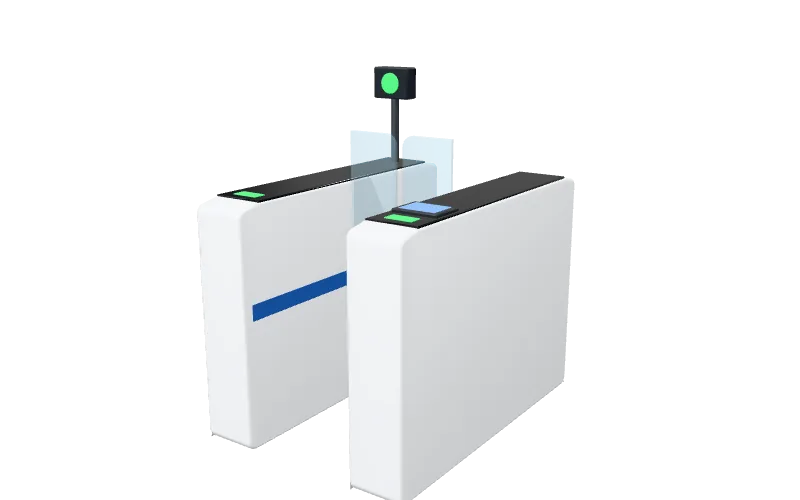
Automatic Boarding Gate
E-gate
Automatic boarding gate with two white cabinets, tinted glass flap doors, a scan pad and a green signal light.
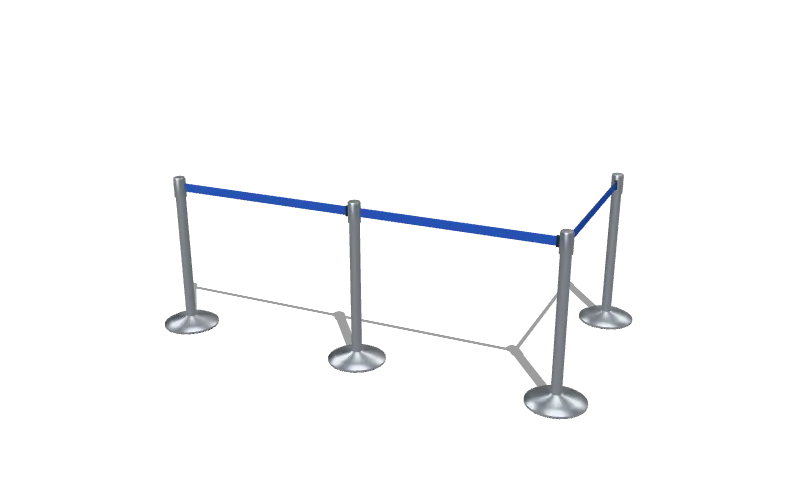
Queue Stanchion Set
Belt barriers
Four steel queue stanchions on weighted round bases joined by blue retractable belts in an L shaped lane.
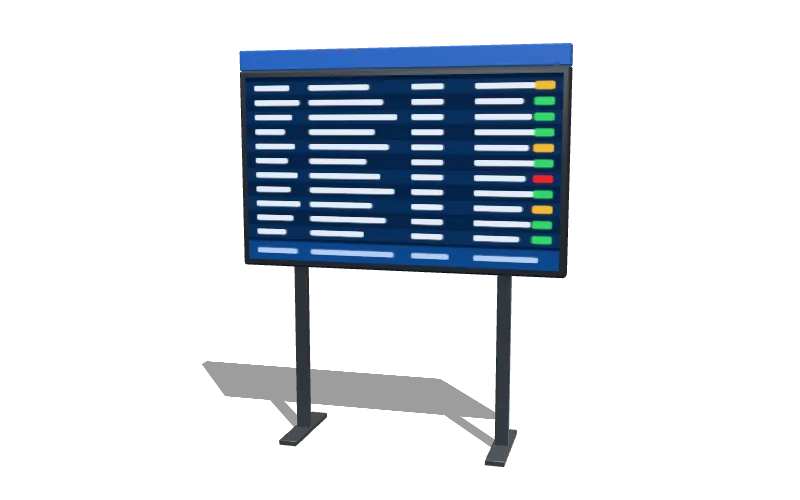
Flight Information Board
Departure screen
Large departures board on two legs with a dark blue screen of blank rows and green, amber and red status cells.
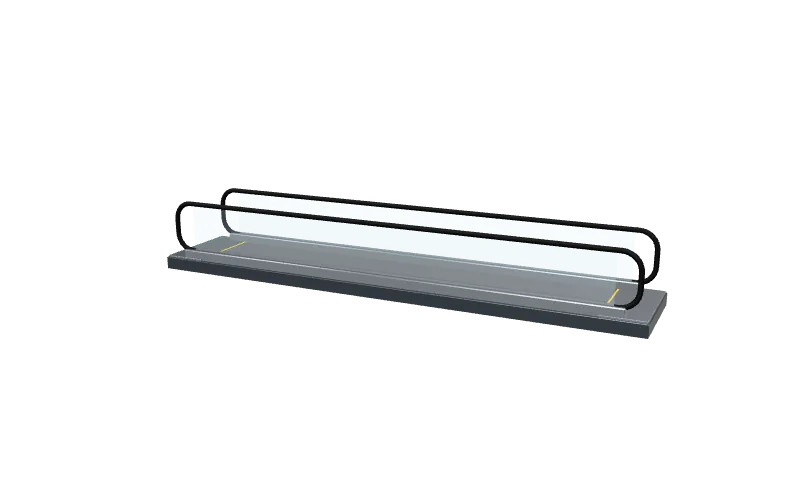
Moving Walkway
Travelator
Moving walkway with a grooved steel tread, landing plates, yellow comb edges, glass sides and black handrails.
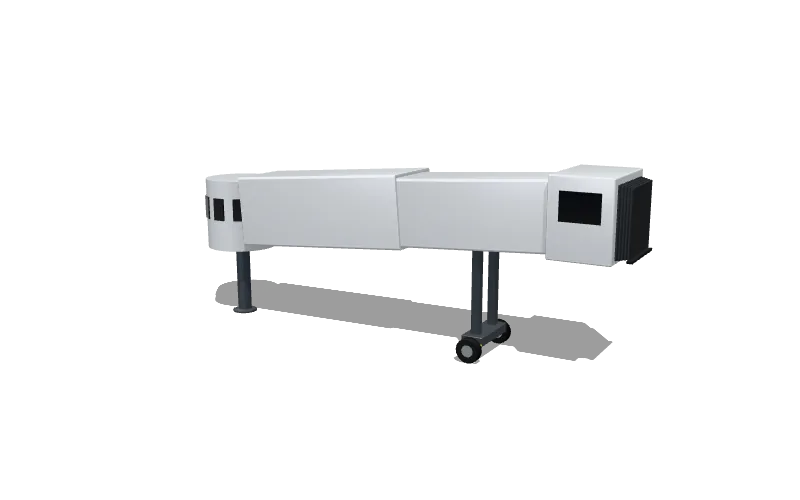
Passenger Boarding Bridge
Jet bridge
Jet bridge with a rotunda on a column, two telescopic tunnel sections, a cab with bellows and a wheeled drive leg.
Made for games
- Whole passenger pathCheck in, security, the gate and boarding: desks, a kiosk, a scanner, a metal detector, an e-gate, seats, a carousel and a jet bridge.
- No text or logosScreens and signs show blank bars, tiles and coloured status cells, with no words, flight numbers, airline names or logos.
- Simple to fill a hallVery light at about 500 to 5,500 triangles and under 200 KB each, so you can repeat seats, kiosks and stanchions across a big terminal.
- Real sizeBuilt in metres: desks about 1.1 m high, the metal detector 2.3 m tall, the carousel 6.8 m long and the jet bridge about 18 m long.
How to use these GLB models
GLB is binary glTF 2.0: one file with the mesh, materials and node names. Every modern 3D tool reads it.
three.js
Load it with GLTFLoader, as in the code below. Babylon.js, PlayCanvas and A-Frame load GLB directly too.
Unity
Add the free glTFast package (Package Manager, add by name: com.unity.cloud.gltfast), then drag the .glb into Assets.
Godot 4
Drop the .glb into the FileSystem dock. Godot imports it as a scene you can instance.
Blender
File, Import, glTF 2.0. From there you can also export to FBX, OBJ or STL.
import * as THREE from 'three';
import { GLTFLoader } from 'three/addons/loaders/GLTFLoader.js';

const gltf = await new GLTFLoader().loadAsync('model.glb');
const model = gltf.scene;
scene.add(model);

// the model is in metres, +Y up, facing +Z, standing on the ground at the origin

// line up three seat rows at a gate (three.js)
const row = (await new GLTFLoader().loadAsync('airport-gate-seating-row.glb')).scene;
for (let i = 0; i < 3; i++) { const r = row.clone(); r.position.set(0, 0, i * 1.6); scene.add(r); }
Licence: free with credit (CC BY 4.0)
All models are made by vinish.dev and released under Creative Commons Attribution 4.0. You may use them in personal and commercial projects, change them and share them. The one condition is credit, for example in your game's credits, your app's about page or your video description:
Each file carries its own credit line inside it (the glTF asset.copyright field), and each zip has a CREDITS.txt. If you change a model, say so after the credit, for example "recoloured".
Questions
Do the screens show flight times?
No. Every screen shows only blank bars, tiles and coloured status cells, so there are no flight numbers, words, airline names or logos to change.
Is there a jet bridge?
Yes. The passenger boarding bridge has a rotunda on a column, two telescopic tunnel sections, a cab with bellows and a wheeled drive leg, at about 18 m long.
How big are they?
Real size in metres: the kiosk is about 1.5 m tall, the seat row 2.4 m wide, the x-ray scanner 3.8 m long with its roller tables and the carousel 6.8 m long.
Can I use them in a game?
Yes. They are free under CC BY 4.0 for games, films, renders and architecture scenes, and they suit airport levels, travel apps and terminal walk-throughs.
What goes with them?
Pair them with the Passenger Jets, Aircraft, Train Station and Benches packs.
Can I use these models in a commercial game?
Yes. CC BY 4.0 allows commercial use. Put the credit line in your credits or about screen.
Do I need an account?
No. There is no login, sign-up or email. Open a model in the 3D view and press Download: the file is yours.
Can I get OBJ, STL or glTF?
Yes. Open the model in the 3D view and pick glTF, OBJ or STL. Your browser makes the file from the GLB in a second or two. OBJ and STL have no animation. STL is in millimetres with Z up; the models are made of separate parts, so a slicer may need to repair or merge them before 3D printing. For FBX, import the GLB into Blender (File, Import, glTF 2.0) and export it.
Can I change the models?
Yes. You may edit, recolour or cut them up. Keep the credit and mention that you changed them.
More from vinish.dev
- Free 3D Models: every pack in the library
- All 3D model categories: the full list on one page, with a search box
- Free Lock and Key 3D Models: Brass, nickel, chrome and old iron finishes, chrome shackles, keyways, tick-marked dials, cut key blades and an oak door section.
- Free Traffic Light and Barrier 3D Models: Yellow and black signal heads with visors and backplates, glowing red, amber and green lenses, striped arms and boards, concrete and plastic barriers.
- Free Concert Stage 3D Models: Aluminium box truss, black speaker cabinets with metal grilles, glowing stage light lenses, chain hoists, crowd barriers and a curved stage roof.
- Free Steampunk Machine 3D Models: Polished brass and copper, riveted iron, spoked flywheels, open gears, round pressure gauges, valve wheels, governors and glowing bulbs.
- Free Vintage Radio and TV 3D Models: Polished walnut cabinets, cloth speaker grilles, glass dials with red needles, bakelite and chrome knobs, domed tube screens and telescopic aerials.
- Free Haunted House 3D Models: Weathered boards, mossy and rusty roofs, boarded windows, eerie orange and green glowing windows, sagging porches, leaning walls and dead trees.
- Free Subway Station 3D Models: White tiles with blue bands, grey floor tiles, yellow tactile strips, stainless fittings and standard gauge track, to build a metro station from street to tunnel.
- Free Terrain Tile 3D Models: Chunky game terrain blocks with textured tops and soil sides, built on one grid so every edge meets its neighbour at the same height.
- Free 3D Icons: Chunky, soft and glossy icons in bright colours with deep rounded bevels, ready for apps, websites, landing pages and game menus.
- Free Market Stall 3D Models: Pop-up gazebos and wooden awning stalls of a modern farmers market, each one loaded with its own goods and a blank chalkboard sign.
- Free DNA and Molecule 3D Models: Glossy ball-and-stick models in the usual model kit colours: black carbon, white hydrogen, red oxygen, blue nitrogen, each on a clear rod stand.
- Free Armor 3D Models: Polished steel plates with rolled edges and rivets, steel mail, red velvet with brass studs and quilted linen, most of them on wooden museum stands.
- Free Human Anatomy 3D Models: Teaching models in classic anatomy colours, red arteries and blue veins, each on a black display stand, sculpted in code at real size.
- Free Lighthouse 3D Models: Banded paint, granite blocks, white shingles, red brick and riveted iron, each topped with a railed gallery, a glazed lamp room and a glowing lens.
- Free Road Sign 3D Models: Picture-only signs with crisp printed faces, galvanised backs, round steel posts, black caps, clamp bands and small concrete collars.
- Free Cup and Mug 3D Models: Glazed ceramic, speckled enamel, brushed steel, hammered copper and clear glass, with coffee, tea, water, lemonade and brandy inside some of them.
- Free Animal Skull 3D Models: Smooth pale bone with ivory teeth, brown ridged horns and tan antlers, ready for desert scenes, hunting lodges, witch huts, museums and Halloween.
- Free Podium 3D Models: Clean marble, pastel, terrazzo, stone, wood and glowing neon stages for product renders, mockups, ads and online shop images.
- Free Wedding 3D Models: Soft blush, ivory and peach roses with gold, silver and white satin, ready for venue walkthroughs, event planning renders and wedding scenes.
- Free Warehouse 3D Models: Bright safety yellow, red and blue steel with pine pallets and taped cartons, ready for logistics sims, factory levels and storage scenes.
- Free Sci-Fi Turret 3D Models: Clean white and grey armor with glowing cyan, orange and red lights, ready for tower defense, base building and shooter games.
- Free Cartoon Vehicle 3D Models: Chunky, toy-like cars and trucks with big wheels and bright glossy paint, ready for kids games, city builders and casual racers.
- Free Armored Vehicle 3D Models: Wheeled and tracked armor beyond the tank: troop carriers, scout cars, engineer and support vehicles at real size.
- Free Fantasy Village 3D Models: Storybook homes and village props with glowing windows, at real building size, ready for cosy games, fairy tale scenes and kids apps.
- Free Gas Station 3D Models: Everything for a roadside fuel stop, from pumps and canopy to the kiosk, car wash and forecourt props, at real size.
- Free Crystal and Gem 3D Models: Raw minerals, polished stones and cut gems at real size, ready for mining games, treasure rooms, shops and science scenes.
- Free 1980s Room 3D Models: Everything for a retro teen bedroom or living room scene, at real size and with no brands, words or numbers.
- Free Wine, Beer and Cocktail 3D Models: Real-size glasses with real wall thickness and the drink inside as its own see-through part, ready for bars, restaurants and party scenes.
- Free Dice and Playing Card 3D Models: Real-size game night props with round-pip dice and suit-pip cards, ready for board game scenes, card tables and game rooms.
- Free Tabletop Miniature STL: Each mini is one closed solid on its own round base at real millimetre size: download the STL, slice, prime and paint.
- Free Sci-Fi Soldier 3D Models: A future squad for a shooter or space game: armoured troopers with glowing visors, specialists with packs and tools, and officers. Idle, walk and run.
- Free Building Materials 3D Models: Strapped pallets, stacked timber, bar bundles and bulk bags at real size, for building sites, yards, games and films.
- Free Tableware 3D Models: China, glass, silver and wood for the table, from a butter dish to a laid dinner place, for dining rooms, restaurants, games and films.
- Free Alien Creature 3D Models: Strange alien animals from a small hopper to a 5.7 m tunnel worm, for sci-fi games, alien planets, films and prints.
- Free Garage 3D Models: Lifts, jacks, tool chests and tire machines for car repair shops, garages and mechanic games.
- Free Fossil 3D Models: Skulls, skeletons and stone fossils for museum scenes, dig site games and science lessons.
- Free Viking Village 3D Models: Halls, workshops, walls and docks for Norse settlements, survival games and saga scenes.
- Free Beach 3D Models: Umbrellas, towers, huts and sand toys for seaside scenes, summer games and holiday worlds.
- Free Casino 3D Models: Tables, slot machines and chips for casino scenes, heist games and card game worlds.
- Free Theme Park 3D Models: Bright fairground rides and stands for park builder games, carnival scenes and kids worlds.
- Free Flying Car and Air Taxi 3D Models: Near-future eVTOL air taxis, flying cars and landing pads for city builders, sci-fi games and future mobility scenes.
- Free Strategy Game Building 3D Models: Chunky medieval base buildings for real time strategy, city builder and tower defence games.
- Free Cartoon Building 3D Models: Bright, bendy toon buildings for kids games, casual city builders and cartoon worlds.
- Free Tank 3D Models: Tracked armour from the interwar years to today for war games, dioramas and battle scenes.
- Free Wheel and Tire 3D Models: Car, truck and classic wheels with real tread for garages, car games and parts shops.
- Free Low Poly Car 3D Models for Games: 12 vehicles with separate wheels
- Sample GLB Files: small test files for loaders, viewers and engines
- Free browser games and simulators by vinish.dev