
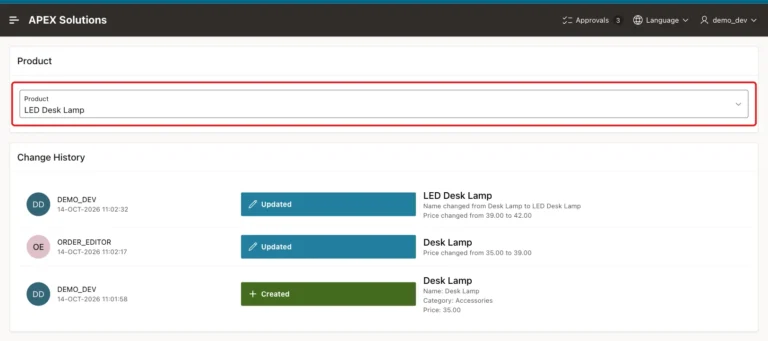
How to Show a Record's Change History as a Timeline in Oracle APEX
Keep every row version with Flashback Data Archive, compare versions in a view, and show the changes with the Timeline report template.
Keep every row version with Flashback Data Archive, compare versions in a view, and show the changes with the Timeline report template.

Columns from a status table, cards from a Dynamic Content region, drag and drop with SortableJS, and a server-side check of every move.
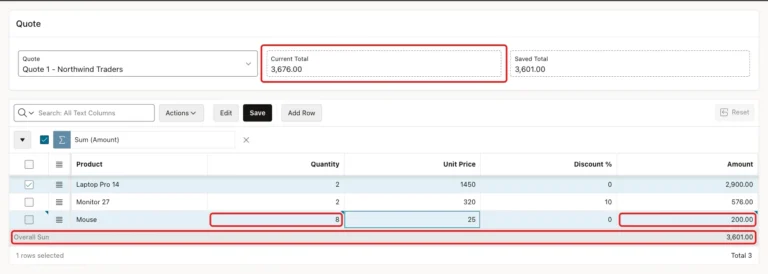
A virtual column for the amount, a Set Value dynamic action in the browser, an IG aggregate in the footer, and a live total that updates before you save.
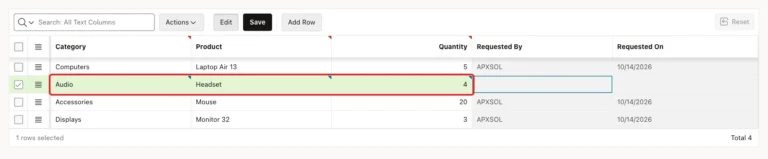
Make a grid column's list depend on another column of the same row, clear it when the parent changes, and keep each pair valid with a composite key.
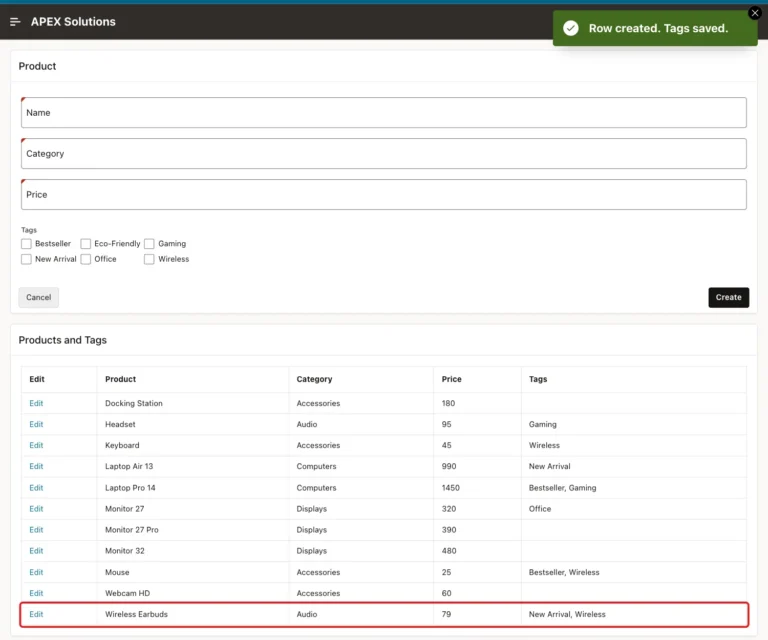
Create a junction table with keys, load the saved tags into a Checkbox Group, sync only the changes on save, validate forced values, and list tags with LISTAGG.
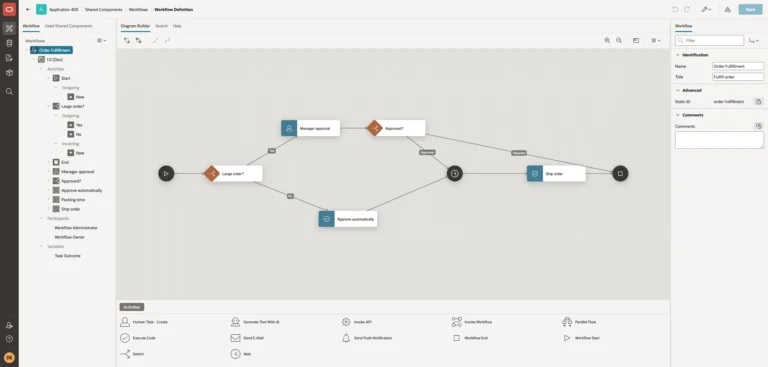
Design a workflow with switches, a human task, a wait, and code activities, start it from a page, and follow each order through it.
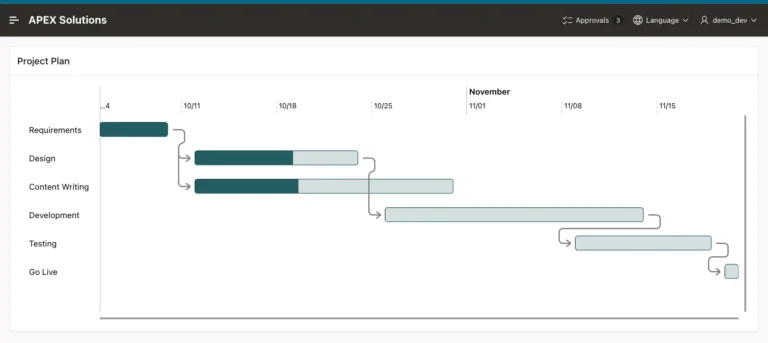
Create task tables, build a Gantt chart with the wizard, fix its timeline and progress, and draw the dependencies between tasks.
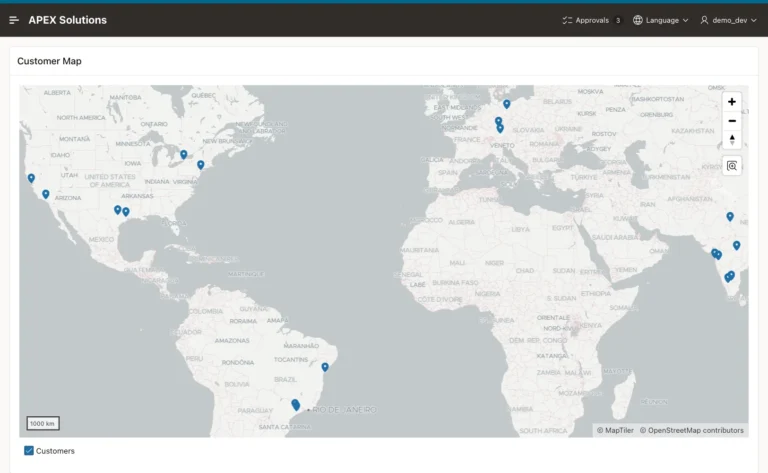
Add coordinates to customers, create a map page with the wizard, and show each customer's city and orders in a popup.
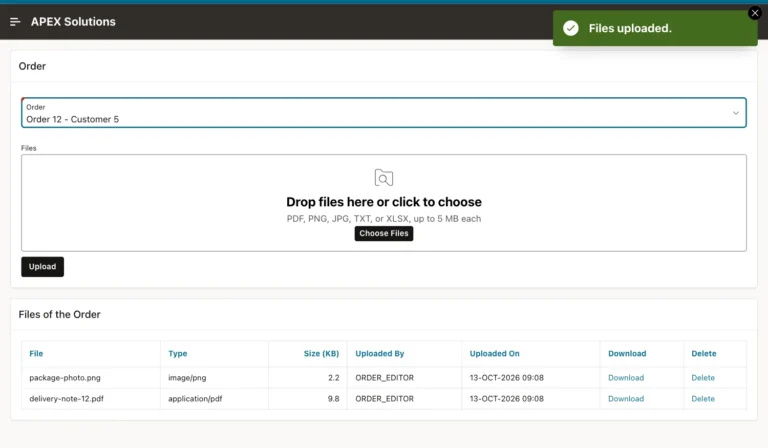
Create an attachments table, upload many files at once with type and size limits, list them with download links, and delete them with confirmation.
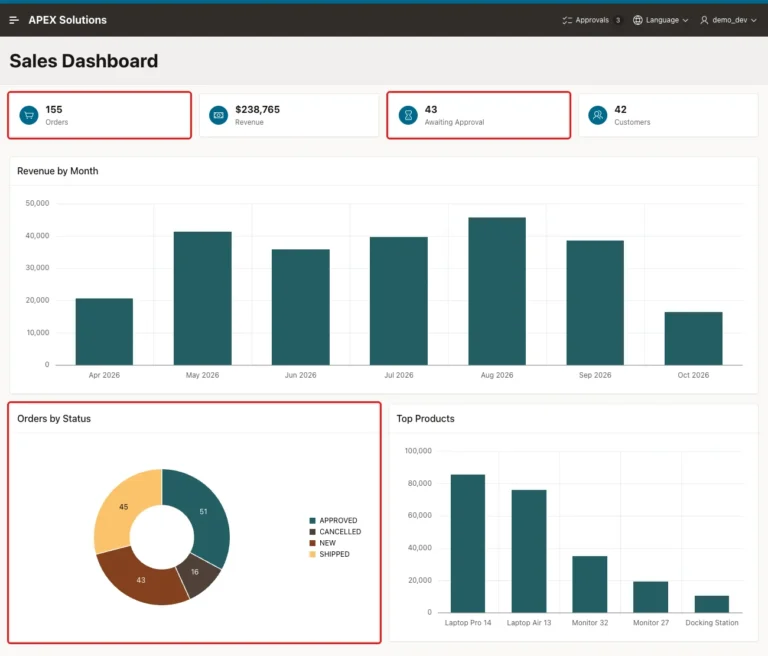
Set the automatic refresh interval of charts, refresh a Cards region with a timer, and keep a dashboard current without page reloads.
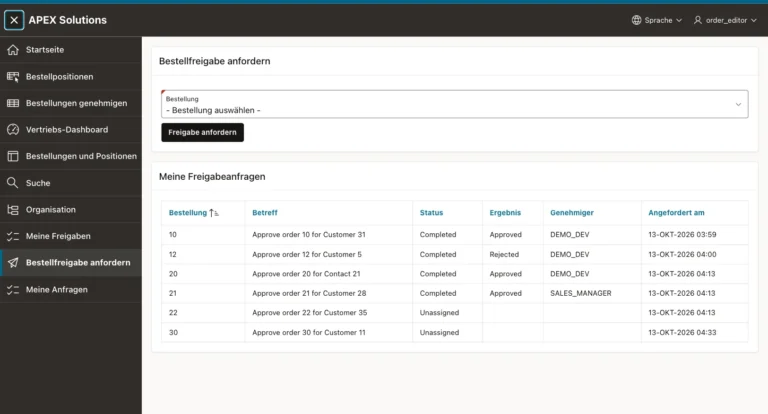
Convert the texts to text messages, add German, translate a CSV export, import it, and switch languages from the navigation bar.
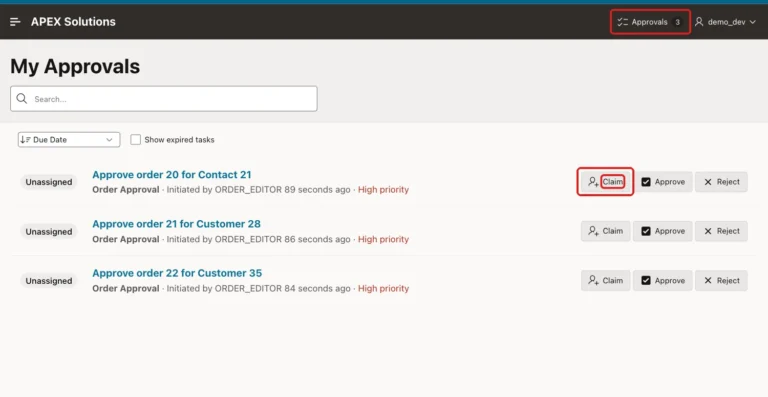
Create My Approvals and My Requests task list pages, add a pending count badge to the navigation bar, and share tasks between two approvers.
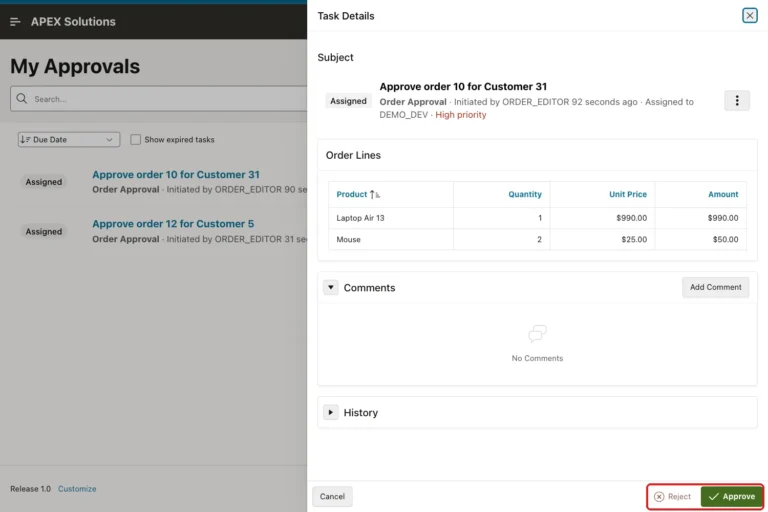
Create an approval task definition, request approval from a page, let administrators approve or reject in a task list, and update the order.
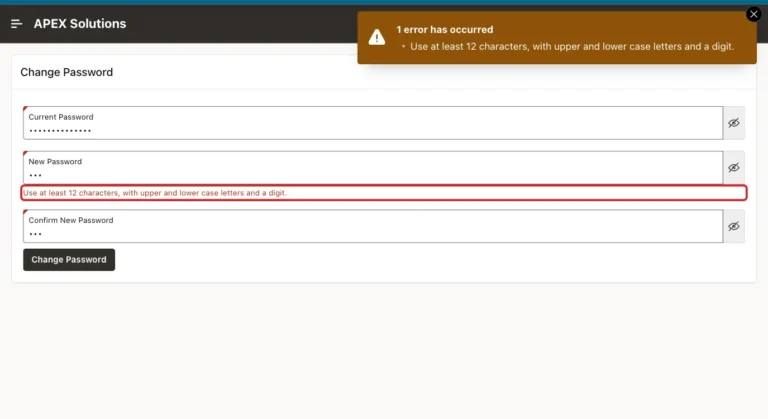
Build a change password page step by step with validations for the current password, matching entries and strong rules, and link it from the user menu.
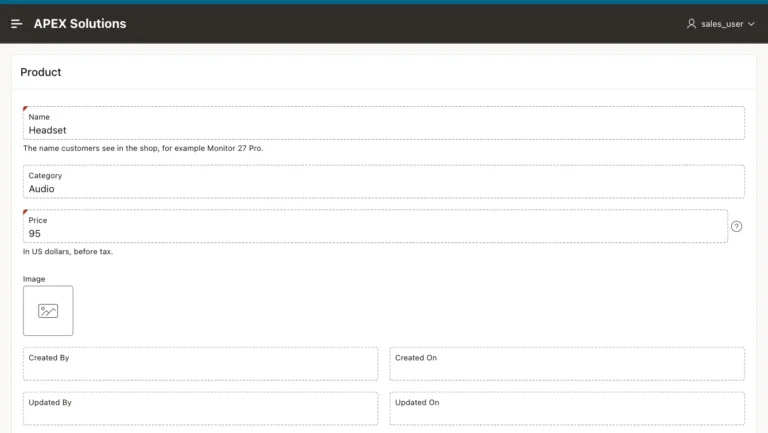
Use authorization schemes on buttons, make forms read-only for readers, and set edit authorization so hidden buttons cannot be bypassed.
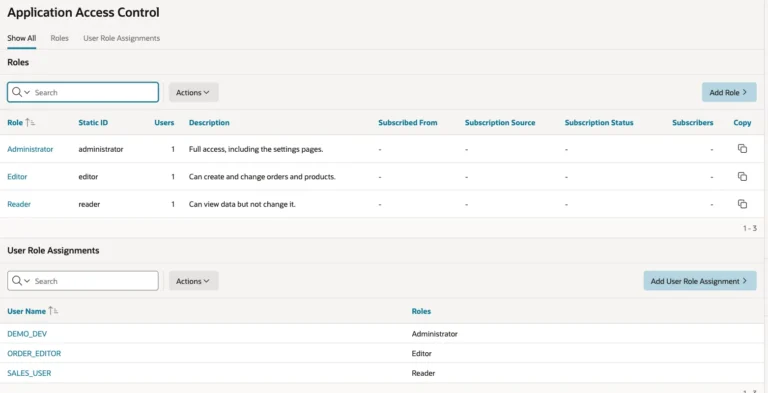
Define roles, assign users, create authorization schemes for the roles, and protect a page so only administrators can open it.
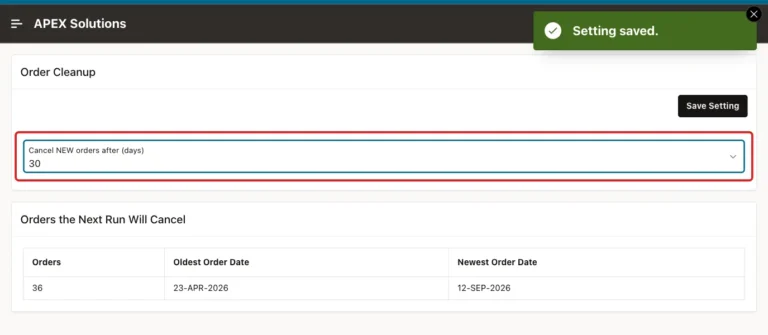
Create an application setting with valid values, read it in SQL and PL/SQL, change it from an admin page, and keep it when you reinstall.
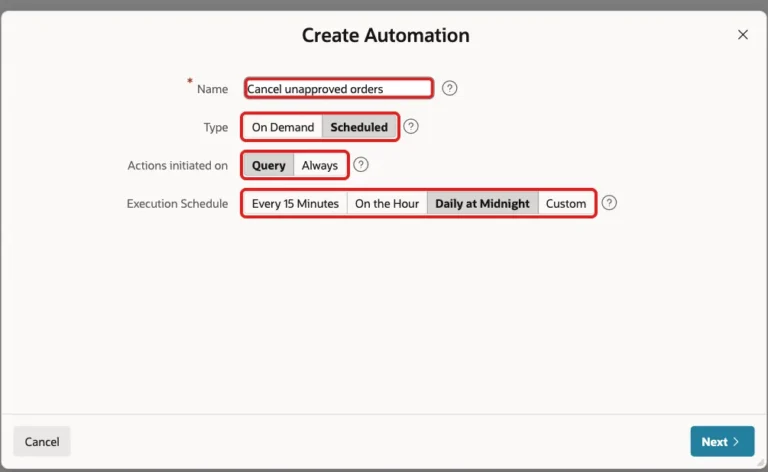
Create a scheduled automation step by step, write its PL/SQL action, activate it, run it once, and check the automation log.