Free PC Parts 3D Models: RAM, Power Supply, Case Fan, SSDs, Hard Drive, Processor, Liquid Cooler and PC Case (GLB, OBJ, STL)
Twelve free PC part 3D models: a parts set on an anti-static mat, a RAM kit, a modular power supply, an RGB case fan, an NVMe SSD with heatsink, a SATA SSD, a hard disk drive with the cover off, a desktop processor, a 240 mm AIO liquid cooler, an empty PC case, a PCIe WiFi card and an optical drive. Free for commercial use under CC BY 4.0, no login.
- 12 models
- 977–37,040 triangles
- 43 KB–1.7 MB each
- GLB, glTF, OBJ, STL
- CC BY 4.0
- No login
All 12 models
Drag a model to turn it, or tap it to open the 3D viewer with zoom. Sizes are width × depth × height. The tags under a model are its separate parts, by node name.
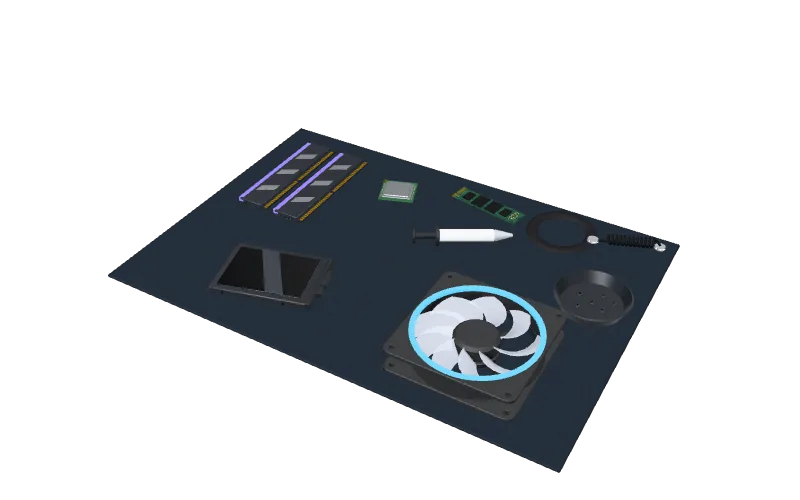
PC Parts Set
Parts on an anti-static mat
A build day flat lay on an anti-static mat: two lit memory sticks, a processor, two drives, an RGB fan, thermal paste, a wrist strap and a dish of screws.
- Ram_Stick_1
- Ram_Stick_2
- Processor
- Nvme_Ssd
- Case_Fan
- Rotor
- Sata_Ssd
- Thermal_Paste
- Parts_Dish
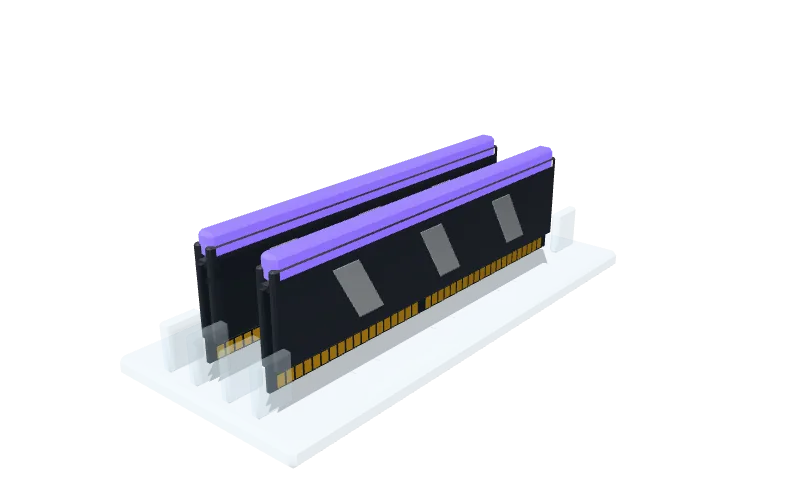
RAM Kit
Memory sticks on a stand
Two lit desktop memory sticks standing in a clear stand: dark heat spreaders with brushed inserts, a glowing light bar and gold contacts with the key notch.
- Ram_Stick_1
- Ram_Stick_2
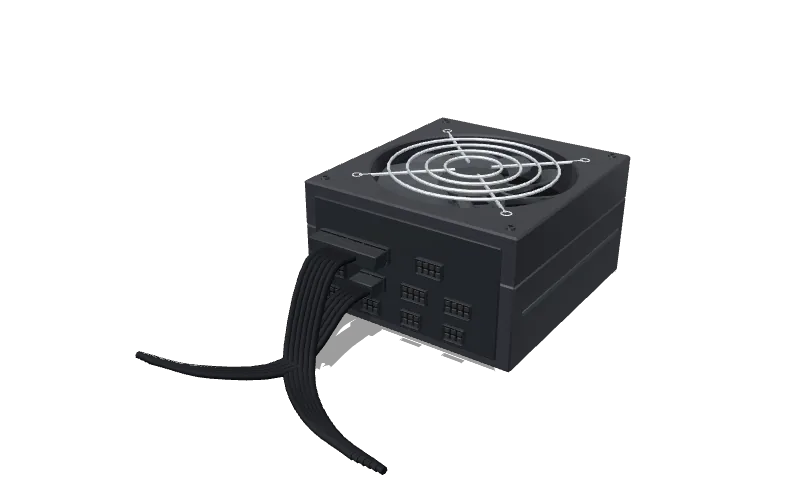
Power Supply
Modular power supply
A black modular power supply with a 135 mm fan behind a chrome guard, a mains inlet and switch, a hex vent back and two sleeved cables plugged in.
- Fan
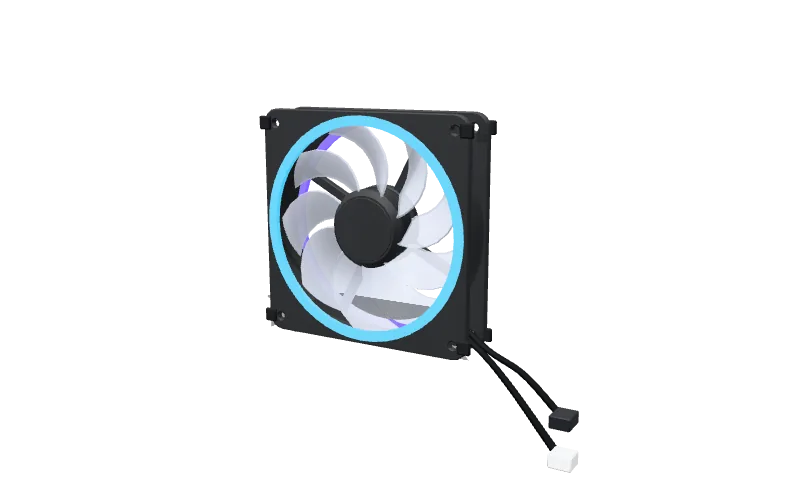
RGB Case Fan
120 mm fan
A 120 mm case fan on its edge: clear lit blades, cyan and violet light rings, rubber corner pads and two cables with plugs. The rotor is its own node.
- Rotor
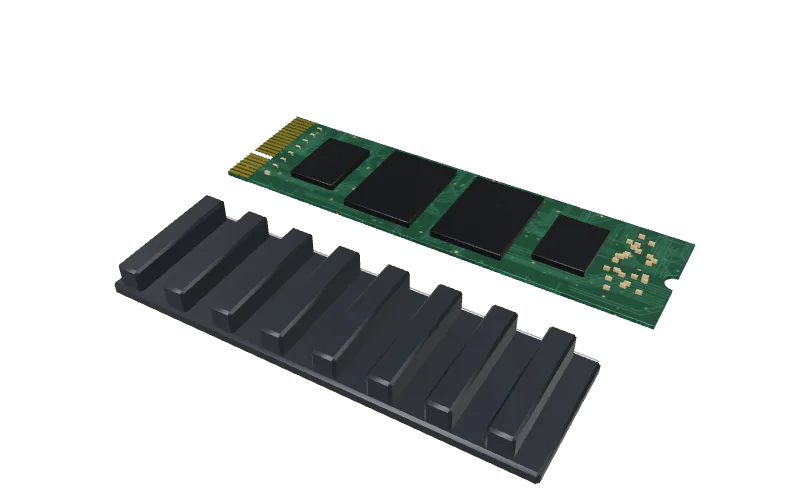
NVMe SSD
M.2 drive with heatsink
An 80 mm M.2 drive with its controller, memory chips, gold contacts with the key notch and screw cut-out, plus a finned black heatsink lying beside it.
- Heatsink
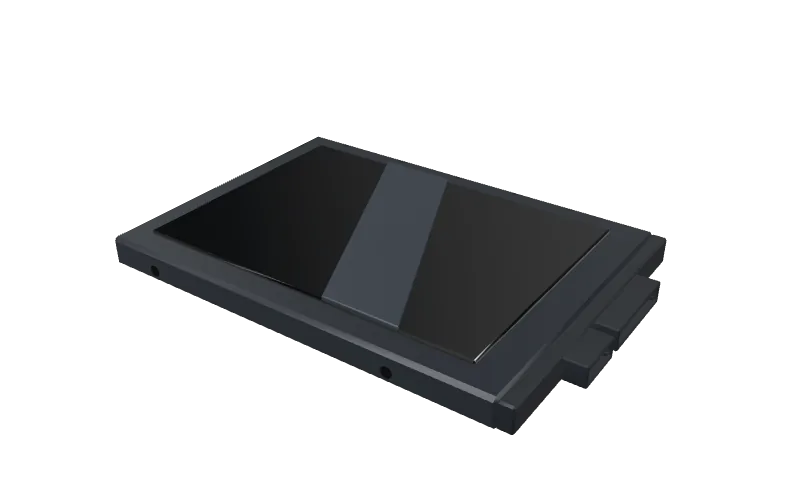
SATA SSD
2.5 inch drive
A 2.5 inch solid state drive in a black aluminium case with a gloss top panel, a diagonal stripe, side screw holes and data and power plugs at the end.
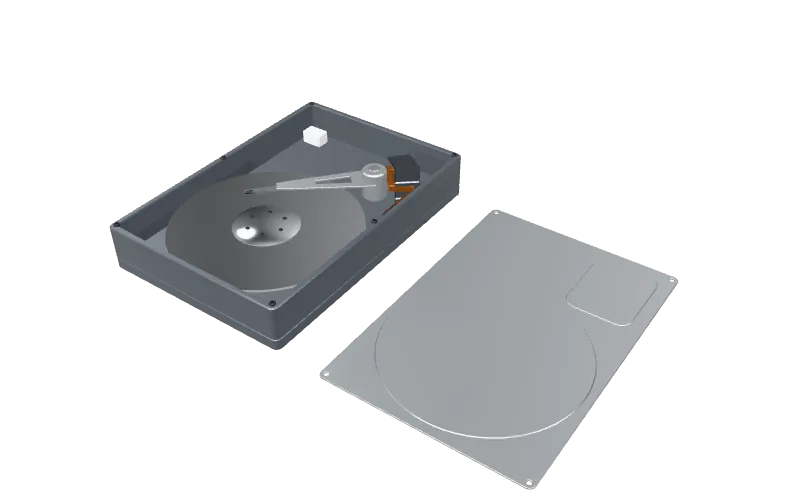
Hard Disk Drive
3.5 inch drive, cover off
A 3.5 inch hard disk with its cover off: a mirror platter with clamp, an actuator arm with its coil and magnets, ports at the back and the lid lying beside.
- Platter
- Actuator_Arm
- Cover
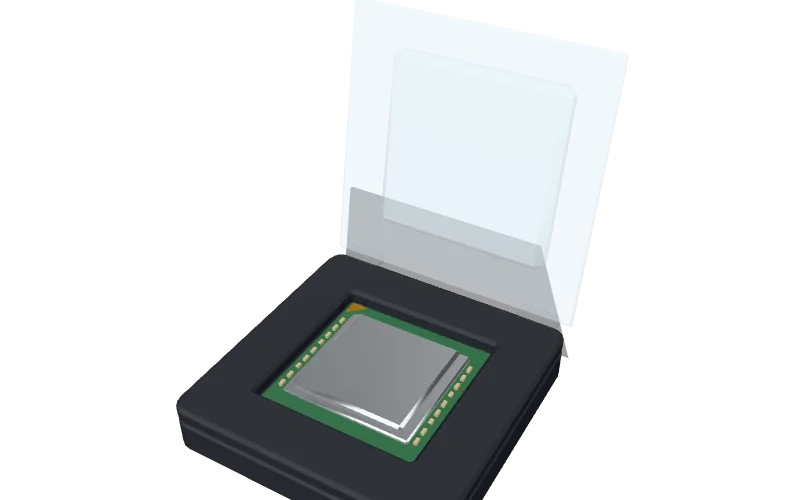
Desktop Processor
Processor in a foam tray
A desktop processor in a foam tray: a silver heat spreader on a green board, small parts along two edges, gold pads underneath and a clear lid hinged open.
- Processor
- Lid
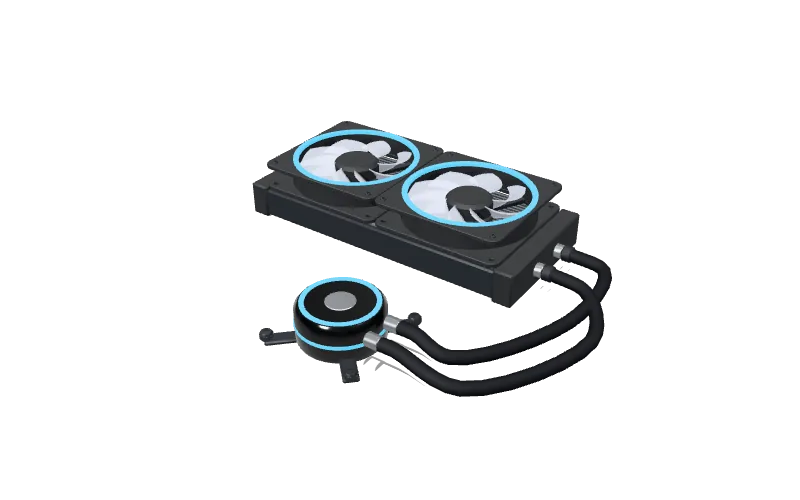
AIO Liquid Cooler
240 mm liquid cooler
An all-in-one liquid cooler: a 240 mm black radiator with two lit fans, sleeved hoses and a gloss pump block with a light ring on a copper plate.
- Fan_1
- Fan_2
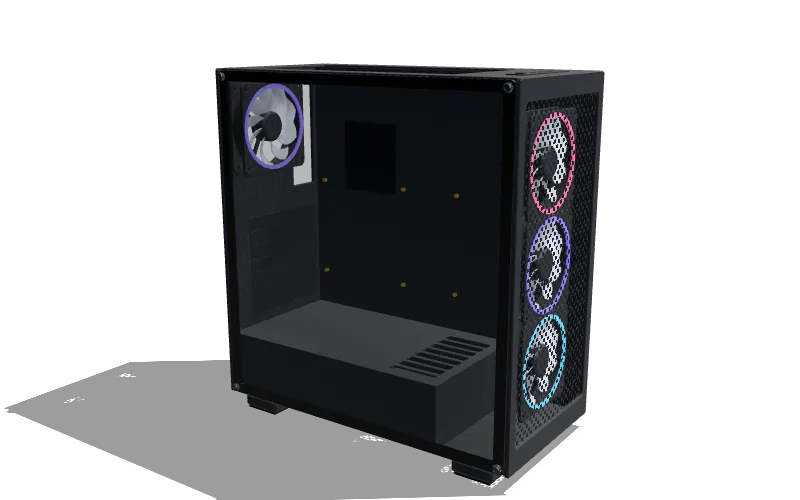
PC Case
Empty mid-tower case
An empty black mid-tower case: a glass side that swings open, a mesh front with three lit fans, a rear fan, top mesh, slot covers and a power supply shroud.
- Front_Fan_1
- Front_Fan_2
- Front_Fan_3
- Rear_Fan
- Glass_Panel
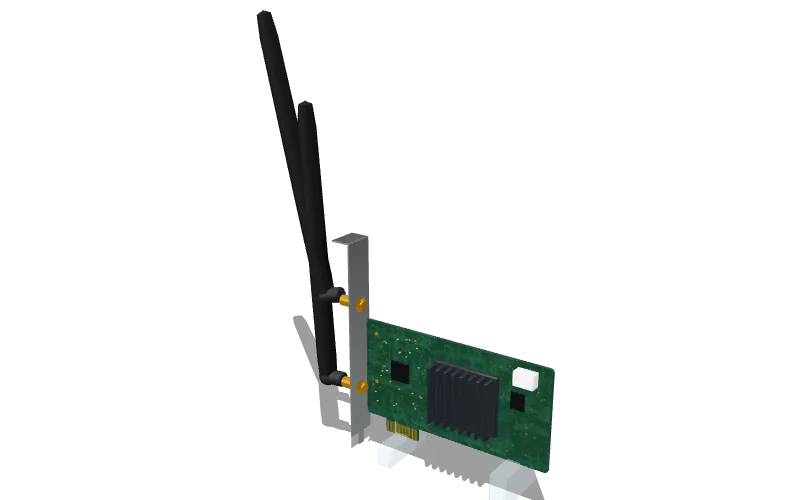
PCIe WiFi Card
Wireless expansion card
A wireless expansion card on clear stands: a finned heatsink, gold edge contacts, a metal bracket and two antennas that tilt on their own nodes.
- Antenna_1
- Antenna_2
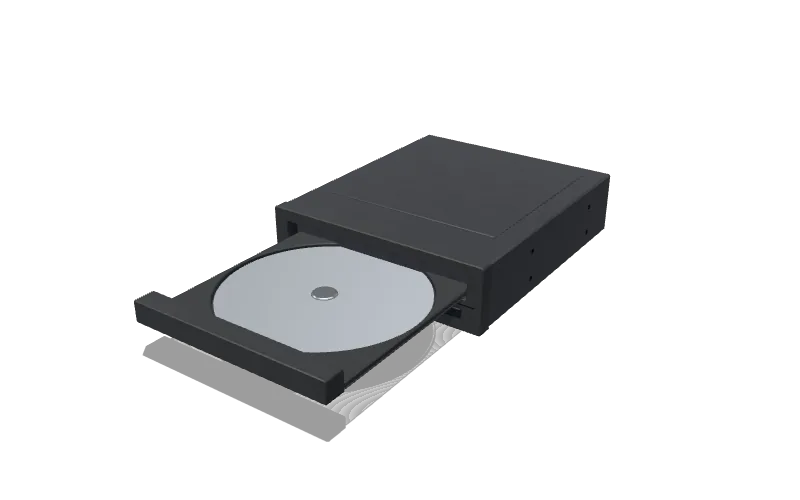
Optical Drive
5.25 inch disc drive
A black 5.25 inch disc drive with the tray slid out and a disc on it: an eject button, a light, the lens slot, the spindle and plugs at the back.
- Tray
- Disc
Made for games
- Parts that moveFan rotors, the hard disk platter and actuator arm, the glass side panel, the disc tray and the antennas are named nodes with their pivots in place.
- Real scaleModelled in millimetre detail in metres: a 120 mm fan is 0.12 units across and an 80 mm M.2 drive is 0.08 units long.
- Lit detailsFan rings, memory light bars and the pump ring use glowing materials, so builds look lit with no extra lights.
- No brandsOur own generic designs with no logos, makes or printed text, so they are safe in any project.
How to use these GLB models
GLB is binary glTF 2.0: one file with the mesh, materials and node names. Every modern 3D tool reads it.
three.js
Load it with GLTFLoader, as in the code below. Babylon.js, PlayCanvas and A-Frame load GLB directly too.
Unity
Add the free glTFast package (Package Manager, add by name: com.unity.cloud.gltfast), then drag the .glb into Assets.
Godot 4
Drop the .glb into the FileSystem dock. Godot imports it as a scene you can instance.
Blender
File, Import, glTF 2.0. From there you can also export to FBX, OBJ or STL.
import * as THREE from 'three';
import { GLTFLoader } from 'three/addons/loaders/GLTFLoader.js';

const gltf = await new GLTFLoader().loadAsync('model.glb');
const model = gltf.scene;
scene.add(model);

// the model is in metres, +Y up, facing +Z, standing on the ground at the origin

// spin the case fans and open the glass side (three.js)
const pc = (await new GLTFLoader().loadAsync('pc-case.glb')).scene;
const fans = ['Front_Fan_1', 'Front_Fan_2', 'Front_Fan_3', 'Rear_Fan'].map(n => pc.getObjectByName(n));
const glass = pc.getObjectByName('Glass_Panel');
scene.add(pc);
function tick(dt) { fans.forEach(f => f.rotation.z += dt * 20); glass.rotation.y = -0.6; }
Licence: free with credit (CC BY 4.0)
All models are made by vinish.dev and released under Creative Commons Attribution 4.0. You may use them in personal and commercial projects, change them and share them. The one condition is credit, for example in your game's credits, your app's about page or your video description:
Each file carries its own credit line inside it (the glTF asset.copyright field), and each zip has a CREDITS.txt. If you change a model, say so after the credit, for example "recoloured".
Questions
Do the fans spin?
Yes. Every fan rotor is its own node (Rotor, Fan_1, Front_Fan_1 and so on) with its pivot on the fan axis, so you can spin it round its local Z axis in code.
Which parts open or move?
The PC case glass panel swings on its back edge, the optical drive tray slides and carries its own disc, the hard disk platter spins, its arm swings, and the WiFi card antennas tilt. The processor tray lid is hinged too.
Is there a full computer?
The Computers pack has finished towers with boards and graphics cards inside. This pack has the loose parts and an empty case to build your own.
What goes with them?
Pair them with the Keyboards and Mice, Monitors and TVs, Server Room and Desks packs.
Can I use them in a paid game or video?
Yes. They are CC BY 4.0: free for commercial use, just credit vinish.dev.
Can I use these models in a commercial game?
Yes. CC BY 4.0 allows commercial use. Put the credit line in your credits or about screen.
Do I need an account?
No. There is no login, sign-up or email. Click Download and the file is yours.
Can I get OBJ, STL or glTF?
Yes. Press the arrow next to Download GLB, or open the 3D view, and pick glTF, OBJ or STL. Your browser makes the file from the GLB in a second or two. OBJ and STL have no animation. STL is in millimetres with Z up; the models are made of separate parts, so a slicer may need to repair or merge them before 3D printing. For FBX, import the GLB into Blender (File, Import, glTF 2.0) and export it.
Can I change the models?
Yes. You may edit, recolour or cut them up. Keep the credit and mention that you changed them.
More from vinish.dev
- Free 3D Models: every pack in the library
- All 3D model categories: the full list on one page, with a search box
- Free Victorian Era 3D Models: Nineteenth-century transport, home furnishings, gadgets and travel goods in mahogany, brass, cast iron, marble and leather, at real size.
- Free Japanese Food 3D Models: Noodle soups, a packed lunch, rice balls, fried and grilled dishes, street snacks and a tea set, each a ready table setting at real size.
- Free Sci-Fi Weapon 3D Models: Our own futuristic guns, a grenade and two melee weapons with emissive energy cells, coils, arcs and blades, at real hand size with named moving parts.
- Free Crop 3D Models: Field and garden crops at real size in ridges and patches of soil: corn, wheat, barley, sunflowers, tomato, cabbage, potato, strawberry, pumpkin, cotton and carrot.
- Free Taxi 3D Models: Six taxi cars with full cabins and lit roof signs, and the street kit around them: roof sign, fare meter, rank sign, call box, shelter and a painted rank bay.
- Free Samurai and Ninja 3D Models: Rigged characters of old Japan in laced armour, kimono and hakama or dark ninja dress, with swords, a naginata, a spear, a bow and a war fan. Idle, walk and run.
- Free Freshwater Fish 3D Models: River, lake and pond fish with painted skins, real markings and bending tails, ready for fishing games, aquariums and nature scenes.
- Free Church 3D Models: Church buildings in many styles, from a tiny wayside chapel to a 75 m cathedral, with stained glass windows, belfries and bells you can swing.
- Free Subway Train 3D Models: Detailed metro and subway rolling stock with full seated interiors, separate bogies and matching track and tunnel pieces for city and underground scenes.
- Free Low Poly Farm 3D Models: Flat-coloured, flat-shaded farm buildings, crops, vehicles and animals that are light enough for mobile games and quick scenes.
- Free Shield 3D Models: Shields from medieval wood and steel to modern riot gear and a sci-fi energy field, each with straps and grips on the back.
- Free Crypt Kit 3D Models: Modular stone walls, floors and doorways for underground tombs, with skulls, bones and candles already in place.
- Free Campers and Caravans 3D Models: Holiday trailers and a motorhome at real size, with rounded bodies, windows, doors and steps, wheels, drawbars and jockey wheels.
- Free Sci-Fi Doors 3D Models: Game-ready doorways for space stations, ships and bases, each set in its own wall section with frames, lights and keypads.
- Free Ceiling Lights and Chandeliers 3D Models: Hanging lights for rooms, cafes and kitchens, each on its own canopy, cord or downrod, with glowing bulbs and diffusers.
- Free Nuts, Bolts and Screws 3D Models: Everyday metric fasteners at true size, with real helical threads, chamfered hex heads and drive recesses you can see into.
- Free Mushroom 3D Models: Wild mushrooms at real size for forests, gardens and fairy tales, from tiny fairy ring caps to a giant glowing mushroom over two metres tall.
- Free Box Mockup 3D Models: Product and shipping boxes for packaging mockups: tuck end, mailer, carton, pillow, gable, drawer, rigid, hexagon, window, tube and magnetic flap boxes.
- Free Valentine’s Day 3D Models: Hearts, roses, candles and gifts for a romantic scene, a shop window, a game event or a greeting video, all at real size.
- Free Cardboard Box and Packaging 3D Models: Everything for a shipping room, a warehouse corner or a moving day, from taped cartons and labels to bubble wrap and foam peanuts, at real size.
- Free Knight 3D Models: Rigged medieval knights in plate, mail, brigandine and quilted coats, with helms, shields, swords, a lance, a halberd and a banner. Idle, walk and run.
- Free Diner and Restaurant 3D Models: Restaurant fronts with dining rooms you can see into, a retro diner, a drive-in and the furniture that fills them, all at real size.
- Free Skate Park 3D Models: Ramps with smooth transitions and steel coping, rails, ledges and a bowl, at real size and ready to ride in a game.
- Free 1940s Warplane 3D Models: Piston warplanes of our own design in camouflage, with spinning propellers and wheels as nodes, at real size.
- Free Monster Truck 3D Models: Big-tyre trucks with their wheels as separate nodes, plus the cars and ramps to wreck, at real size.
- Free Medieval Market 3D Models: Trade stalls full of goods at real size, ready to fill a fantasy town, an RPG village or a historical scene.
- Free Fast Food 3D Models: Real-size takeaway food in plain unbranded packaging, ready for diner, kitchen and street food scenes.
- Free Spider and Scorpion 3D Models: Rigged and animated arachnids at real size, from a 9 mm jumping spider to a 26 cm emperor scorpion.
- Free Sewer Kit 3D Models: Modular brick sewer tunnels on a 4 m grid, plus the gates, grates, ladders and pipes that go in them.
- Free Planet and Moon 3D Models: Made-up worlds for space games and scenes, each with its own painted surface, craters and clouds.
- Free Cactus and Succulent 3D Models: Desert plants with ribs, spines, pads and fleshy leaves, from tiny potted rosettes to 3 m shrubs.
- Free Outdoor Furniture 3D Models: Garden, patio and pool furniture in teak, aluminium, rattan and rope, with soft outdoor cushions.
- Free Pixel Item 3D Models: Pixel-art pickups in puffy voxel 3D, each with a Spin clip that turns and bobs it.
- Free Bow and Crossbow 3D Models: Traditional and modern bows with their strings on, crossbows cocked with a bolt, arrows, a quiver and a target.
- Free Off-Road 4x4 3D Models: Lifted trucks, crawlers and buggies on big all-terrain tyres, loaded with racks, winches, tents and spare wheels.
- Free European Old Town 3D Models: Gabled townhouses, civic buildings and street pieces in an old European style, ready to line a cobbled street.
- Free Fountain 3D Models: Garden, park and plaza fountains with the water already in them: still pools, falling sheets and arcing jets.
- Free Surgical Instrument 3D Models: Stainless steel surgical tools at real size, for hospital scenes, medical games, training and product renders.
- Free Mask 3D Models: Theatre, party, costume and safety masks with real eye holes and thickness, for games, films and props.
- Free Cartoon People 3D Models: Rigged big-head cartoon townspeople with idle, walk and run clips for cosy games, kids apps and animation.
- Free Yacht 3D Models: Motor and sailing yachts from a 5.8 m tender to a 40 m superyacht, for marinas, harbour scenes, games and films.
- Free Server Room 3D Models: Racks, cables, cooling and power at real size for data centre scenes, tech games and explainer videos.
- Free Astronaut and Space Suit 3D Models: Rigged astronauts with walk and run clips, plus suit gear, for space games, films and classrooms.
- Free Prison 3D Models: A modern jail on a 3 m grid for escape games, crime dramas, stealth levels and police training scenes.
- Free Pipe and Valve 3D Models: Industrial pipework and plumbing parts for factories, plant rooms, refineries, basements, sci-fi sets and puzzle games.
- Free Low Poly Car 3D Models for Games: 12 vehicles with separate wheels
- Sample GLB Files: small test files for loaders, viewers and engines
- Free browser games and simulators by vinish.dev