Free Poster and Frame Mockup 3D Models: Wall Poster, Black and Oak Frames, Roll-Up Banner, A-Board, Canvas and More (GLB, OBJ, STL)
Ten free poster and frame mockup 3D models: a taped wall poster, a black frame poster, an oak frame print, a leaning frame, a roll-up banner, an A-board poster stand, a snap frame, a rolled poster, a gallery-wrap canvas and a backlit light box. Each print has its own 0 to 1 UVs, so your artwork drops straight in. Free for commercial use under CC BY 4.0, no login.
- 10 models
- 228–4,504 triangles
- 36 KB–140 KB each
- GLB, glTF, OBJ, STL
- CC BY 4.0
- No login
All ten models
Drag a model to turn it, or tap it to open the 3D viewer, where you can zoom and download it. Sizes are width × depth × height. The tags under a model are its separate parts, by node name.
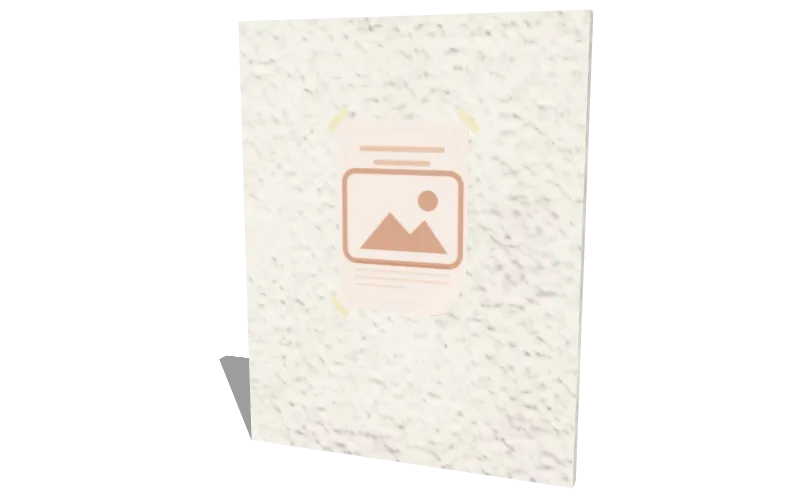
Taped Wall Poster Mockup
Poster
An A2 poster taped to a plaster wall with one corner curling off, the print UV mapped 0 to 1 for your own artwork.
- Poster
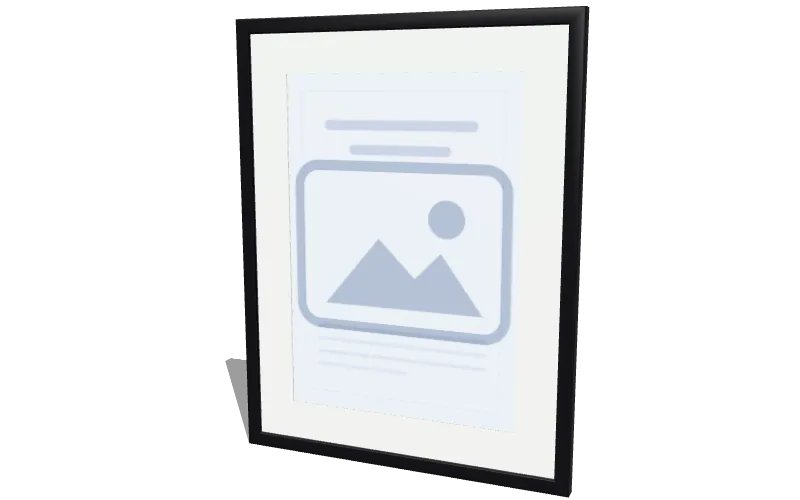
Black Frame Poster Mockup
Frame
An A2 print behind glass with a white mat in a slim black frame, with a backboard, turn clips and a hanging wire.
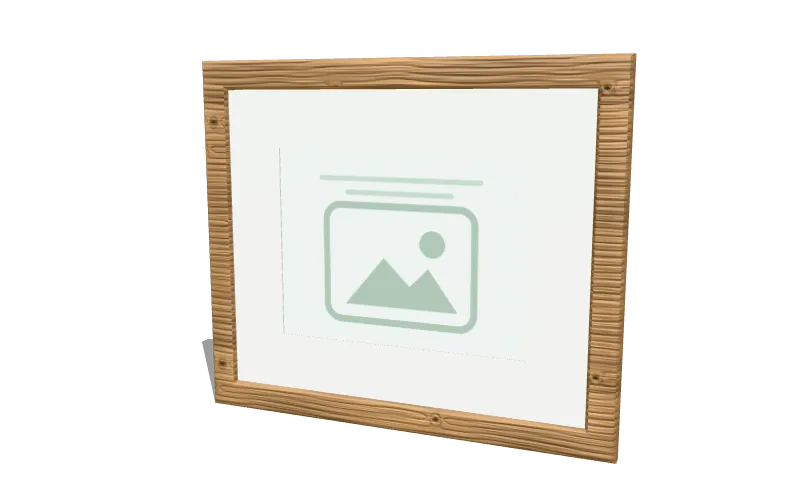
Oak Frame Print Mockup
Frame
A landscape print with a wide white mat in a rounded oak frame, glass in front and a hanging wire on the back.
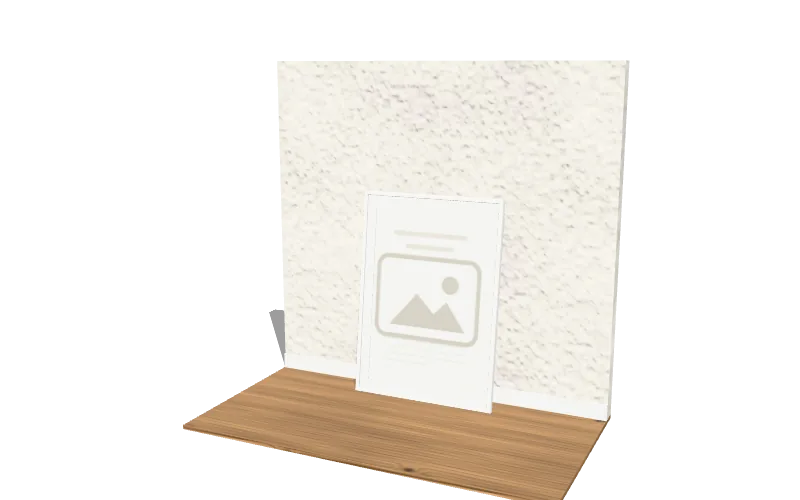
Leaning Frame Mockup
Frame
A big white frame with a mat standing on a wooden floor and leaning back on a plaster wall with a skirting board.
- Leaning_Frame
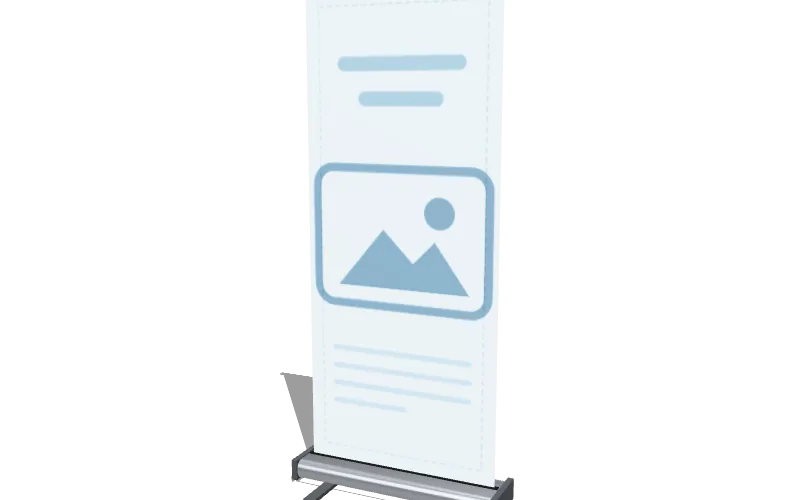
Roll-Up Banner Mockup
Banner
A roll-up banner stand: a tall printed banner pulled up from an aluminium cassette on swivel feet onto a pole.
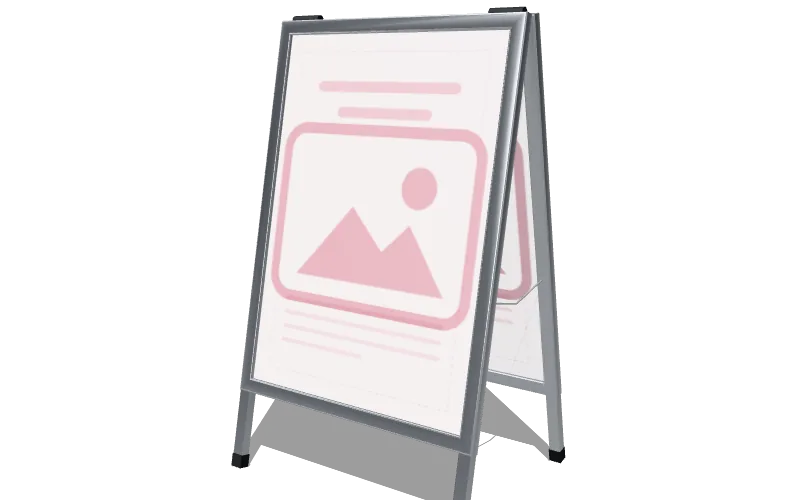
A-Board Poster Mockup
Stand
An A-board poster stand with two hinged aluminium frames standing apart, a print on every face and rubber feet.
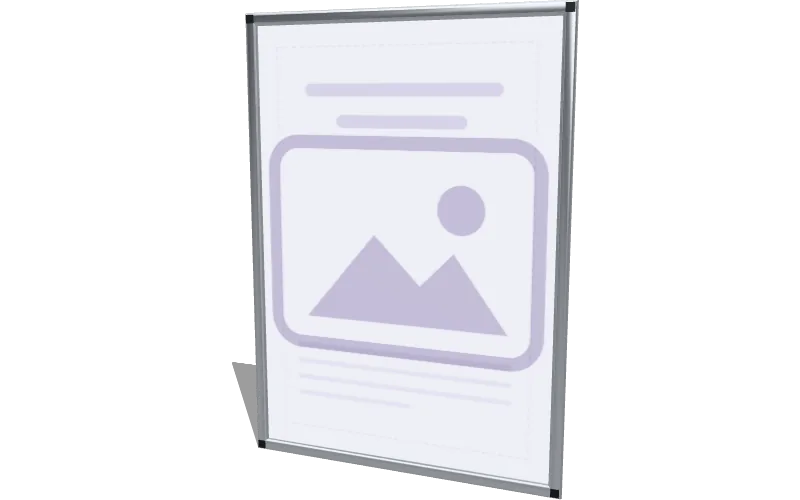
Snap Frame Poster Mockup
Frame
An A1 poster under a clear cover in a rounded aluminium snap frame with corner clips and wall hangers.
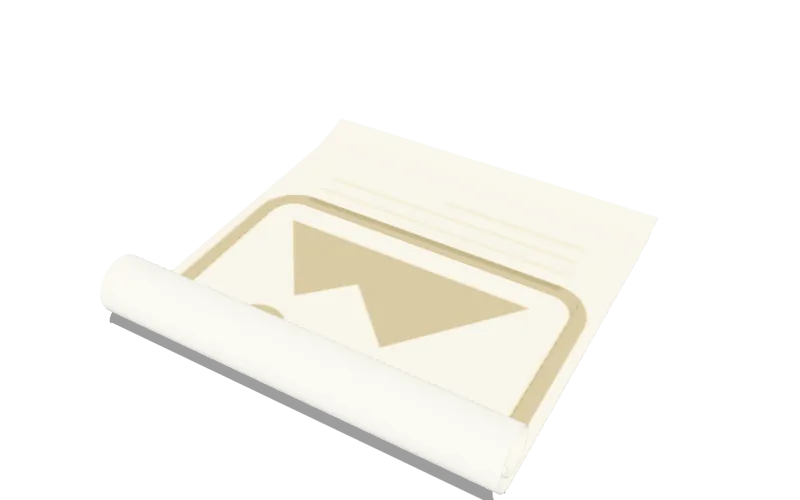
Rolled Poster Mockup
Poster
An A2 poster lying on its back with the top end still rolled up and the bottom edge lifting, white on the back.
Gallery Wrap Canvas Mockup
Canvas
A stretched gallery-wrap canvas with the art running round its deep sides, and bars, a brace and staples behind.
Backlit Light Box Mockup
Light box
A slim aluminium light box with a glowing poster behind a diffuser, a power lead and wall hangers on the back.
Made for games
- Drop in your artEvery print surface has its own UVs from 0 to 1 over the visible art, so one image of your own design fills it exactly.
- Real print sizesA2 and A1 posters, a 0.85 by 2 metre banner, a cinema sized light box and a deep canvas, all built to true scale.
- Frames and standsGlass, white mats, backboards, clips and hanging wires on the frames, plus a cassette banner stand and a hinged A-board.
- Light and quickFrom 228 to 4,504 triangles and 36 to 140 KB each, so they load fast in web shops, product pages and 3D mockup tools.
How to use these GLB models
GLB is binary glTF 2.0: one file with the mesh, materials and node names. Every modern 3D tool reads it.
three.js
Load it with GLTFLoader, as in the code below. Babylon.js, PlayCanvas and A-Frame load GLB directly too.
Unity
Add the free glTFast package (Package Manager, add by name: com.unity.cloud.gltfast), then drag the .glb into Assets.
Godot 4
Drop the .glb into the FileSystem dock. Godot imports it as a scene you can instance.
Blender
File, Import, glTF 2.0. From there you can also export to FBX, OBJ or STL.
import * as THREE from 'three';
import { GLTFLoader } from 'three/addons/loaders/GLTFLoader.js';

const gltf = await new GLTFLoader().loadAsync('model.glb');
const model = gltf.scene;
scene.add(model);

// the model is in metres, +Y up, facing +Z, standing on the ground at the origin

// load the black frame mockup and put your own poster image in it (three.js)
const frame = (await new GLTFLoader().loadAsync('black-frame-poster-mockup.glb')).scene;
scene.add(frame);
const art = await new THREE.TextureLoader().loadAsync('my-poster.jpg');
art.flipY = false; art.colorSpace = THREE.SRGBColorSpace;
frame.traverse(o => { if (o.material?.name === 'Print_Black') { o.material.map = art; o.material.needsUpdate = true; } });
Licence: free with credit (CC BY 4.0)
All models are made by vinish.dev and released under Creative Commons Attribution 4.0. You may use them in personal and commercial projects, change them and share them. The one condition is credit, for example in your game's credits, your app's about page or your video description:
Each file carries its own credit line inside it (the glTF asset.copyright field), and each zip has a CREDITS.txt. If you change a model, say so after the credit, for example "recoloured".
Questions
Which models are in the set?
Ten: a taped wall poster, a black frame poster, an oak frame print, a leaning frame, a roll-up banner, an A-board poster stand, a snap frame poster, a rolled poster, a gallery-wrap canvas and a backlit light box.
How do I put my own design on them?
Each print uses its own material whose name starts with Print_. Its UVs run from 0 to 1 over the visible art, so swap that material texture for your image. The canvas image also wraps round its sides.
What size should my artwork be?
Match the print shape: A2 and A1 portrait for the posters and snap frame, 4 by 3 landscape for the oak frame, about 3 by 7 for the banner and 27 by 40 for the light box.
What goes with them?
Can I use them in a paid app or game?
Yes. They are CC BY 4.0: free for commercial use, just credit vinish.dev.
Can I use these models in a commercial game?
Yes. CC BY 4.0 allows commercial use. Put the credit line in your credits or about screen.
Do I need an account?
No. There is no login, sign-up or email. Open a model in the 3D view and press Download: the file is yours.
Can I get OBJ, STL or glTF?
Yes. Open the model in the 3D view and pick glTF, OBJ or STL. Your browser makes the file from the GLB in a second or two. OBJ and STL have no animation. STL is in millimetres with Z up; the models are made of separate parts, so a slicer may need to repair or merge them before 3D printing. For FBX, import the GLB into Blender (File, Import, glTF 2.0) and export it.
Can I change the models?
Yes. You may edit, recolour or cut them up. Keep the credit and mention that you changed them.
More from vinish.dev
- Free 3D Models: every pack in the library
- All 3D model categories: the full list on one page, with a search box
- Free Basket and Storage Box 3D Models: A wicker hamper, a picnic basket, seagrass and cotton rope baskets, a wire basket, a fabric bin, a clear box, a wooden crate and more.
- Free 1990s Room 3D Models: A CRT TV, a CD boombox, a portable CD player, a cordless phone, a pager, an inflatable chair, a virtual pet, inline skates and more.
- Free Cheese and Dairy 3D Models: A cheddar wheel, a holey Swiss wedge, brie, blue cheese, red wax gouda, a cheese board, a milk carton, a milk churn, butter and yogurt.
- Free Canoe, Kayak and Raft 3D Models: Open, cedar and aluminium canoes, sit-on-top, tandem and whitewater kayaks, a whitewater raft, a barrel raft, a paddleboard and more.
- Free Teddy Bear and Plush Toy 3D Models: A patchwork teddy, a giant bear with a heart, a panda, a bunny, an elephant, a unicorn, a dinosaur, an octopus, a whale and more.
- Free Theater and Cinema 3D Models: An art deco cinema, a multiplex, an opera house, a playhouse, a drive-in, an amphitheater, a dome theater and a seated auditorium.
- Free Creepy Carnival 3D Models: A faded big top, a clown face fun house, a fortune teller, a dark carousel, a ghost train, booths, a gate and a warped mirror.
- Free Alien Planet Terrain 3D Models: Twelve sci-fi ground tiles: craters, crystals, geysers, mesas, ice, lava, giant fungi, rock arches, dunes and an acid lake.
- Free Sidecar and Trike 3D Models: Seven sidecar outfits from vintage and touring to cargo and scooter, plus cruiser, touring and chopper trikes with car size wheels.
- Free Flower Shop 3D Models: A florist counter, bucket stands, a flower cooler, bouquet and ribbon racks, a shop front with an awning and a rose wall.
- Free Island 3D Models: Tropical, desert, volcanic, atoll, rocky, waterfall, pine, sandbar, jungle, ice, sea arch and mangrove islands, each with its sea.
- Free Turtle and Crocodile 3D Models: Nile and saltwater crocodiles, an alligator, a gharial, a caiman, a giant tortoise, a sea turtle, a snapping turtle and pond turtles.
- Free Nursery 3D Models: A crib, bassinet, cradle, glider, changing table, mobile, playpen, bouncer, bathtub, night light, play gym and sling bookshelf.
- Free Water Park 3D Models: Spiral, tube, speed and loop water slides on stair towers, a splash pad, a lazy river, a wave pool, rafts and poolside props.
- Free Vampire and Werewolf 3D Models: Rigged vampires in capes, gowns and armour, a hunter with a crossbow and four werewolves, each with idle, walk and run clips.
- Free Power Line and Substation 3D Models: A steel pylon, a monopole, wood and concrete poles, a substation transformer, a breaker, a switch, insulators and more.
- Free Shutter and Garage Door 3D Models: Sectional, double, roll up, carriage house and up and over garage doors, plus louvered, plank, panel and Bahama shutters.
- Free Low Poly Space 3D Models: A low poly rocket, planets, a moon base, a satellite, an astronaut, a UFO, a rover, a space station, a starfighter and more.
- Free Siege Engine 3D Models: A counterweight trebuchet, a catapult, an onager, bolt throwers, a battering ram, a siege tower, a ladder carriage and more.
- Free Turntable and Cassette 3D Models: A belt drive turntable, DJ decks with a mixer, a suitcase player, a record crate, cassette tapes, a reel to reel deck and more.
- Free Museum and Library 3D Models: A classical art museum, a natural history museum, a modern art museum, a domed library, a planetarium, a bookmobile and more.
- Free Butcher and Fish Market 3D Models: A meat display case, a butcher block, a hook rail, a slicer, a grinder, a dial scale, shellfish on ice, a lobster tank and more.
- Free Snake 3D Models: A rearing king cobra, a ball python, a rattlesnake, a tree python, a coral snake, an anaconda, a black mamba, a gaboon viper and more.
- Free Kids Room Furniture 3D Models: A race car bed, a house bed, a table and chairs, a bin rack, a toy chest, a teepee, an easel, a cloud shelf, an armchair and more.
- Free Roller Coaster 3D Models: Coaster cars and trains, a vertical loop, a lift hill, a corkscrew, a banked turn, a wooden hill, a station, a kiddie coaster and more.
- Free Printable Box 3D Models: Sliding lid, hexagon, heart and octagon boxes, a screw top jar, a hinged box, a parts box, a deck box, drawers, a bin, a tote and a coin bank.
- Free Phone Booth 3D Models: A glass booth, wall and pedestal payphones, a bubble hood, a wooden hut, an office pod, a hotel booth, a call box and a payphone bank.
- Free Graduation 3D Models: A cap and tassel, rolled and framed diplomas, a gown on a stand, a cake, balloons, a lectern, a class ring, a diploma tube and a stole.
- Free Geometric Shapes 3D Models: The five Platonic solids, a torus, prisms, a square pyramid, a truncated icosahedron, a Mobius strip and a stellated dodecahedron.
- Free Haunted Mansion Interior 3D Models: A pipe organ, grand piano, portrait, dust sheet chair, candelabra, marble bust, cobwebs, canopy bed, seance table, peeling wall, doors and clock.
- Free 1920s 3D Models: A gramophone, candlestick phone, speakeasy bar, ticker tape, ring microphone, cloche hat, feather headband, banjo, film camera, radio and sax.
- Free Seafood 3D Models: Lobster, crab, oysters, mussels, shrimp, paella, fish and chips, salmon, calamari, chowder and grilled fish, each served and ready to place.
- Free Boots and Heels 3D Models: Ankle, work, tall and rubber boots plus stilettos, sandals, wedges, platforms and slingbacks, each as a left and right pair.
- Free Wizards and Witches 3D Models: Twelve rigged spell casters with robes, pointed hats, staffs, wands, orbs and potions, each with idle, walk and run clips.
- Free Leaves and Forest Floor 3D Models: An autumn leaf pile, maple, oak and ginkgo leaves, seed wings, pinecones, acorns, chestnut burrs, a twig, needles, a floor patch and bark.
- Free Solar and Wind Power 3D Models: Wind turbines on land and at sea, solar panels, a rack, a tracker and a carport, battery storage, an inverter and a solar water heater.
- Free Monument 3D Models: An obelisk, a column, a memorial arch, an eternal flame, a cenotaph, a steel spire, a memorial wall, a clock tower, a fountain and more.
- Free Alien Plant 3D Models: Twelve strange plants for alien worlds: a glowing bulb tree, tentacles, crystal spikes, a jelly cap, watcher pods, a toothed maw and more.
- Free Viking and Ancient Ship 3D Models: A Viking dragon ship and faering, Greek and Roman galleys, a Roman merchant ship, two Egyptian boats, a dugout canoe and a coracle.
- Free Airship and Glider 3D Models: A rigid airship, a blimp, a hybrid cargo airship, a hot-air airship, three gliders, a hang glider, a paraglider and a mooring mast.
- Free Tram and Cable Car 3D Models: Streetcars, an articulated tram, a heritage cable car, gondola and aerial tram cabins, a funicular, a chairlift, a tower and tram parts.
- Free Cargo Bike and Trike 3D Models: Box trikes, long johns, a longtail, ice cream and coffee trikes, a flatbed with crates, an adult tricycle, a porteur and a dog carrier.
- Free Billiards, Darts and Bowling 3D Models: Snooker and carom tables, pool balls, cues, a cue rack and lamp, dartboards, a dart machine, a bowling lane, a ball return and skittles.
- Free Penguin 3D Models: Ten rigged, animated penguins from the tiny little blue to the tall king, each with its own markings, crest or chest bands.
- Free Japanese Furniture 3D Models: Low tables, a floor chair, tatami, a futon, tansu chests, a paper screen and lamp, alcove shelves, a platform bed and a shoe cabinet.
- Free Low Poly Car 3D Models for Games: 12 vehicles with separate wheels
- Sample GLB Files: small test files for loaders, viewers and engines
- Free browser games and simulators by vinish.dev