Free Bag and Pouch Mockup 3D Models: Stand Up Pouch, Coffee Bag, Snack Bag, Sachet, Paper Bag and Tote (GLB, OBJ, STL)
Twelve free bag and pouch mockup 3D models: a stand up pouch, a kraft window pouch, a flat pouch, a spouted pouch, a coffee bag, a flat bottom bag, a snack bag, a sachet, a paper shopping bag, a kraft paper bag, a canvas tote and a poly mailer. Every print area is ready for your own artwork. Free for commercial use under CC BY 4.0, no login.
- 12 models
- 318–14,648 triangles
- 64 KB–406 KB each
- GLB, glTF, OBJ, STL
- CC BY 4.0
- No login
All 12 models
Drag a model to turn it, or tap it to open the 3D viewer, where you can zoom and download it. Sizes are width × depth × height.
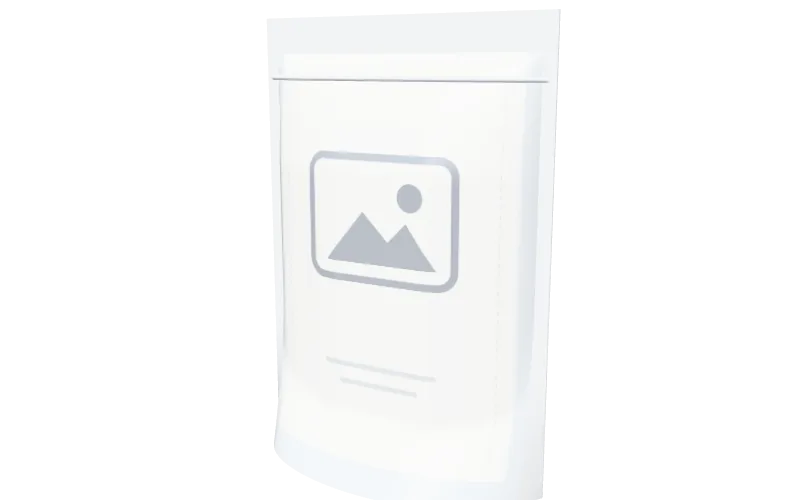
Stand Up Pouch Mockup
Doypack with zipper
White stand up pouch with a puffed front, an oval gusset floor, a zipper bead and a print area front and back.
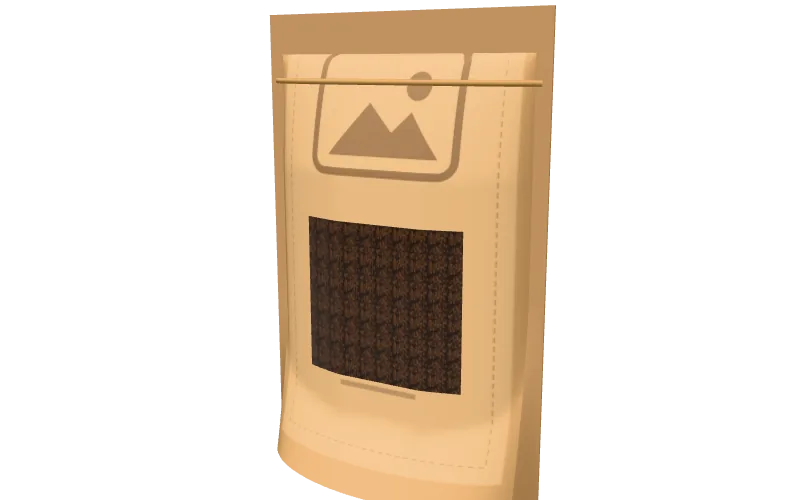
Kraft Window Pouch Mockup
Kraft doypack
Kraft paper stand up pouch with a clear window full of coffee beans, a zipper and a print area above it.
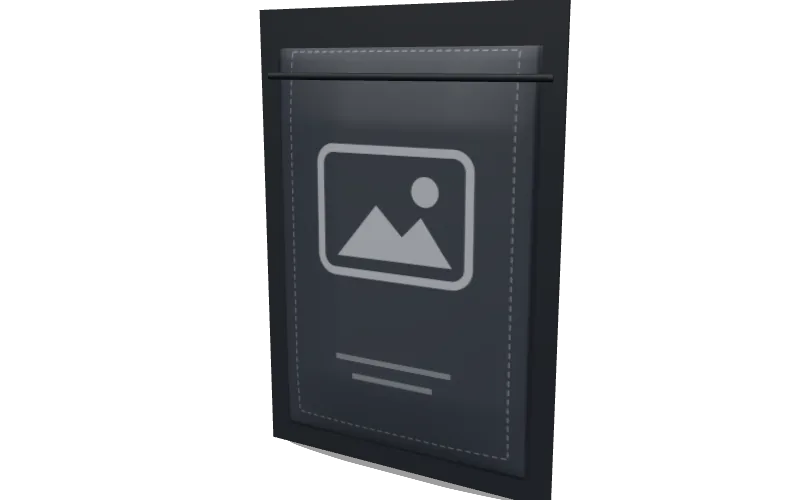
Flat Pouch Mockup
Three side seal
Slim three side seal pouch in matte black with a foil back, a zipper and a print area for your own artwork.
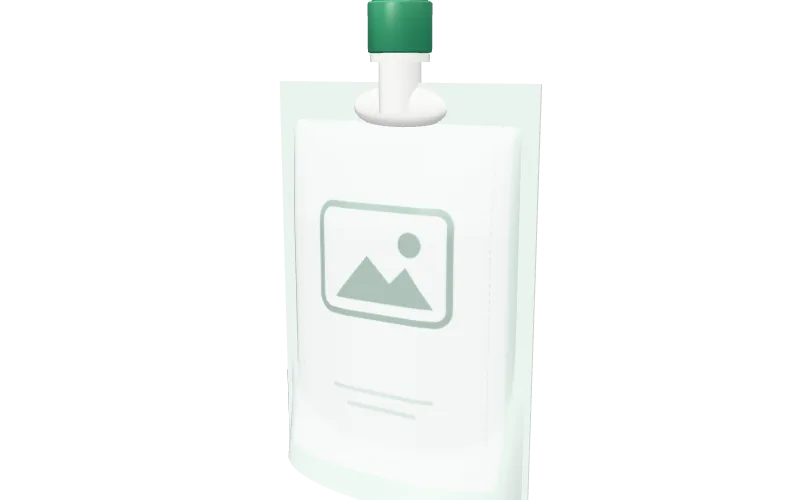
Spouted Pouch Mockup
Pouch with cap
Mint stand up pouch with a white spout and a ribbed green cap on top, for drinks, purees or refills.
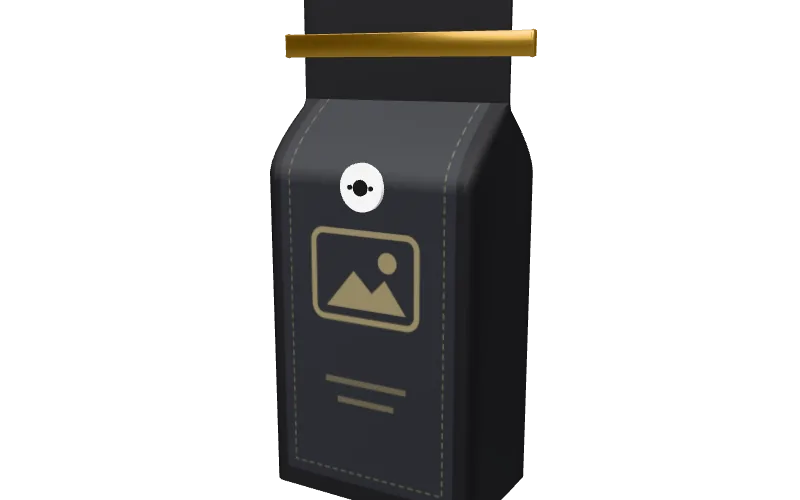
Coffee Bag Mockup
Valve and tin tie
Black side gusset coffee bag with a one way valve, a gold tin tie on the folded top and a front print area.
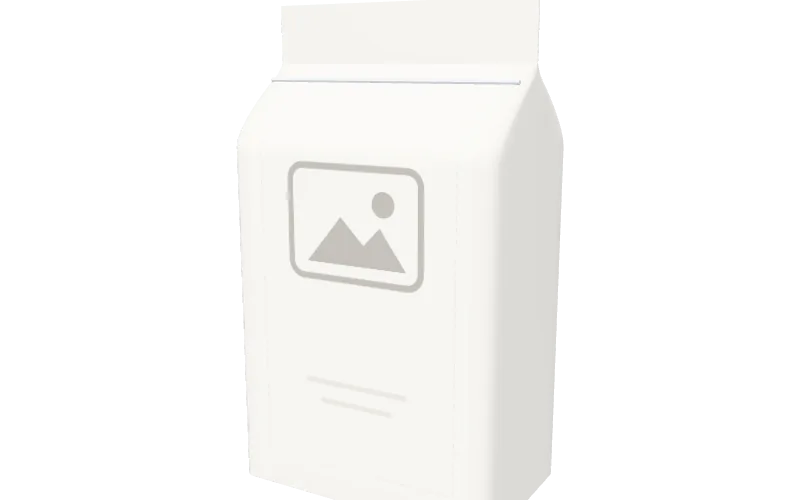
Flat Bottom Bag Mockup
Box pouch
White box pouch with a square flat bottom, side gussets, a zipper under the top seal and a front print area.
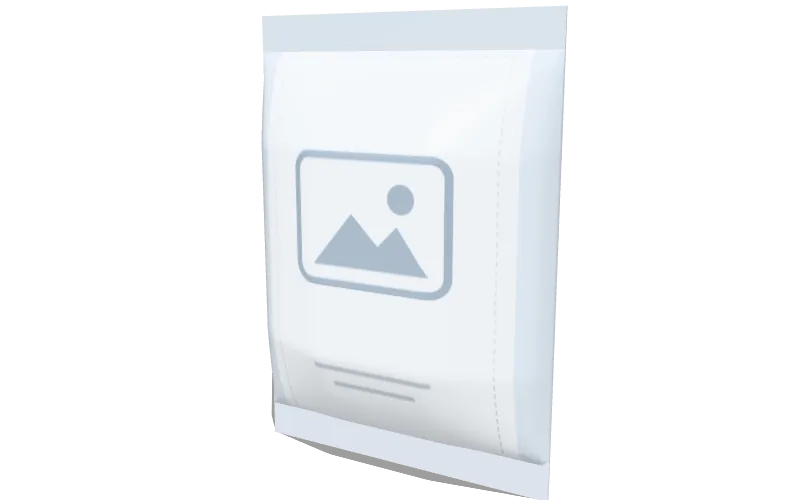
Snack Bag Mockup
Pillow pack
Puffed pillow pack snack bag with crimped top and bottom seals, a glossy white front and a silver foil back.
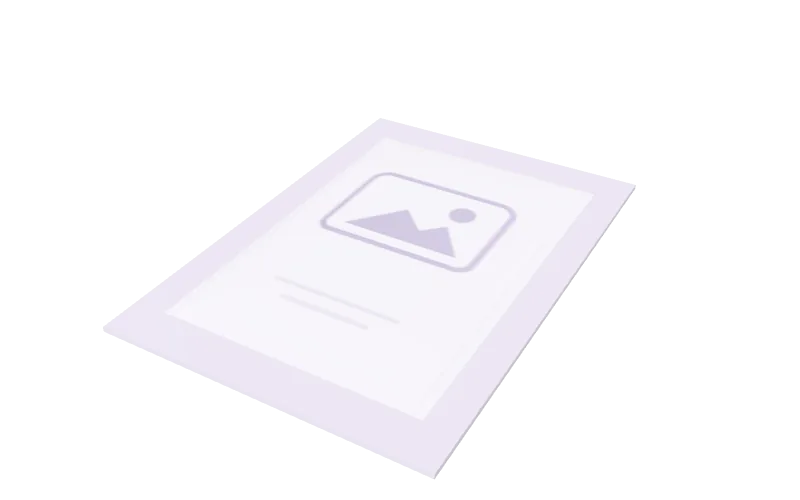
Sachet Mockup
Four side seal
Small four side seal sachet lying flat, with crimped lilac edges, a foil back and a print area on top.
Paper Shopping Bag Mockup
Rope handles
White paper shopping bag with folded side gussets, twisted rope handles and a full front print area.
Kraft Paper Bag Mockup
Lunch bag
Brown kraft paper lunch bag standing open, with a zigzag cut top, folded side gussets and a front print area.
Tote Bag Mockup
Canvas tote
Natural canvas tote bag with long shoulder straps sewn on the front and back and a large print area.
Poly Mailer Mockup
Mailing bag
Grey poly mailer lying flat, slightly padded, with sealed edges and a print area for labels or branding.
Made for games
- Drop in your artworkEach print area has UVs running 0 to 1 across the front and mirrored on the back, so one image of your own design covers it without any unwrapping.
- Real packaging detailsPuffed film over flat seals, oval gusset floors, zipper beads, crimped seals, a one way valve, a tin tie, a spout with a ribbed cap and rope or canvas handles.
- Blank placeholdersThe placeholder art shows only a safe area and a picture frame, with no words, logos or brands, so the mockups look clean until your artwork goes on.
- Real sizeIn metres, from a 7 cm sachet to a 38 cm canvas tote, standing on y = 0 with prints facing +Z, about 300 to 15,000 triangles and 64 to 410 KB a model.
How to use these GLB models
GLB is binary glTF 2.0: one file with the mesh, materials and node names. Every modern 3D tool reads it.
three.js
Load it with GLTFLoader, as in the code below. Babylon.js, PlayCanvas and A-Frame load GLB directly too.
Unity
Add the free glTFast package (Package Manager, add by name: com.unity.cloud.gltfast), then drag the .glb into Assets.
Godot 4
Drop the .glb into the FileSystem dock. Godot imports it as a scene you can instance.
Blender
File, Import, glTF 2.0. From there you can also export to FBX, OBJ or STL.
import * as THREE from 'three';
import { GLTFLoader } from 'three/addons/loaders/GLTFLoader.js';

const gltf = await new GLTFLoader().loadAsync('model.glb');
const model = gltf.scene;
scene.add(model);

// the model is in metres, +Y up, facing +Z, standing on the ground at the origin

// put your own artwork on a pouch (three.js)
const gltf = await new GLTFLoader().loadAsync('stand-up-pouch-mockup.glb');
const art = await new THREE.TextureLoader().loadAsync('my-design.png');
art.flipY = false; art.colorSpace = THREE.SRGBColorSpace;
gltf.scene.traverse(o => { if (o.isMesh && o.material.name.startsWith('Print_')) { o.material.map = art; o.material.needsUpdate = true; } });
scene.add(gltf.scene);
Licence: free with credit (CC BY 4.0)
All models are made by vinish.dev and released under Creative Commons Attribution 4.0. You may use them in personal and commercial projects, change them and share them. The one condition is credit, for example in your game's credits, your app's about page or your video description:
Each file carries its own credit line inside it (the glTF asset.copyright field), and each zip has a CREDITS.txt. If you change a model, say so after the credit, for example "recoloured".
Questions
How do I put my design on a bag?
Swap the texture of the material whose name starts with Print_. Its UVs run 0 to 1 across the front, so a picture with the same proportions as the front fits it exactly.
Is the back printable too?
Yes on most of them. The back uses the same print material mirrored, while the flat pouch, the snack bag and the sachet have a silver foil back.
Is there any text on the placeholder art?
No. The placeholder shows a dashed safe area and a picture frame only, with no words, logos or brand names.
Can I use them in a paid game or video?
Yes. They are CC BY 4.0: free for commercial use, just credit vinish.dev.
What goes well with them?
Show them next to box mockups, bottle mockups and coffee cup mockups, or stack them with cardboard boxes and packaging.
Can I use these models in a commercial game?
Yes. CC BY 4.0 allows commercial use. Put the credit line in your credits or about screen.
Do I need an account?
No. There is no login, sign-up or email. Open a model in the 3D view and press Download: the file is yours.
Can I get OBJ, STL or glTF?
Yes. Open the model in the 3D view and pick glTF, OBJ or STL. Your browser makes the file from the GLB in a second or two. OBJ and STL have no animation. STL is in millimetres with Z up; the models are made of separate parts, so a slicer may need to repair or merge them before 3D printing. For FBX, import the GLB into Blender (File, Import, glTF 2.0) and export it.
Can I change the models?
Yes. You may edit, recolour or cut them up. Keep the credit and mention that you changed them.
More from vinish.dev
- Free 3D Models: every pack in the library
- All 3D model categories: the full list on one page, with a search box
- Free City and Micro Car 3D Models: Small cars for narrow streets: kei wagons and hatches, two-seat micro cars, electric city cars, a micro van and kei trucks, with doors that open.
- Free Track and Field 3D Models: Athletics gear at real size: sprint and hurdle kit, throwing implements and circles, and full high jump, pole vault and long jump setups.
- Free Fern and Moss 3D Models: Woodland ferns from lacy lady fern to tall ostrich fern, curled fiddleheads, and rocks, logs, stumps and a stone wall grown over with moss.
- Free Power Plant 3D Models: Whole power station sites on their own yards, from a nuclear plant and a dam to a diesel yard, plus a cooling tower and a chimney on their own.
- Free Sculpture 3D Models: Gallery and public art pieces in bronze, marble, mirror steel, weathering steel, stone and painted steel, on plinths or straight on the ground.
- Free Rabbit, Mouse and Squirrel 3D Models: Rabbits, a hare, a mouse, a rat, squirrels, a chipmunk, a hedgehog, a hamster, a guinea pig and a gerbil, rigged with Idle, Walk, Run and Sit clips.
- Free Pillow and Blanket 3D Models: Soften a room with throw pillows, a bolster, bed pillows, a floor cushion, folded throws and quilts, a blanket stack and a blanket ladder.
- Free Floor and Tile 3D Models: Lay out rooms, yards and catwalks with 2 x 2 m floor modules: wood, parquet, marble, hex tiles, flagstones, cobbles, grating and more.
- Free Chibi Character 3D Models: Rigged cute chibi heroes with idle, walk and run clips: a knight, a wizard, a ninja, a pirate, an astronaut, a fairy and six more.
- Free Conveyor and Factory Line 3D Models: Build a packing line or a robot cell: belt and roller conveyors, a curve, a sorter, a scan arch, a robot arm behind mesh guards and a spiral chute.
- Free Pilates and Home Fitness 3D Models: Kit out a pilates studio or a home workout corner: a maple reformer and chair, a mat, a gym ball, bands, a foam roller, dumbbells and kettlebells.
- Free Post Office and Parcel 3D Models: Fit out a post office: a pillar mailbox, a glass screened counter, pigeonholes full of letters, lockers, brass PO boxes and paper parcels.
- Free Ancient China 3D Models: Bronze, stone, lacquer and silk from old China: chime bells, a guardian lion, a ritual cauldron, a gong, a lantern, writing tools and a crossbow.
- Free Chinese Food 3D Models: A Chinese restaurant table: dumplings in a bamboo steamer, noodles, fried rice, roast duck, soups, a takeout box and sweet mooncakes.
- Free Cargo Ship and Tanker 3D Models: Merchant ships at full scale: a container ship stacked with boxes, tankers, a bulk carrier with cranes, an LNG carrier, a tug and two barges.
- Free Palace and Mansion 3D Models: Grand houses in classic styles: stone palaces with columns and domes, brick manors, a timber framed Tudor manor, a chateau with towers and a gatehouse.
- Free New Year and Firework 3D Models: Light up a countdown scene: wrapped rockets and cakes, glowing sparks and a full burst, a paper sky lantern, champagne and a clock at twelve.
- Free Early Aircraft 3D Models: The first flying machines to the 1920s: wood and fabric pioneers, WWI style fighters and bombers, mail planes and a corrugated trimotor.
- Free Monkey and Ape 3D Models: Twelve primates on all fours, from a knuckle walking gorilla to a tiny maned tamarin, each with Idle, Walk and Run clips.
- Free Curtain and Blind 3D Models: Dress any window: soft folded drapes on rods and rings, a see-through sheer, short cafe curtains and seven kinds of blinds and shades with cords and chains.
- Free Voxel Weapon 3D Models: Blocky weapons for voxel and pixel-style games: blades, bows, axes, hammers, a glowing staff and a wooden shield, all tiny files on one shared palette.
- Free Machine Gun and Launcher 3D Models: Heavy support weapons for games and films: belt-fed guns on tripods and bipods, a rotary gun, rocket tubes and grenade launchers, all generic with no marks.
- Free Smartwatch and Wearable 3D Models: Tech you wear: four smartwatches with lit screens, a tracker, a ring, glasses, an AR headset, earbuds, a chest strap and a charging dock, all with no brands.
- Free Rose and Bouquet 3D Models: Roses for every occasion: wrapped bouquets, a bridal posy, roses in glass, a rose box, a corsage and a heart of petals, every bloom built from curled petals.
- Free Boxing and Martial Arts 3D Models: Everything for a boxing gym or a dojo: a full-size ring, bags of every kind, pads, gloves, a training dummy, foam mats and a weapon rack.
- Free Wizard Tower 3D Models: Two full wizard towers and the rooms inside them: stairs, a magic circle, books, scrolls, a telescope, an orrery and a velvet armchair.
- Free Rover and Lander 3D Models: Moon and Mars rovers with wheels that turn, and landers on legs with engines, tanks, solar panels and cargo, from a 1.4 m scout to a 9 m cargo lander.
- Free Limousine and Wedding Car 3D Models: Stretch limousines from 7.4 to 8.2 m long with a side bench and a bar inside, and wedding cars with ribbons, bows and roses. Wheels are separate nodes.
- Free Bank and ATM 3D Models: ATMs, a vault door, safes, a teller counter, deposit boxes and lobby fittings for bank scenes and heist games. Blank screens and keys, no logos or names.
- Free Older People 3D Models: Rigged grandparents and retired people with grey and white hair, lined faces, canes, glasses, hats and bags. Idle, walk and run clips on one shared skeleton.
- Free Pump and Compressor 3D Models: Water pumps, air compressors and an oil pumpjack built at real size in metres, from a 75 cm bicycle pump to a 6.5 m pumpjack.
- Free Police and Fire Station 3D Models: Whole station lots built at real size in metres, each with its building, apron or car park, vehicles, trees and a piece of street.
- Free Elephant, Rhino and Hippo 3D Models: The big heavy animals of savanna, forest and river, each rigged with its own legs, head and tail and ready to idle, walk and run.
- Free Rugs and Carpets 3D Models: Every rug is built at real size in metres with its own pattern drawn in code, from a 2.4 m wool rug and a 2.4 m runner down to a 75 cm doormat.
- Free Tabletop Terrain STL: Each piece is one closed solid at real millimetre size with a flat bottom: download the STL, slice it and print it ready to prime, dry brush and put on the table.
- Free Urban Alley 3D Models: Every piece is built at real size in metres from our own designs, with worn paint, rust, brick and asphalt, from the 4 m alley corner down to a crushed soda can.
- Free Medicine and Pills 3D Models: Every piece is built at real size in metres from our own designs, from the 18 cm counting tray and the 13.5 cm syrup bottle down to a 9 mm tablet.
- Free Pants, Shorts and Skirts 3D Models: Every garment is shaped at real adult size in metres from our own patterns, standing upright as if worn, from 1 m long trousers down to 36 cm denim shorts.
- Free Hockey and Ice Skating 3D Models: Every piece is built at real size in metres from our own designs, from the 5 m ice resurfacer and the 1.83 m wide goal down to a 7.6 cm puck.
- Free Roof and Chimney 3D Models: Every roof is built at real size in metres from our own designs on the top band of its walls, from the 10 m cross gable and the 9 m barn roof down to chimney pots under a metre tall.
- Free Bonsai 3D Models: Every tree is built at real size in metres from our own designs, from the 71 cm literati pine and the 68 cm wide forest slab down to a shohin maple on a 60 cm display table.
- Free Recording Studio 3D Models: Every piece is built at real size in metres from our own designs, from the 5.3 m control room and the 1.9 m wide console down to a 49 key controller 80 cm long.
- Free Hospital Buildings 3D Models: Every building comes on its own plot at real size in metres with car parks, lawns, trees and lamps, from the 92 m hospital campus with its 32 m ward tower down to the 40 m helipad deck.
- Free Renaissance 3D Models: Every piece is built at real size in metres from our own designs in the spirit of the period, from the 2 m printing press and the 8.7 m flying machine down to a brass astrolabe 22 cm across.
- Free Pizza and Pasta 3D Models: Every dish is built at real size in metres and served on its own plate, board, tray or baking dish, from a 30 cm pizza cut into eight slices to single strands of spaghetti twirled into a nest.
- Free Low Poly Car 3D Models for Games: 12 vehicles with separate wheels
- Sample GLB Files: small test files for loaders, viewers and engines
- Free browser games and simulators by vinish.dev