Free Book and Magazine Mockup 3D Models: Hardcover, Paperback, Open Book, Magazine, Notebook and Brochure (GLB, OBJ, STL)
Ten free book and magazine mockup 3D models: a hardcover book, a paperback, an open book spread, a magazine, an open magazine, a comic book, a spiral notebook, a book stack, a slipcase box set and a tri-fold brochure. Every cover has a flat wrap UV for your own art. Free for commercial use under CC BY 4.0, no login.
- 10 models
- 36–4,612 triangles
- 48 KB–204 KB each
- GLB, glTF, OBJ, STL
- CC BY 4.0
- No login
All ten models
Drag a model to turn it, or tap it to open the 3D viewer, where you can zoom and download it. Sizes are width × depth × height.
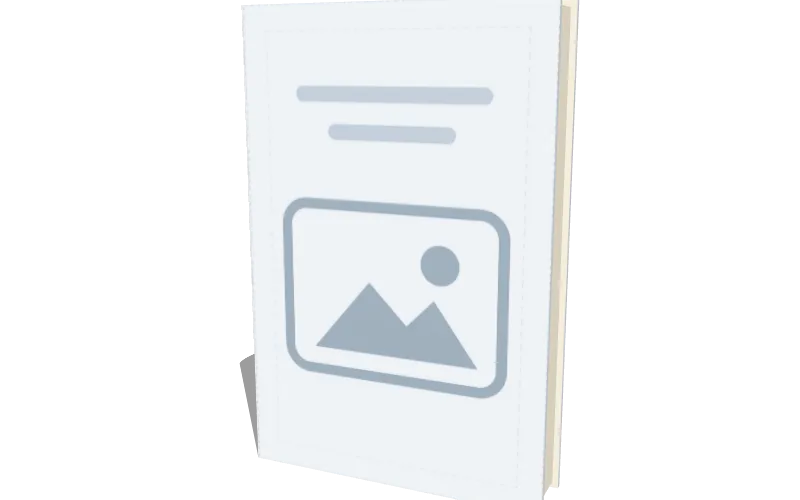
Hardcover Book Mockup
Hardcover book
A hardcover book standing on its tail edge with a rounded spine, page block and board overhang, and one wrap UV for back, spine and front.
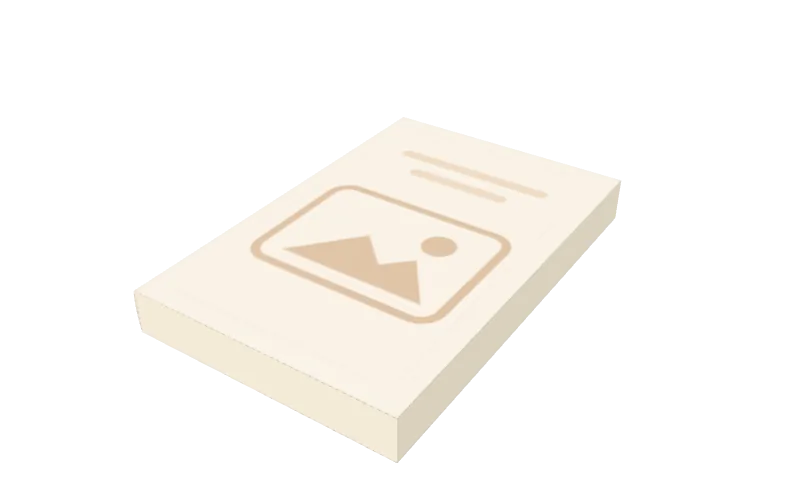
Paperback Book Mockup
Paperback book
A paperback book lying flat with a thin card cover flush to the pages, its back, spine and front laid out on one image for your own art.
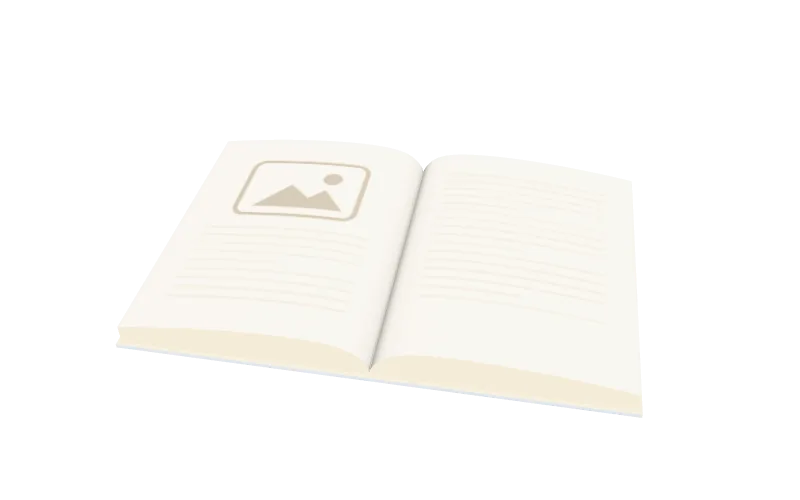
Open Book Spread Mockup
Open book
A hardcover book lying open with the pages curling up from the gutter, one image for the two facing pages and the cover wrap underneath.
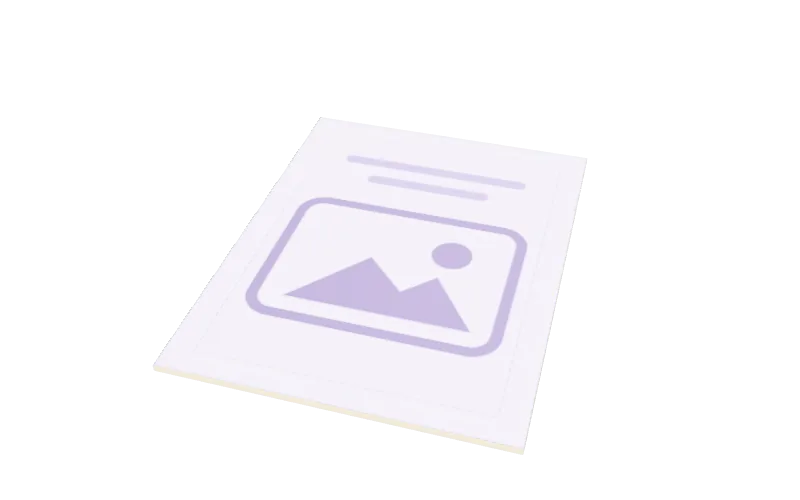
Magazine Mockup
Magazine
A perfect bound magazine lying flat with a glossy cover and a slim square spine, its back, spine and front laid out on one image.
Open Magazine Mockup
Open magazine
A magazine lying open with soft curling pages and two staples in the centre fold, with one image for the two facing pages.
Comic Book Mockup
Comic book
A thin comic book with a glossy cover, a folded spine and two staples on the fold, its back, spine and front laid out on one image.
Spiral Notebook Mockup
Notebook
A spiral notebook with a printed card cover, a grey board back, cream page edges and a black wire coil through a row of punched holes.
Book Stack Mockup
Book stack
Three books stacked at slight angles: a hardcover at the bottom, a paperback in the middle and a smaller hardcover on top, each with wrap UVs.
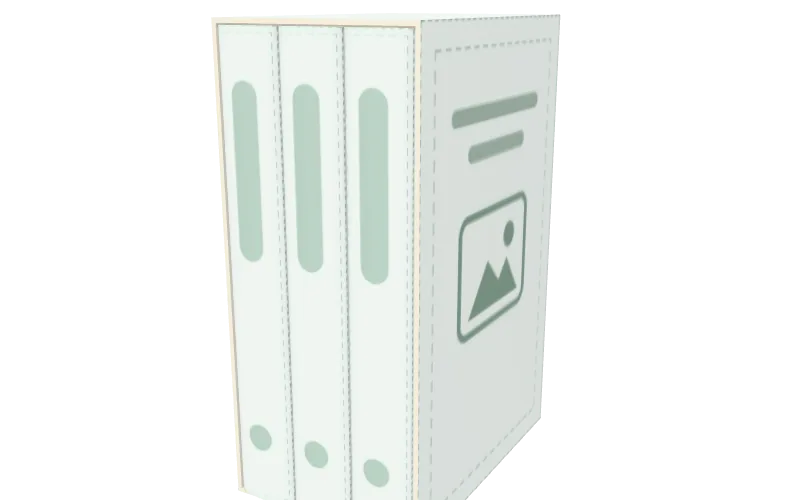
Slipcase Box Set Mockup
Box set
A printed slipcase holding three matching hardcover books with their spines out, the case and the books each with a flat net UV layout.
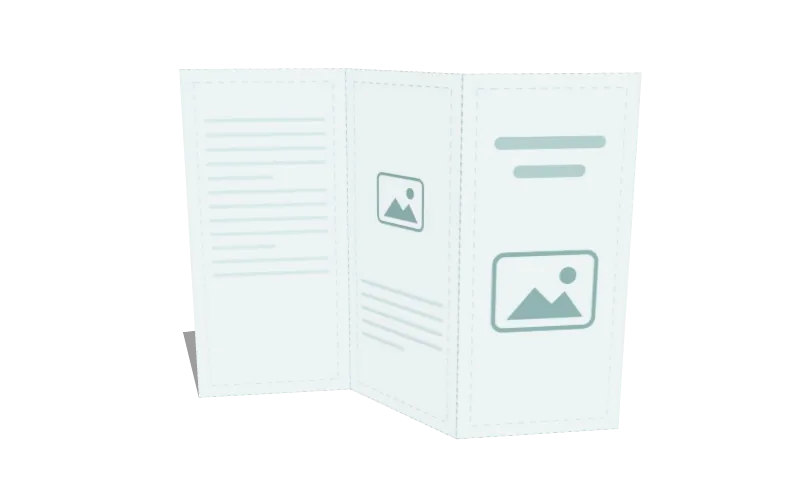
Tri-Fold Brochure Mockup
Brochure
A tri-fold brochure standing open in a zigzag, with the outside and the inside of the sheet laid out as two rows of three panels.
Made for games
- One image per coverEach cover has UVs laid out like the flat cover sheet: back, spine and front side by side with the edge bleed round them, so one image of your art wraps the whole book.
- Open spreadsThe open book and open magazine take one image for the two facing pages, with the pages curling up from the gutter and staples in the magazine fold.
- Print ready shapesHardcover boards with overhang and a rounded spine, flush paperback covers, a folded comic spine, a wire coil notebook, a slipcase and a zigzag brochure.
- Real sizeModelled in metres, from a 0.21 m notebook to a 0.43 m wide open magazine. About 36 to 4,600 triangles and 48 to 204 KB a model.
How to use these GLB models
GLB is binary glTF 2.0: one file with the mesh, materials and node names. Every modern 3D tool reads it.
three.js
Load it with GLTFLoader, as in the code below. Babylon.js, PlayCanvas and A-Frame load GLB directly too.
Unity
Add the free glTFast package (Package Manager, add by name: com.unity.cloud.gltfast), then drag the .glb into Assets.
Godot 4
Drop the .glb into the FileSystem dock. Godot imports it as a scene you can instance.
Blender
File, Import, glTF 2.0. From there you can also export to FBX, OBJ or STL.
import * as THREE from 'three';
import { GLTFLoader } from 'three/addons/loaders/GLTFLoader.js';

const gltf = await new GLTFLoader().loadAsync('model.glb');
const model = gltf.scene;
scene.add(model);

// the model is in metres, +Y up, facing +Z, standing on the ground at the origin

// put your own cover on the hardcover (three.js)
const loader = new GLTFLoader();
const book = (await loader.loadAsync('hardcover-book-mockup.glb')).scene;
const art = await new THREE.TextureLoader().loadAsync('my-cover-wrap.jpg'); // back | spine | front
art.flipY = false; art.colorSpace = THREE.SRGBColorSpace;
book.traverse(o => { if (o.isMesh && o.material.name === 'Print_Hard') o.material.map = art; });
scene.add(book);
Licence: free with credit (CC BY 4.0)
All models are made by vinish.dev and released under Creative Commons Attribution 4.0. You may use them in personal and commercial projects, change them and share them. The one condition is credit, for example in your game's credits, your app's about page or your video description:
Each file carries its own credit line inside it (the glTF asset.copyright field), and each zip has a CREDITS.txt. If you change a model, say so after the credit, for example "recoloured".
Questions
How do I put my own cover on?
Swap the texture on the Print material for your own image laid out the same way as the placeholder: back cover, spine and front cover side by side, with a thin bleed round the edge. Open spreads take the left page and the right page on one image.
Which way do they face?
Every model has +Y up and its lowest point on y 0. The hardcover stands on its tail edge with the front cover toward +Z; the rest lie flat with the front cover up and the head toward -Z.
Is there any text or logo on them?
No. The placeholder art only shows panels, fold lines, a safe area, a picture frame and plain bars, so nothing gets in the way of your own design.
Can I use them in a paid game or video?
Yes. They are CC BY 4.0: free for commercial use, just credit vinish.dev.
What goes well with them?
Add box mockups and bag and pouch mockups for a full product shot, or office supplies to dress a desk scene.
Can I use these models in a commercial game?
Yes. CC BY 4.0 allows commercial use. Put the credit line in your credits or about screen.
Do I need an account?
No. There is no login, sign-up or email. Open a model in the 3D view and press Download: the file is yours.
Can I get OBJ, STL or glTF?
Yes. Open the model in the 3D view and pick glTF, OBJ or STL. Your browser makes the file from the GLB in a second or two. OBJ and STL have no animation. STL is in millimetres with Z up; the models are made of separate parts, so a slicer may need to repair or merge them before 3D printing. For FBX, import the GLB into Blender (File, Import, glTF 2.0) and export it.
Can I change the models?
Yes. You may edit, recolour or cut them up. Keep the credit and mention that you changed them.
More from vinish.dev
- Free 3D Models: every pack in the library
- All 3D model categories: the full list on one page, with a search box
- Free Android 3D Models: Humanoid androids in poses: service, guard, worker, medical, explorer, chrome, butler and companion androids, a head bust and a kneeling repairer.
- Free Snow Vehicle 3D Models: Two snowmobiles, a snow bike, a piste groomer, a snowcat, a snowplow truck, a rotary snowblower, an arctic 6x6 truck, a snow tractor and a sleigh.
- Free Tent and Canopy 3D Models: A cabin tent, a tunnel tent, a ridge tent, a bell tent, a marquee, a pole tent, a glamping dome, an air tent, a beach shelter, shade sails and two canopies.
- Free Archery 3D Models: An Olympic recurve, a target compound bow, a foam block target, a deer target, a backstop net, two quivers, a spotting scope, an arm guard and a bow case.
- Free Industrial Revolution 3D Models: A power loom, spinning jenny, beam engine, traction engine, coal wagon, boiler, locomotive, iron bridge, carding engine, line shaft, furnace and gasholder.
- Free Breakfast 3D Models: A full breakfast plate, fried eggs, bacon, cereal, toast, waffles, a boiled egg, a parfait, porridge, eggs benedict, avocado toast and an omelette.
- Free Submarine 3D Models: Military and 1940s submarines, a tourist sub, a mini sub, a research submersible, a bathysphere, a diving bell, an ROV and a diver scooter.
- Free Water Bird 3D Models: Swans, herons, an egret, a pelican, a stork, a spoonbill, an ibis, a loon, a cormorant, a grebe and a tern, rigged with six clips.
- Free String Lights 3D Models: Glowing string lights for patios, parties and cosy rooms: festoon globes, Edison bulbs, fairy lights, lanterns, icicles, a net and a curtain.
- Free Barber and Salon 3D Models: Chairs, a shampoo unit, a hood dryer, a mirror station, a barber pole and the tools and shelves to fit out a barber shop or beauty salon.
- Free Cowboy 3D Models: A rigged old west cast in cowboy hats, vests and long dusters, with revolvers, rifles, a lasso and a gold pan. Idle, walk and run.
- Free Mining Equipment 3D Models: Open pit and underground mining machines and gear, from a giant haul truck and drill jumbo to an ore car on rails, a headframe and a sluice box.
- Free Hook and Hanger 3D Models: Hooks and hangers to print for walls, doors, shelves and closets: coat and towel hooks, a key rack, pegboard hooks, S hooks and hangers.
- Free Mailbox 3D Models: Mailboxes for front yards, streets and hallways, from a rural box with a red flag to a brick column, a cluster unit and a parcel drop box.
- Free Microscope and Telescope 3D Models: Optical instruments for labs and stargazing, from student and electron microscopes to a refractor, a Dobsonian and a coin operated viewer.
- Free Suit and Uniform 3D Models: Complete outfits shown as if worn, from business suits with shirt and tie to chef whites, a pilot uniform, firefighter gear and coveralls.
- Free Water Plant 3D Models: Pond and marsh plants for water scenes, from giant lily pads and floating hyacinth to papyrus, horsetail and underwater eelgrass.
- Free Gazebo and Pergola 3D Models: Garden gazebos and pergolas for backyards, parks and patios, from a wooden gazebo with a cupola to a louvered pergola and a grill gazebo.
- Free Fishing 3D Models: Fishing gear for lakeside, river and ice fishing scenes, from rods and reels with line to a tackle box, lures, a chair and a rod pod.
- Free Voxel Dungeon 3D Models: A blocky voxel dungeon kit with walls, floors, a door and stairs on a 2 m grid, plus a torch, a treasure chest, traps and props.
- Free Grenade and Mine 3D Models: Grenades and mines for shooter games, war scenes and pickups, from a frag and a flashbang to a horned sea mine and a crate of grenades.
- Free Battery and Charger 3D Models: Batteries and chargers for desks, garages and gadget scenes, from AA cells and a nine-volt to a car battery, a power station and an EV charger.
- Free Arctic Animal 3D Models: Animated animals of the far north, from an orca, a beluga and a narwhal to a walrus, seals, a white hare, a wolverine and a puffin.
- Free Wall Light 3D Models: Wall mounted lights for any room or outside wall, from brass sconces and a swing arm lamp to a picture light, a coach lantern and an LED bar.
- Free St Patrick’s Day 3D Models: Green party props for a St Patrick’s Day scene, from a pot of gold and a buckled top hat to a rainbow, shamrock decor and party food.
- Free Bomber and Transport Plane 3D Models: Big military planes for an air base or a war game, from cargo airlifters and a refuelling tanker to jet bombers, a flying wing and a water bomber.
- Free Clothing Store 3D Models: Racks, shelves, fitting rooms and counters full of clothes for a fashion shop scene, from a garment rack to a shoe wall and a cash desk.
- Free Fireplace 3D Models: Fireplaces and stoves with glowing fires, from a brick arch and a marble surround to a wood stove, a hanging fireplace and a chimenea.
- Free Dwarven Hall Kit 3D Models: Heavy carved stone pieces with bronze trim for an underground fantasy hall, from a great door and pillars to a throne and braziers.
- Free Holograms and Screens 3D Models: Glowing sci-fi holograms and screens, from a planet projector and a galaxy hologram to a curved command screen and a data wall.
- Free Race Car 3D Models: Touring and Stock: Circuit, oval and rally racers in bold colour-block liveries, with wings, splitters and roll cages, plus a pace car and a pit tyre cart.
- Free Pirate 3D Models: A rigged pirate crew in long coats, vests and head scarves, with cutlasses, a musket, spyglasses, a mop and a parrot. Idle, walk and run.
- Free Oil and Gas 3D Models: Oilfield and offshore gear for industrial scenes, from a land drilling rig and an offshore platform to a wellhead and a flare stack.
- Free Shed and Garage 3D Models: Garages, carports and garden sheds for suburbs and backyards, from a brick double garage to a log store and a bike shed.
- Free Climbing 3D Models: Climbing gym and crag gear for sports scenes, from an overhanging bouldering wall with holds and mats to rope, harness and carabiners.
- Free Safari Animal 3D Models: Animated antelopes, buffalo, warthog and hyena for savanna scenes, from a spiral horned kudu to a tiny gazelle.
- Free Picture Frame and Wall Art 3D Models: Framed prints, canvases and wall decor to dress any room, from a seven frame gallery wall and a gilded painting to a woven hanging.
- Free Vine and Ivy 3D Models: Climbing plants on their supports for gardens, ruins and jungles, from an ivy wall and a hanging basket to wisteria and grapes.
- Free Arabian Nights 3D Models: Desert palace and market props for folk tale scenes, from a cushion lounge and glowing lanterns to a domed pavilion and a tent.
- Free Mexican Food 3D Models: Plated Mexican dishes for cafe, market and kitchen scenes, from street tacos and a cut burrito to guacamole, churros and flan.
- Free Ferry and Cruise Ship 3D Models: Passenger ships for any harbour or river, from a 200 m cruise ship and a car ferry to a paddle steamer, a catamaran and a water bus.
- Free Sign and Notice 3D Models: Picture signs and blank notice boards for shops, offices and public places, from a wet floor sign and an exit sign to a signpost.
- Free Skiing and Snowboarding 3D Models: Gear and slope props for a ski resort, from skis, poles, boots and a snowboard to a chairlift chair, slalom gates and a snow cannon.
- Free Farm Building 3D Models: Barns, sheds and farm structures to build a whole farmyard, from a red gambrel barn and a farmhouse to a grain bin and a hay barn.
- Free Freight Wagon 3D Models: Freight cars for train games and rail yards, from hoppers and gondolas to a container well car, a caboose and a gas tank car.
- Free Low Poly Car 3D Models for Games: 12 vehicles with separate wheels
- Sample GLB Files: small test files for loaders, viewers and engines
- Free browser games and simulators by vinish.dev