Free Monitor and TV 3D Models: Curved Monitor, Dual Monitors, Pen Display, Flat TV, Wall TV, Curved TV (GLB, OBJ, STL)
Twelve free monitor and TV 3D models: a curved ultrawide gaming monitor, a 24 inch monitor, a dual monitor arm, a portrait monitor, an office monitor with a webcam, a portable monitor, a pen display, a flat TV on feet, a wall-mounted TV, a TV on a media console, a curved TV and a TV on a rolling cart. Free for commercial use under CC BY 4.0, no login.
- 12 models
- 694–20,033 triangles
- 43 KB–518 KB each
- GLB, glTF, OBJ, STL
- CC BY 4.0
- No login
All 12 models
Drag a model to turn it, or tap it to open the 3D viewer with zoom. Sizes are width × depth × height. The tags under a model are its separate parts, by node name.
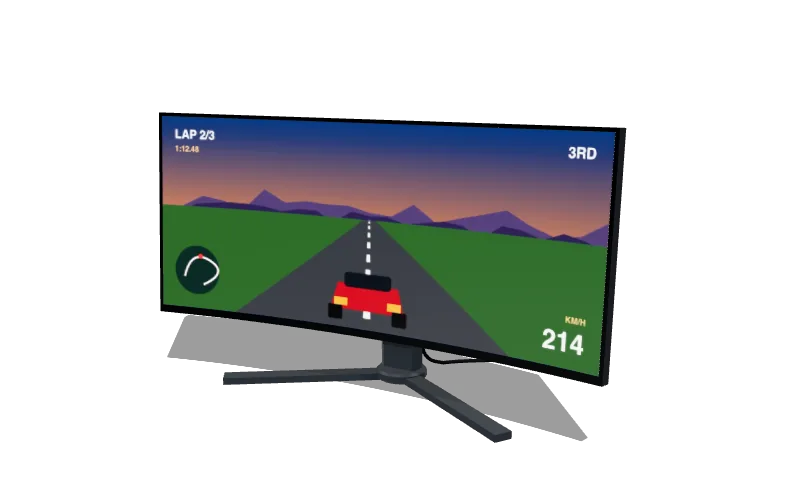
Curved Gaming Monitor
34 inch ultrawide
A 34 inch curved ultrawide monitor showing a racing game, on a V-shaped metal foot, with a glowing ring on its back.
- Stand
- Monitor
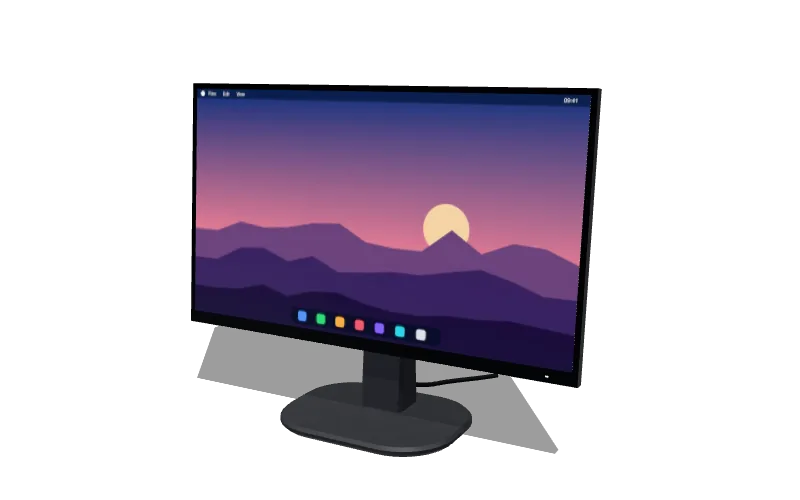
Flat Screen Monitor
24 inch
A 24 inch flat monitor with thin bezels on a round foot, a cable clip in the neck and a desktop wallpaper on screen.
- Stand
- Monitor
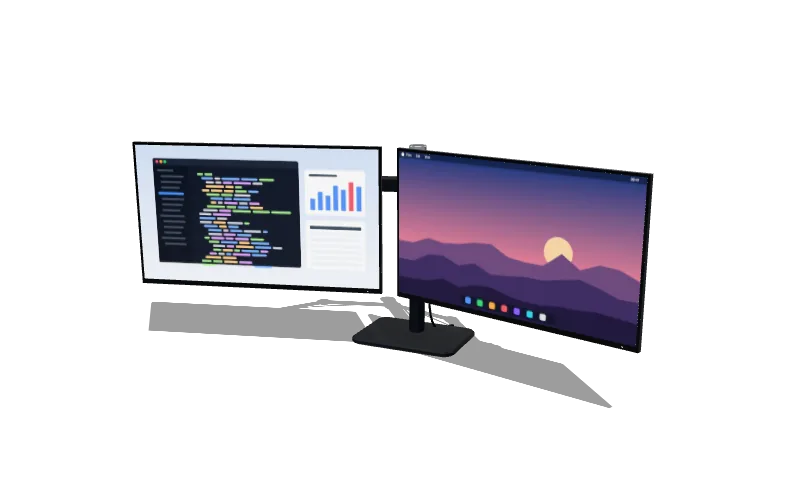
Dual Monitor Setup
Two 27 inch on an arm
Two 27 inch monitors angled in on a dual arm with a weighted base, one showing code and charts and one a wallpaper.
- Monitor ×2
- Cables
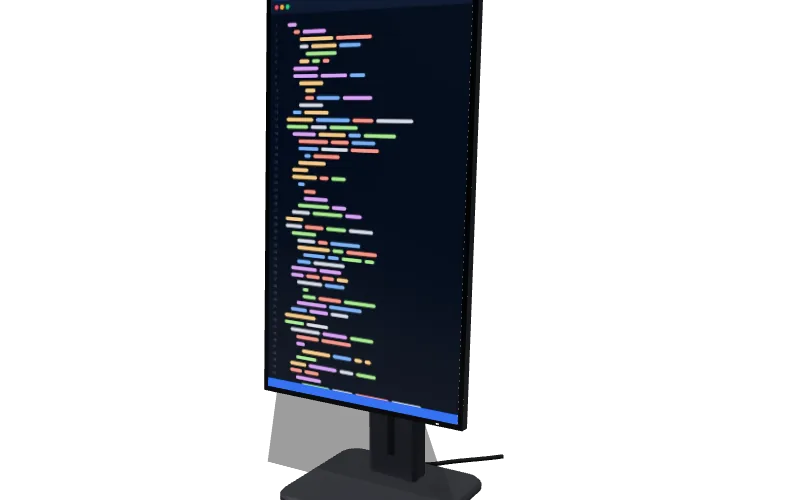
Portrait Monitor
Upright on a height stand
A 24 inch monitor turned upright on a height-adjustable stand, showing a long page of code, with a cable down the back.
- Stand
- Monitor
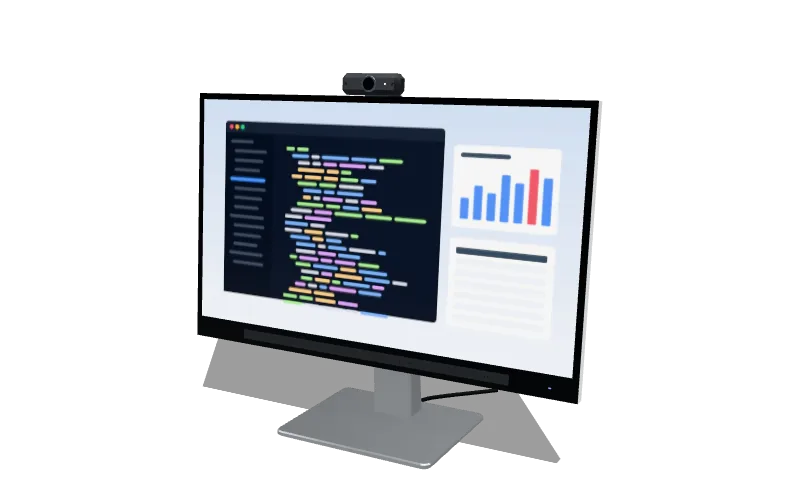
Office Monitor with Webcam
27 inch, speaker chin
A white 27 inch office monitor with a speaker grille in the chin, a clip-on webcam and an aluminium stand.
- Stand
- Monitor
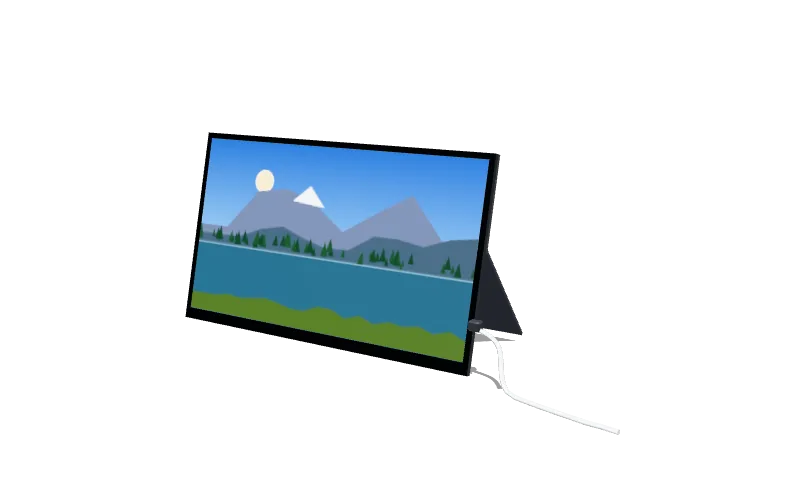
Portable Monitor
15.6 inch in a folio
A slim 15.6 inch portable monitor standing in its folding fabric cover, with a white USB-C cable and a lake photo.
- Cable
- Monitor
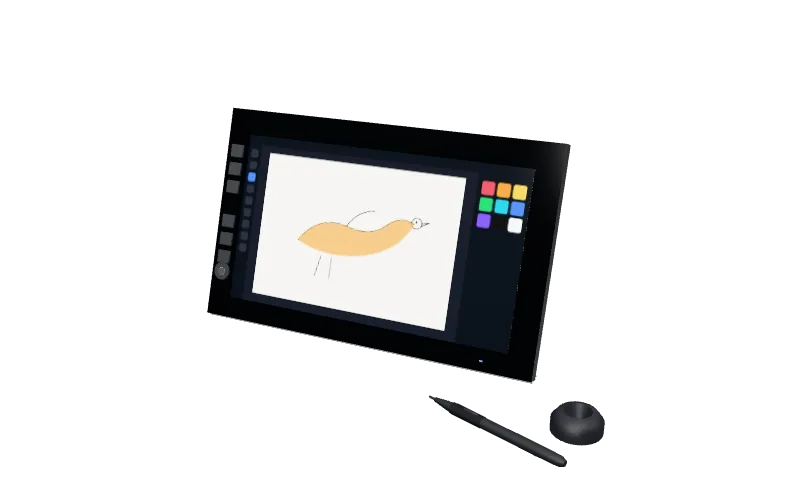
Pen Display Tablet
With pen and keys
A 16 inch pen display with shortcut keys and a dial, fold-out legs, a drawing app on screen, a pen and a pen holder.
- Display
- Pen_Holder
- Pen
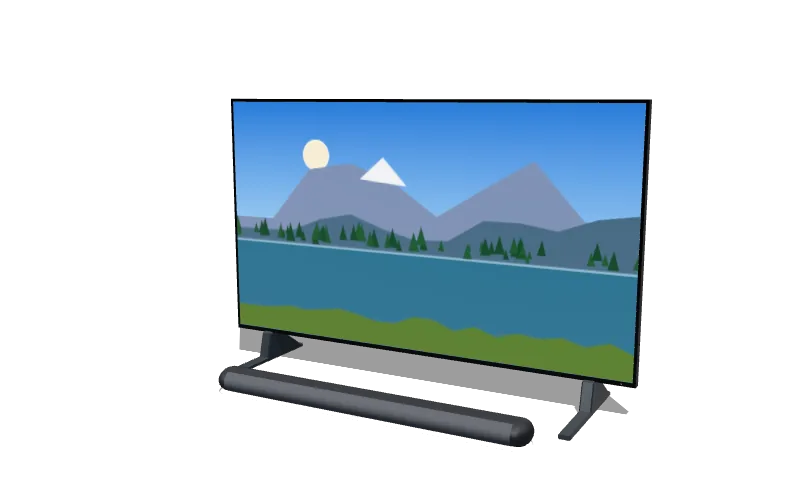
Flat TV on Stand
55 inch on feet
A 55 inch flat TV on two blade feet with a soundbar in front, showing a mountain lake. Feet, TV and soundbar are separate.
- TV
- Soundbar
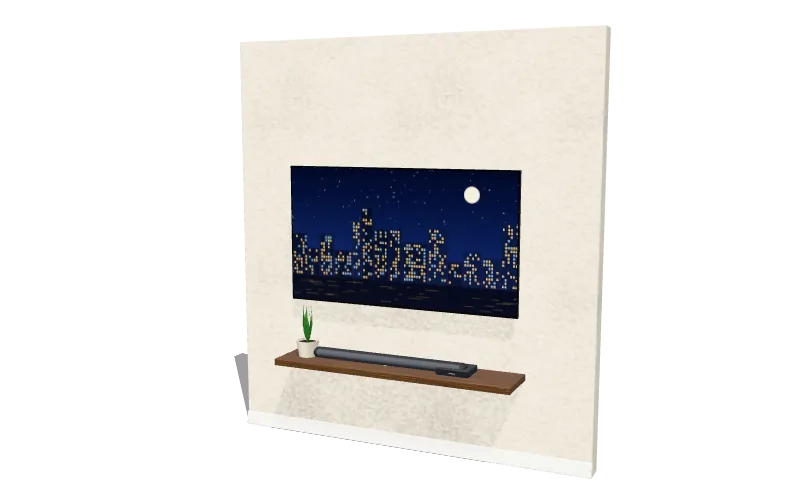
Wall Mounted TV
65 inch on a wall
A 65 inch TV on a slim wall bracket on a painted wall, with a floating walnut shelf, a soundbar, a media box and a plant.
- TV
- Soundbar
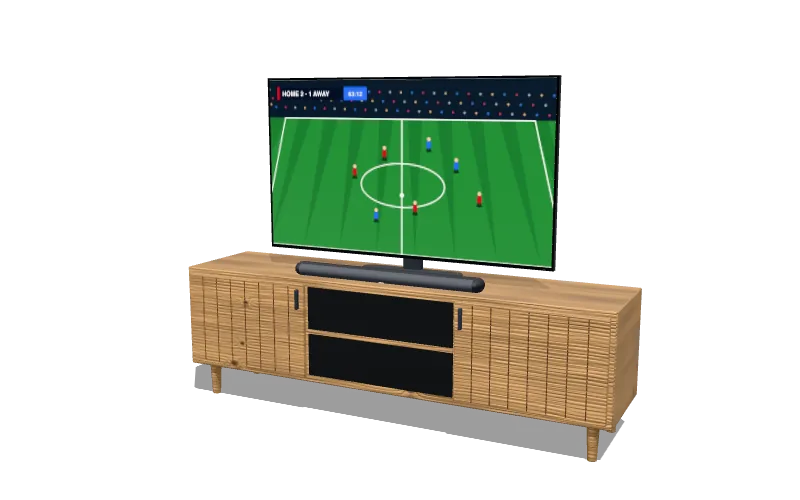
TV on Media Console
55 inch on oak
A 55 inch TV on a centre stand on an oak media console with slatted doors, a game console, a router and a soundbar.
- TV
- Soundbar
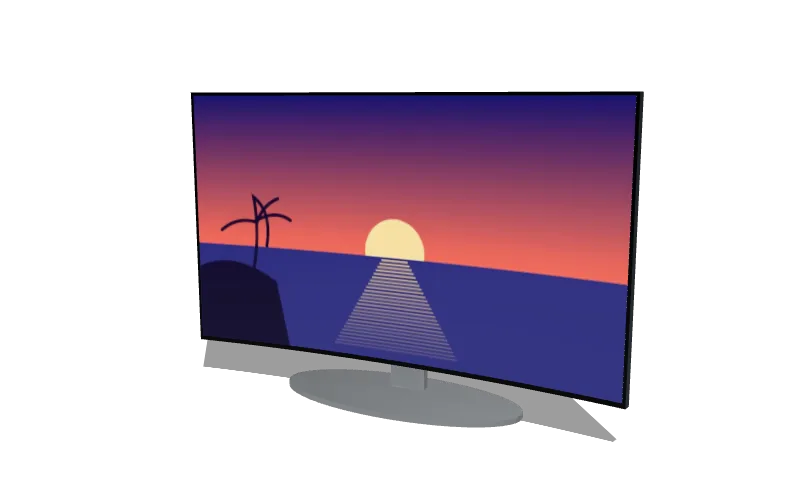
Curved TV
55 inch on a pedestal
A 55 inch curved TV on an oval aluminium pedestal, showing a sunset over the sea, with a slim dark metal frame.
- TV
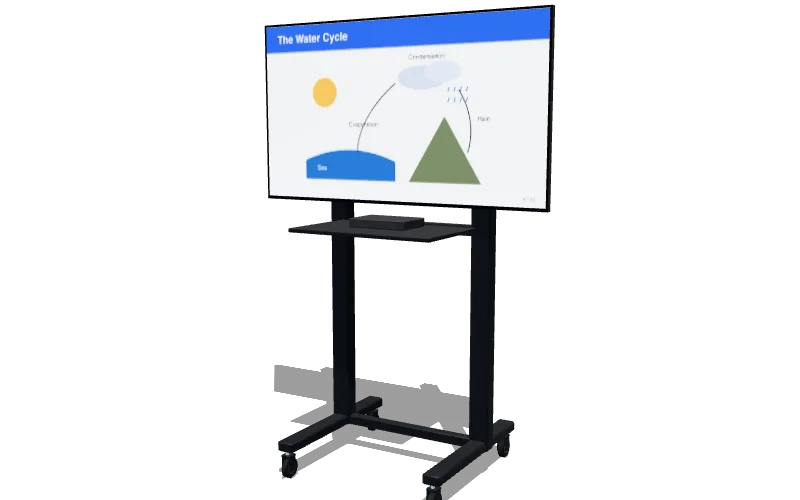
TV on Rolling Cart
55 inch, mobile
A 55 inch TV on a black rolling cart with two posts, a shelf with a camera bar and four casters, showing a lesson slide.
- Caster_1
- Caster_2
- Caster_3
- Caster_4
- TV
Made for games
- Screens that glowEvery screen shows its own picture with an emissive texture: a racing game, code, charts, a drawing app, a match, a city at night and more.
- Panels as nodesEach monitor or TV is its own node on its stand, so you can tilt it, swap the screen texture or turn it off in code.
- Original designsOur own generic displays, not copies of any make or model, with no brand names or logos.
- Real scaleIn metres, screens facing +Z, the desk or floor on y = 0, from a 15.6 inch portable monitor to a 65 inch TV on a wall.
How to use these GLB models
GLB is binary glTF 2.0: one file with the mesh, materials and node names. Every modern 3D tool reads it.
three.js
Load it with GLTFLoader, as in the code below. Babylon.js, PlayCanvas and A-Frame load GLB directly too.
Unity
Add the free glTFast package (Package Manager, add by name: com.unity.cloud.gltfast), then drag the .glb into Assets.
Godot 4
Drop the .glb into the FileSystem dock. Godot imports it as a scene you can instance.
Blender
File, Import, glTF 2.0. From there you can also export to FBX, OBJ or STL.
import * as THREE from 'three';
import { GLTFLoader } from 'three/addons/loaders/GLTFLoader.js';

const gltf = await new GLTFLoader().loadAsync('model.glb');
const model = gltf.scene;
scene.add(model);

// the model is in metres, +Y up, facing +Z, standing on the ground at the origin

// show your own video on a TV screen (three.js)
const gltf = await new GLTFLoader().loadAsync('flat-tv-on-stand.glb');
scene.add(gltf.scene);
const video = document.createElement('video');
video.src = 'my-clip.mp4'; video.loop = true; video.muted = true; video.play();
const tex = new THREE.VideoTexture(video);
tex.flipY = false; // glTF UVs
gltf.scene.traverse(o => {
  if (o.isMesh && o.material.name.startsWith('Scr_')) { o.material.map = tex; o.material.emissiveMap = tex; }
});
Licence: free with credit (CC BY 4.0)
All models are made by vinish.dev and released under Creative Commons Attribution 4.0. You may use them in personal and commercial projects, change them and share them. The one condition is credit, for example in your game's credits, your app's about page or your video description:
Each file carries its own credit line inside it (the glTF asset.copyright field), and each zip has a CREDITS.txt. If you change a model, say so after the credit, for example "recoloured".
Questions
Are these real brands?
No. They are our own generic designs with no brand names, logos or model numbers.
Can I change what is on the screen?
Yes. Each screen uses its own material whose name starts with Scr_, so you can swap its texture for an image or a video.
Are they light enough for a room scene?
Most are 700 to 5,000 triangles. The webcam monitor is about 20,000 because of its speaker grille holes.
Can I use them in Unity, Unreal or Blender?
Yes. Download GLB for Blender, Unity, Unreal or Godot, or OBJ for older tools. Textures are packed inside each GLB.
Can I use them in a paid game or video?
Yes. They are CC BY 4.0: free for commercial use, just credit vinish.dev.
Can I use these models in a commercial game?
Yes. CC BY 4.0 allows commercial use. Put the credit line in your credits or about screen.
Do I need an account?
No. There is no login, sign-up or email. Click Download and the file is yours.
Can I get OBJ, STL or glTF?
Yes. Press the arrow next to Download GLB, or open the 3D view, and pick glTF, OBJ or STL. Your browser makes the file from the GLB in a second or two. OBJ and STL have no animation. STL is in millimetres with Z up; the models are made of separate parts, so a slicer may need to repair or merge them before 3D printing. For FBX, import the GLB into Blender (File, Import, glTF 2.0) and export it.
Can I change the models?
Yes. You may edit, recolour or cut them up. Keep the credit and mention that you changed them.
More from vinish.dev
- Free 3D Models: every pack in the library
- All 3D model categories: the full list on one page, with a search box
- Free Classic Car 3D Models: Vintage cars and trucks from the 1920s to 1940s: roadster, touring car, coupe, sedan, delivery truck, pickup, woodie, limousine, streamliner, convertible, taxi and speedster.
- Free Bench 3D Models: Park, street, garden and indoor benches: cast iron, stone, perforated steel, pine, concrete, curved teak, tree ring, log, wrought iron, locker room, pew and back-to-back.
- Free Medical Equipment 3D Models: Hospital and clinic machines: MRI, CT, mobile X-ray, ultrasound, ECG, operating table, surgical light, AED, oxygen concentrator, incubator, beam scale and exam couch.
- Free Shirts and Tops 3D Models: Hollow shirts and tops shown as if worn: T-shirt, hoodie, polo, blouse, dress shirt, flannel, striped tee, sweater, cardigan, turtleneck, sports jersey and rugby shirt.
- Free Workers and Jobs 3D Models: Rigged people in work clothes: chef, farmer, mechanic, waiter, pilot, security guard, firefighter, nurse, painter, courier, scientist and gardener, each with a tool. Idle, walk and run.
- Free Sailing Ship 3D Models: Square riggers, fore-and-aft schooners and old ships from a 10 m felucca to an 84 m four-masted barque, sails set and rigging on.
- Free Wand and Staff 3D Models: Three hand wands of 35 to 43 cm and nine walking staffs of 1.6 to 1.8 m, each with its own glowing crystal, gem, flame or rune.
- Free Fruit Tree 3D Models: Orchard and garden trees from a 3 m lemon to a 9 m avocado, with fruit on the outer leaves and a few fallen on the ground.
- Free Office Building 3D Models: Low and mid-rise offices: glass, brick and concrete blocks, an atrium, a ring campus, a car park, a pavilion and a brick loft.
- Free Steam Locomotive 3D Models: Express, freight and tank engines, an old west wood burner, a big 4-8-4, a quarry engine, goods and mixed traffic engines and a coal tender.
- Free Space Freighter 3D Models: Container hauler, tankers, an ore hauler, an ice hauler, a cargo lander, a tug and pod, a heavy lifter, a courier, a salvage ship, a farm ship and a cargo drone.
- Free Soccer 3D Models: Cleats, a vintage ball and a match ball, a training goal, a corner flag, a dugout, cones, a free-kick wall, a ball bag, a line marker, a sub board and a referee set.
- Free Passenger Jet 3D Models: Narrow-body, stretched, wide-body and four-engine jets, regional and business jets, a freighter, a trijet, a quadjet, a supersonic concept and a blended wing.
- Free Truck Trailer 3D Models: Dry van, reefer, curtainside, fuel tanker, car carrier, log, livestock, dry bulk tanker, container chassis, tipper and low loader trailers, plus a converter dolly.
- Free Garden Tools 3D Models: Garden spade, digging fork, leaf rake, bow rake, garden hoe, hand trowel, hand fork, pruning shears, hedge shears, watering can, hose reel cart and reel mower.
- Free Ancient Greece 3D Models: Greek temple, Doric column, Ionic column, column ruins, black-figure amphora, bell krater, kylix cup, hoplite shield, clay oil lamp, lyre, gold laurel wreath and marble altar.
- Free Bread and Pastries 3D Models: Sourdough loaf, tin loaf, baguette, sesame bagel, croissant, pretzel, cinnamon roll, apple pie, braided loaf, chocolate pastry, fruit danish and dinner rolls.
- Free Voxel City 3D Models: Town house, corner shop, apartment block, office tower, cafe, fire station, road and crossroads tiles, taxi, city bus, traffic light and street lamp, all blocky voxels.
- Free Axe and Hammer 3D Models: Bearded axe, great axe, throwing axe, hatchet, double-bit axe, felling axe, splitting maul, war hammer, horseman's hammer, great maul, sledgehammer and cross-peen hammer.
- Free Office Equipment 3D Models: Laser printer, photocopier, paper shredder, projector, projector screen, mobile whiteboard, water cooler, filing cabinet, desk phone, stapler, hole punch and laminator.
- Free Farm Animal 3D Models: Dairy cow, bull, calf, shaggy cow, goat, kid goat, sheep, lamb, ram, donkey, llama and alpaca, all rigged with Idle, Walk, Trot, Gallop and Graze clips.
- Free Armchair 3D Models: Wingback, lounge chair, recliner, tub chair, club chair, buttoned leather armchair, French armchair, rattan fan-back chair, papasan, rocking armchair, bouclé teddy chair and armchair with ottoman.
- Free Business People 3D Models: Rigged men and women in suits and office clothes, with a briefcase, tablet, phone, coffee, headset and clicker, clipboard, folder, laptop bag, handbag and laptop. Idle, walk and run.
- Free Potion Bottle 3D Models: Mana flask, skull-stopper potion, sealed vial, conical flask, potion rack, elixir bottle, poison bottle, love potion, flat flask, star potion, bubbling flask and gourd potion.
- Free Palm Tree 3D Models: Coconut palm, date palm, royal palm, fan palm clump, bottle palm, golden cane palm, banana plant, traveller's palm, tree fern, cycad, mangrove and screw pine.
- Free Skyscraper 3D Models: Glass office tower, stepped stone tower, twin towers, twisted tower, round tower, needle tower, residential tower, triangle tower, slanted-top, concrete, hotel and podium towers.
- Free Starfighter 3D Models: Delta fighter, twin-boom fighter, heavy bomber, torpedo bomber, recon fighter, drone, ring-wing fighter, gunship, canard dart, tri-wing, stealth fighter and escort fighter.
- Free Supercar 3D Models: Wedge supercar, GT race car, electric hypercar, electric super GT, V12 grand tourer, track supercar, V8 supercar, four-door super saloon and super SUV.
- Free Race Track Kit 3D Models: Modular track tiles on a 12 m grid: straight, curve, banked curve, chicane, start line, loop, jump, slope, bridge, crossroads, tunnel, arch, grandstand and pit garage.
- Free Indoor Plants 3D Models: Fiddle leaf fig, snake plant, Boston fern, parlour palm, hanging pothos, rubber plant, ZZ plant, peace lily, aloe, succulents, cactus, bonsai, spider plant and orchid.
- Free Books and Scrolls 3D Models: Hardcover, open book, book stack, bookends, journal, rolled scroll, open scroll, scroll case, lectern, scroll rack, quill set and bamboo scroll.
- Free Low Poly Nature 3D Models: Pine, oak, birch, palm, round, autumn and dead trees, boulder, rock cluster, cliff, berry bush, grass, fallen log, stump, mushrooms and flowers.
- Free Crates and Boxes 3D Models: Wooden crate, fruit crate, plastic crate, cardboard boxes, ammo can, supply crate, flight case, wine crate, bottle crate, shipping crate and storage tote.
- Free Medieval Village 3D Models: Thatched cottage, half-timbered house, inn, smithy, windmill, water mill, market cross, church, tithe barn, stable, dovecote, gatehouse, stocks and granary.
- Free Post-Apocalyptic 3D Models: Scrap barricade, water tank, burning barrel, radio, shack, tyre wall, sandbag bunker, watchtower, solar rig, rain collector, spikes, generator, fuel cans and a sign.
- Free Semi Truck 3D Models: Dry van, reefer, flatbed, tanker, container, end dump, grain hopper, doubles, lowboy heavy hauler, step deck and curtainside rigs, plus a day cab tractor.
- Free Desk Organizer 3D Models: Honeycomb pen holder, tiered organizer, sticky note and card holders, drawer tray, headphone stand, letter sorter, USB holder, cable clip, dish, bin and caddy.
- Free Halloween 3D Models: Witch hat and broom, carved pumpkins, a candy bucket, a ghost, a spider, a scarecrow, a skull candle, a crystal ball, bats, candy corn, a sign, hay and a raven.
- Free Collectible and Power-Up 3D Models: Shield bubble, lightning bolt, magnet, health potion, gold star, ammo box, medkit, energy cell, hourglass, bomb, medal and angel wings.
- Free Arcade 3D Models: Arcade cabinet, claw machine, air hockey, pinball, racing and dance machines, basketball and ball roll games, a boxing machine, a token changer and prizes.
- Free Fence and Gate 3D Models: Picket, split rail, closeboard, slat, chain-link, bamboo and glass fences, a garden arch, driveway and field gates, brick, stone and gabion walls.
- Free Bed 3D Models: King, single, bunk, four-poster, loft, iron, platform and storage beds, a baby cot, a toddler bed, a daybed and a hospital bed, all made up.
- Free Platformer Kit 3D Models: Grass and stone blocks, a floating island, crate, coin, gem, heart, key, spring pad, spikes, saw, checkpoint flag, goal portal, ladder and button.
- Free Cosmetics and Perfume 3D Models: Perfume and cologne bottles, lipstick, lip gloss, nail polish, mascara, powder compact, eyeshadow palette, face cream, lotion, serum and a brush set.
- Free Low Poly City 3D Models: Office tower, apartment block, corner shop, fuel station, sedan, city bus, traffic light, street lamp, park tree, two road tiles and a park bench.
- Free Low Poly Car 3D Models for Games: 12 vehicles with separate wheels
- Sample GLB Files: small test files for loaders, viewers and engines
- Free browser games and simulators by vinish.dev